Skip to content


Invoice Due Date Meaning: Why It Matters for Your Cash Flow
What is the due date of an invoice—and how is it defined in accounting?
In accounting, the invoice payment due date is the last calendar day your customer has to settle the amount owed, based on the negotiated invoice due date terms such as Net 15, Net 30, or “due on receipt.” It is distinct from the issue date—explained further in the invoice date that determines the payment timeline—because it signals when revenue can be recognized and cash can be expected.
The due date is calculated by adding the term period to the invoice date. You can automate the math with a built-in invoice due date calculator inside most accounting apps, use the formula in Excel (e.g., =A2+30 for Net 30), or rely on an online invoice due date calculator if you need a quick check. When working in popular software, see how to add due date to invoice in QuickBooks by selecting a payment term in the customer settings, or follow how to calculate due date for invoice in Excel using simple date functions.
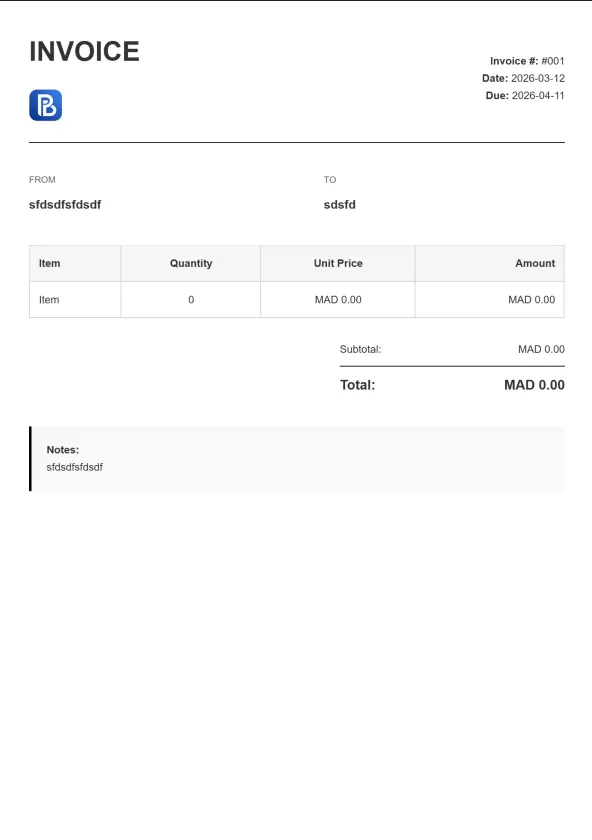
Clearly stating the due date on the PDF, your invoice templates or the mobile-friendly Probill Invoice maker app helps customers know exactly when to pay and reduces follow-up work. If a balance remains after that day, the document officially shifts to an invoice overdue date, triggering late-fee clauses outlined in your invoice terms and conditions.
The ripple effect of unclear invoice payment deadlines on revenue, relationships, and compliance
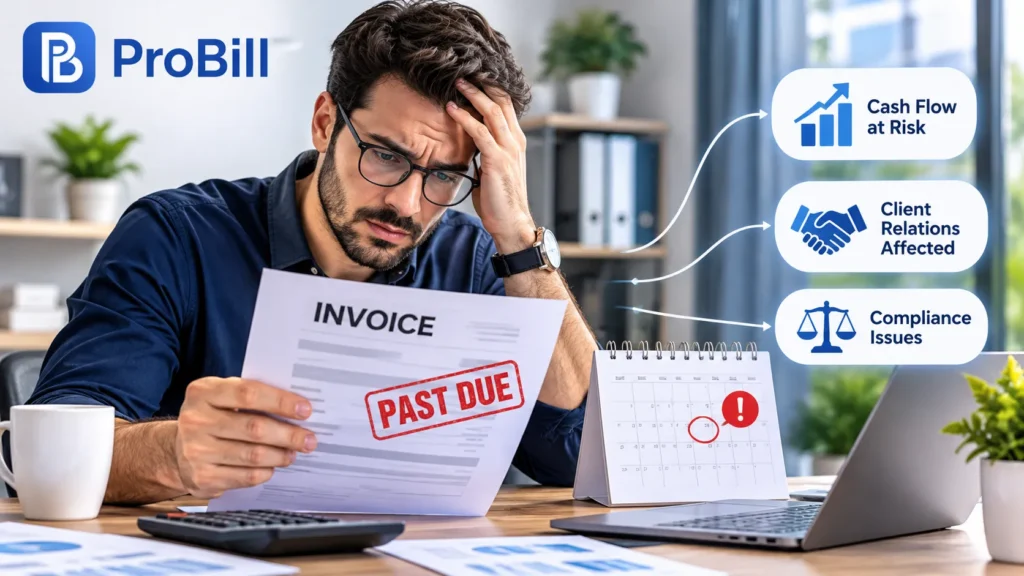
An ambiguous invoice payment deadline doesn’t just delay a single check—it can set off a chain reaction that erodes working capital, partnerships, and even legal standing.
• Revenue timing: Without a firm due date, forecasting cash inflows becomes guesswork, making it harder to cover payroll, buy inventory, or invest in growth. Consistent targets support smoother cash-flow projections and better keeping track of invoices and payments.
• Client relationships: Customers often pay the squeaky wheel first. Vague or buried deadlines sow confusion, force repeated reminders, and can strain goodwill. Stating the date prominently—and, when necessary, asking “Can I send invoice due date reminders?”—keeps communication professional and reduces friction.
• Compliance and penalties: Regulations in many jurisdictions require accurate recognition of revenue; mismatched dates can cause audit flags. Clear terms also back up any late-fee policies, as detailed in our guide to invoice late fee wording.
Clarity upfront minimizes disputes and speeds recovery actions such as managing overdue invoices or collecting past-due payments. If you accept pay-by-invoice payment arrangements, an explicit date is even more critical because the customer receives goods before paying. Setting, displaying, and enforcing specific due dates—whether you generate documents in the free invoice generator or pull industry-specific wording from our invoice resources by industry—protects both your cash flow and your client rapport.
How to Calculate an Accurate Invoice Payment Due Date
Manual method: calendar-day math vs. Net 15/30/60 terms (step-by-step)
A reliable invoice payment deadline starts with correct math. Follow this short workflow when you need to calculate the date manually—whether you’re scribbling on a paper pad or entering formulas in Excel.
- Identify the issue date on the document. If you’re unsure which field controls the clock, review the invoice date that determines the payment timeline.
- Confirm the agreed invoice due date terms (Net 15, Net 30, Net 60, “Due on receipt,” etc.) in your contract or invoice payment terms and deadlines clause.
- Add the term days to the issue date, counting calendar—not business—days unless your contract says otherwise. Leap years and month‐end quirks matter, so double-check the math or use
=A2+30in Excel if you already know how to calculate due date for invoice in Excel. - If you run accounting software, pick the term from a dropdown and let the system handle it. Step-by-step instructions for how to add due date to invoice in QuickBooks achieve the same result without manual counting.
- Finally, cross-check the result with an online invoice due date calculator such as the one in Create Invoice or the due date calculator invoice feature inside the Probill Invoice maker app.
A clear date locks in revenue timing and prevents the document from drifting into an invoice overdue date that triggers late fees. If the client still misses the deadline, lean on invoice late fee wording and the escalation tactics in managing overdue invoices and collecting past-due payments.
Setting custom schedules for milestone, recurring, and progress-billing invoices

Standard Net terms don’t always fit complex work. In those cases, build a schedule that mirrors project reality so you never guess how to calculate invoice due date again.
| Billing model | Trigger for next invoice | How to set the due date | Helpful tools |
|---|---|---|---|
| Milestone | Completion of a defined project phase | Add the agreed payment window (e.g., Net 10) to the milestone acceptance date | invoice templates with milestone fields |
| Recurring | Fixed calendar interval (weekly, monthly) | Use the same calendar day each cycle or a “last business day” rule | The automated scheduler in the free invoice generator |
| Progress billing | Percentage of overall job completed | Apply the term days to each progress-claim date and track running totals | Industry modules inside invoice resources by industry |
When drafting custom schedules, embed them in your invoice terms and conditions so both parties agree upfront. Automating reminders answers the common question, “can I send invoice due date reminders?” and keeps clients on track. Most cloud systems let you link reminders directly to each phase; for smaller shops, the Probill Invoice maker app or a Google Calendar alert works just as well.
Whatever model you choose, record each due date in your ledger to simplify keeping track of invoices and payments (https://create-invoice.app/how-to-keep-track-of-invoices-and-payments/) and maintain healthy cash flow. If you allow pay-by-invoice payment arrangements, a rock-solid schedule is even more critical because work often precedes payment.
Setting Clear Invoice Due Date Terms & Preventing Overdue Payments
Choosing and wording payment terms: Net, EOM, PIA, and early-payment discounts
Picking the right invoice due date terms sets client expectations and protects your cash flow long before the first reminder is sent. Common abbreviations signal very different timelines, so spell them out in your contract and on the document itself.
| Term style | Plain-English meaning | Cash-flow impact | When to use | Example wording on the PDF |
|---|---|---|---|---|
| Net X (Net 15, Net 30, Net 60) | Customer pays X calendar days after the issue date | Predictable but may extend the invoice payment deadline | Standard product sales, SaaS renewals | “Net 30 — Due 07 Aug 2024” |
| EOM (End of Month) | Full balance is due on the last calendar day of the month in which the invoice is dated | Shortens payment window for early-month sales | Wholesalers with monthly statements | “EOM — Due last day of invoice month” |
| PIA (Payment in Advance) | Funds must clear before work starts or goods ship | Eliminates invoice overdue date risk | Custom manufacturing, high-risk clients | “PIA — Pay in full before commencement” |
| 2/10 Net 30 (Early-payment discount) | 2 % off if paid within 10 days; otherwise Net 30 applies | Incentivizes faster cash collection | Long-term partners, large orders | “2/10 Net 30 — Save 2 % if paid by 17 Jul 2024” |
Write both the abbreviation and the translated due date so the client can’t misinterpret the invoice payment due date. Position the phrase directly under the total in your invoice templates or the free invoice generator to avoid burying it in fine print.
Add supporting clauses for late fees and collection costs in your invoice terms and conditions and link them to clearly worded charges using our detailed invoice late fee wording. Industry-specific language samples are available in the invoice resources by industry hub.
Finally, cross-check every schedule with the Create Invoice invoice due date calculator or, if you prefer spreadsheets, apply the same logic you used to learn how to calculate due date for invoice in Excel. Clarity at this stage reduces reliance on escalations described in managing overdue invoices.
Can I send invoice due date reminders? Legal considerations and best practices
Yes—sending polite invoice-due alerts is both legal and widely expected, provided you follow privacy and anti-spam rules in your jurisdiction. Avoid language that could be construed as harassment, honor any client opt-out requests, and retain a copy of the consent clauses embedded in your service agreement.
A proven reminder cadence is:
- Friendly nudge 5–7 days before the due date of invoice.
- Day-of reminder with payment links and a clear “Due today” subject line.
- Immediate confirmation when funds arrive to close the loop and aid keeping track of invoices and payments.
Automate these steps inside cloud accounting software, the Probill Invoice maker app, or via calendar triggers tied to each invoice payment due date. Most systems let you mirror the logic you used in how to add due date to invoice in QuickBooks, so every email fires relative to the stored term, not a hard-coded date.
If a reminder series lapses without payment, switch to your post-deadline workflow using the guidance in collecting past-due payments and reference the timeline laid out in invoice payment terms and deadlines. Consistent documentation also supports enforcement when you offer flexible options such as pay-by-invoice payment arrangements, ensuring you can prove each stage of outreach before the account moves to collections.
Tools & Shortcuts: From QuickBooks to Excel Invoice Due Date Calculators
Accurate dates should never slow down your workflow. Whether you lean on QuickBooks’ built-in term picker, an Excel sheet, or the invoice due date calculator inside Create Invoice, the right shortcut keeps every invoice payment deadline consistent with your contract, avoids an unexpected invoice overdue date, and simplifies keeping track of invoices and payments. The mini-guides below show how to set the due date of invoice data in seconds—without re-typing math or forgetting to update the field after changing the issue date.
How to add a due date to an invoice in QuickBooks in under a minute
- Open a draft or existing invoice and click the Terms dropdown next to the date field.
- Choose a preset such as Net 15, Net 30, or Due on Receipt. QuickBooks instantly calculates the date based on the issue date (see the invoice date that determines the payment timeline for context).
- Need a custom window? Select Add New > enter “Net 45” or any length that matches your invoice payment terms and deadlines > Save.
- Toggle Send reminders and set an automatic sequence so you never ask again, “can I send invoice due date reminders?” QuickBooks will fire off polite nudges while you focus elsewhere—pair them with the phrasing tips in invoice late fee wording if penalties apply.
- Click Save and Close. The calculated field can be pulled into branded invoice templates or the customer portal, and it feeds straight into aging reports for quick escalation in managing overdue invoices or, if needed, collecting past-due payments.
Tip: Before you lock the file, review your embedded invoice terms and conditions so the selected invoice due date terms line up with any late-fee or pay-by-invoice payment arrangements (https://create-invoice.app/blog/pay-by-invoice/).
Using Excel formulas or an online invoice due date calculator for bulk billing
For high-volume invoicing, spreadsheets and web tools beat point-and-click menus:
• In Excel, place the issue date in column A and the term length (e.g., 30) in column B. Enter =A2+B2 in column C to calculate invoice due date values you can paste into your accounting app—an instant way to update hundreds of lines without re-entering each invoice payment due date. If your terms vary, use =WORKDAY(A2,B2) to skip weekends.
• When formulas get messy, the free online due date calculator invoice feature at Create Invoice converts any date-plus-term combo and supports localized calendars. Bulk upload a CSV and export a ready-to-import file for your ERP.
• Prefer a mobile shortcut? The Probill Invoice maker app includes a tap-based invoice due date calculator and pushes the result straight into its free invoice generator (https://create-invoice.app/invoice-generator/).
Because Excel lacks enforcement, link the calculated column back to your invoice resources by industry to double-check sector-specific rules, then import the data so your core system can trigger reminders and lock dates. This hybrid approach keeps math errors out while preserving the spreadsheet flexibility you love—no matter how many invoices move from pending to paid.
FAQ: Your Biggest Questions About Invoice Due Dates & Deadlines
What happens if a customer pays after the invoice overdue date?
Once the balance crosses the invoice overdue date, you can enforce late-fee clauses if they were spelled out in your invoice late fee wording. Most businesses follow a staged approach—friendly reminder, formal demand, then escalation—outlined in our guides to managing overdue invoices and collecting past-due payments. Late payments distort cash-flow forecasts and may compel you to pause services or shipments until the account is cleared. Document every step to stay compliant and protect customer relationships.
How do early-payment discounts affect the invoice payment due date?
An incentive such as “2/10 Net 30” does not shorten the main invoice payment due date; it simply adds a discounted window—10 days in this example—before the full Net 30 term kicks in. Because two timelines now exist, state both clearly in your contract and on the PDF, following the guidelines in our invoice payment terms and deadlines library.
Software like the Probill App invoice due date calculator can display the exact discount deadline next to the regular due date to avoid confusion. Clear wording speeds decisions and improves cash flow without harming margins.
Is the issue date or delivery date used to calculate Net 30?
Accounting standards rely on the issue date—not the delivery date—when you calculate Net terms, as explained in the invoice date that determines the payment timeline. Add the agreed 30-day window to that issue date using a built-in tool or the due date calculator invoice feature on Create Invoice. If your contract explicitly ties payment to delivery acceptance, state that exception in your invoice due date terms to prevent disputes. Otherwise, the calendar starts ticking the moment the invoice is raised.
Can I change the due date of an invoice after sending it?
Yes, but only with the buyer’s written consent to avoid breaching the original agreement. Update the document in your software—see how to add due date to invoice in QuickBooks for a quick edit—and re-issue it with a revision note and updated invoice terms and conditions. Keep a version history so you can prove mutual agreement if a payment dispute arises. Finally, adjust any automated reminders so the new invoice payment deadline aligns across systems.
Do different countries have legal requirements for invoice payment due dates?
Regulations vary widely: the EU Late Payment Directive caps standard terms at 60 days, while U.S. federal law leaves timing to the contract unless public-sector rules apply. Some jurisdictions mandate explicit dates on every invoice or impose statutory interest once an invoice payment due date lapses. Check local statutes and sector-specific guidance in our invoice resources by industry before finalizing terms, especially if you offer cross-border pay-by-invoice payment arrangements. When in doubt, obtain legal advice to ensure compliance.
Why doesn’t my accounting software show a due date?
Most apps hide the field until you assign invoice due date terms like Net 30 or EOM; without a term, the due-date column remains blank. Select a preset or enter a custom window, then save the template so every new file auto-populates—tools such as the free invoice generator, invoice templates, or the mobile-friendly Probill Invoice maker app can speed this setup. If you imported data from Excel, verify that the how to calculate due date for invoice in Excel formula copied correctly. Displaying the due date of invoice on screen and reports is essential for accurate aging and for keeping track of invoices and payments.