 Skip to content
Free Google Docs Invoice Template
Download a professional Google Docs invoice template that’s easy to edit, share, and print. Create polished invoices in minutes using a free template designed for freelancers, contractors, and small businesses.
No sign-up required • Instant download • Works on mobile
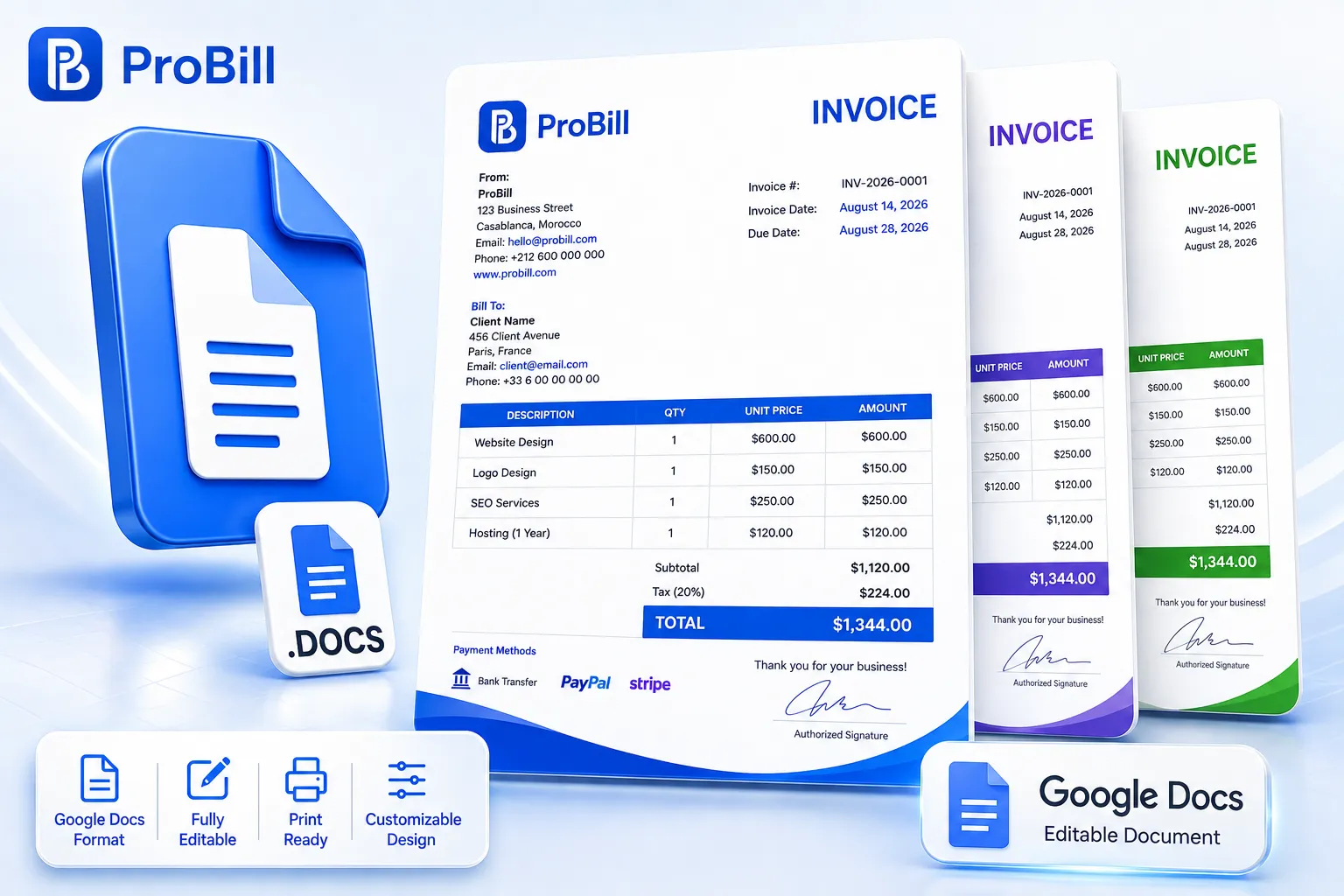
Download Free Google Docs Invoice Templates
Whether you’re a freelancer, consultant, contractor, or small business owner, our free Google Docs invoice templates help you create professional invoices in minutes. Each Google Docs invoice template is fully editable, easy to customize, and designed to work directly in Google Docs without any special software. Simply choose your preferred design, make a copy, add your business details, and start invoicing. Every invoice template for Google Docs is printable, can be downloaded as a PDF, and is ready for professional billing.
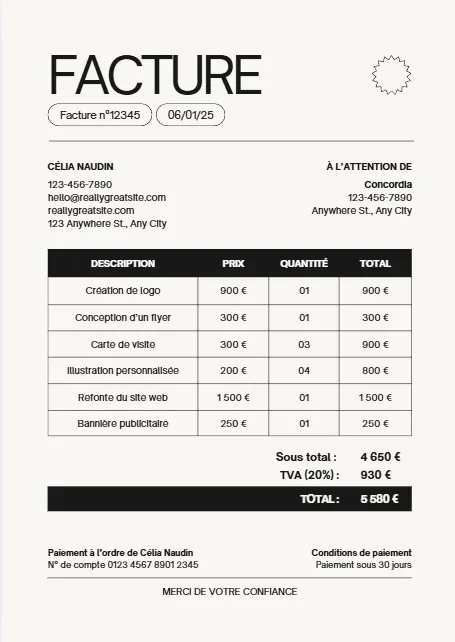
Moderne Minimaliste Beige Noir
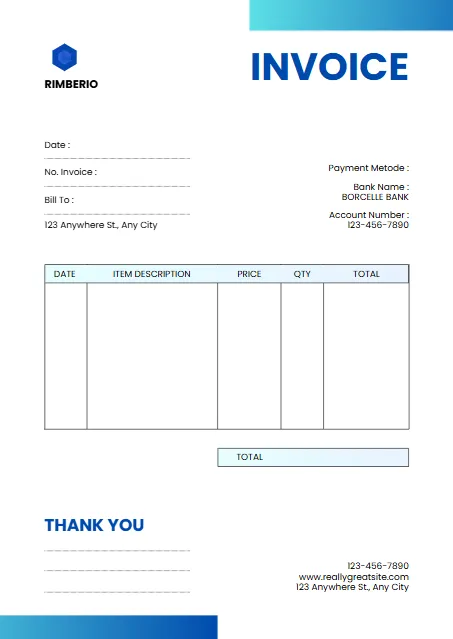
White And Blue Minimalist Invoice
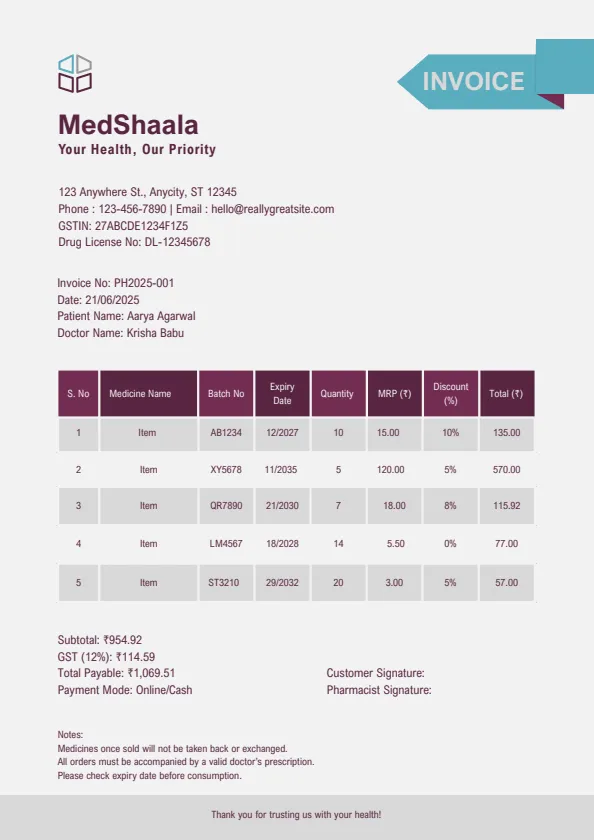
Plum And Teal Clean Medical
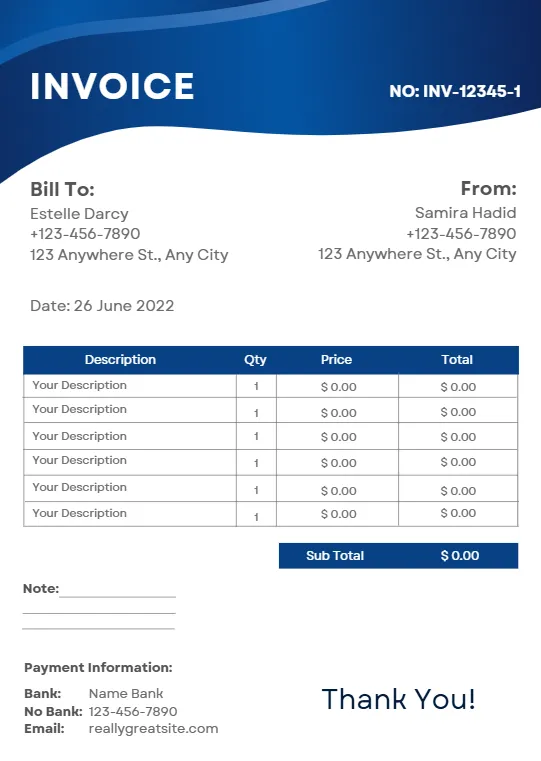
Blue Modern Creative Professional
Beige Minimalist Typecentric
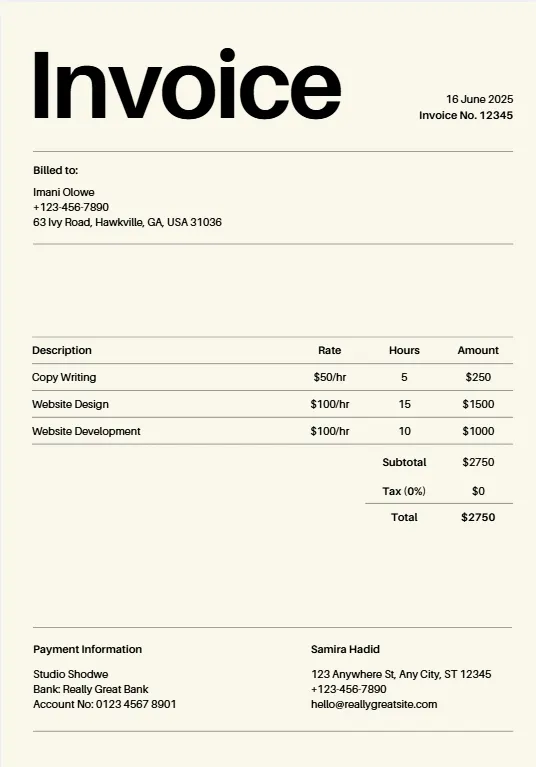
Orange Geometric Line
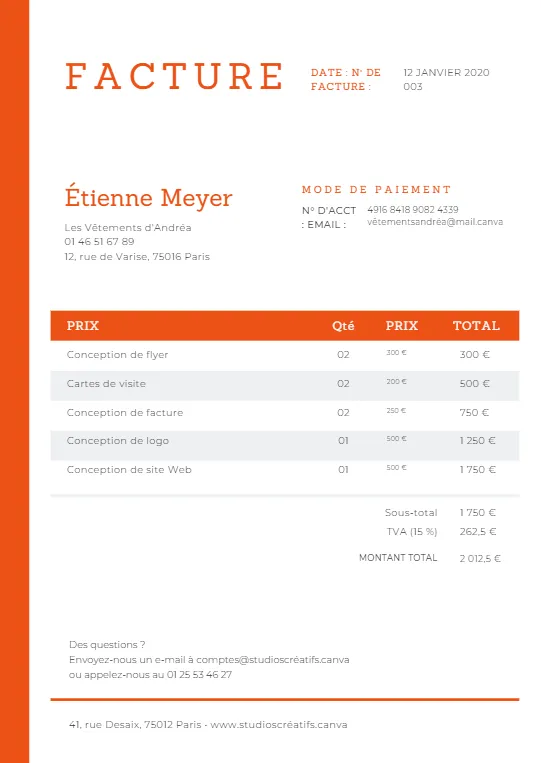
Minimalist Business Invoice
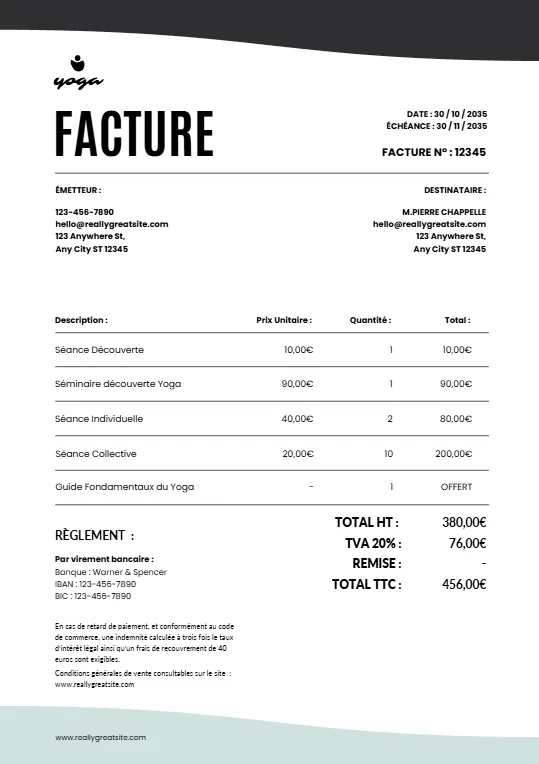
Simple Minimalist Invoice
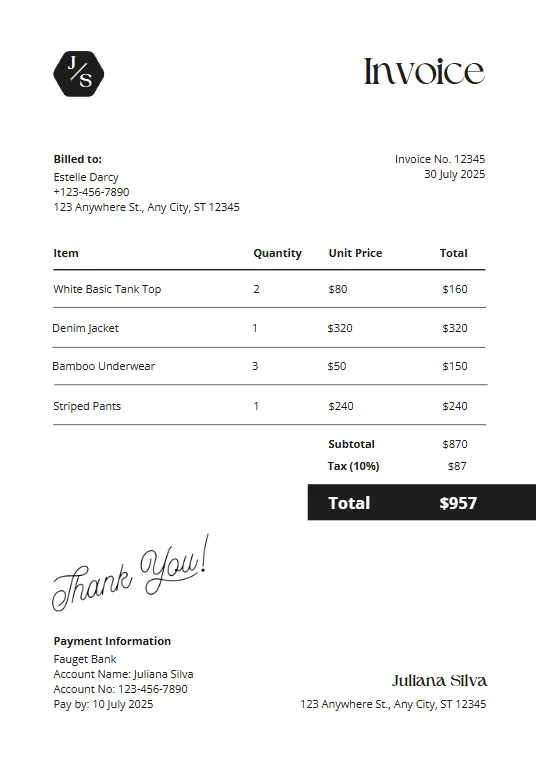
Pink And Teal Modern Invoiceb
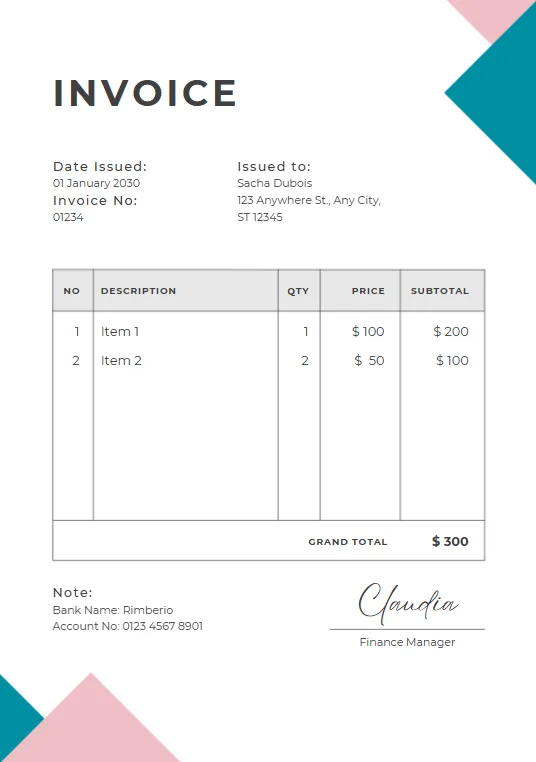
Green Plant invoice
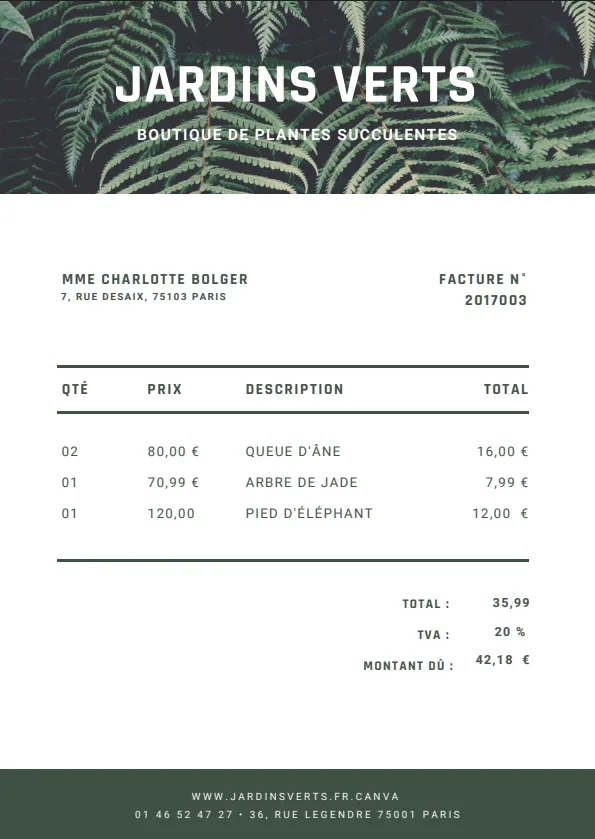
Minimalist red professional invoice
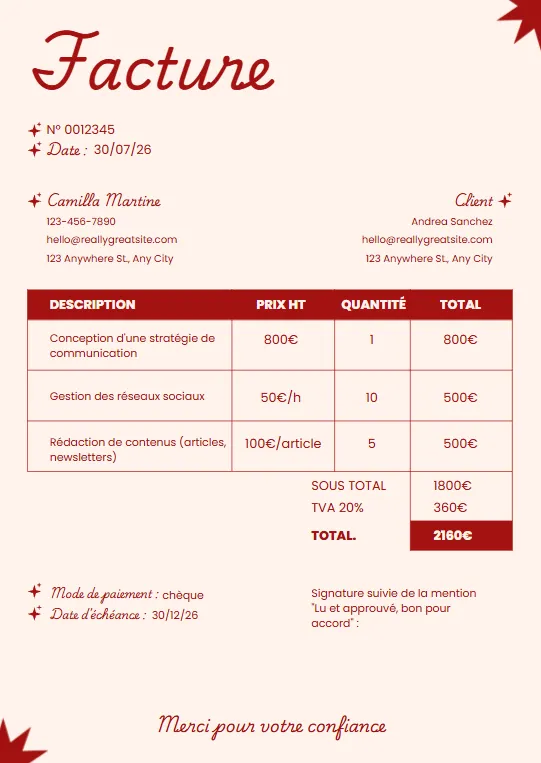
Black White and Blue Corporate
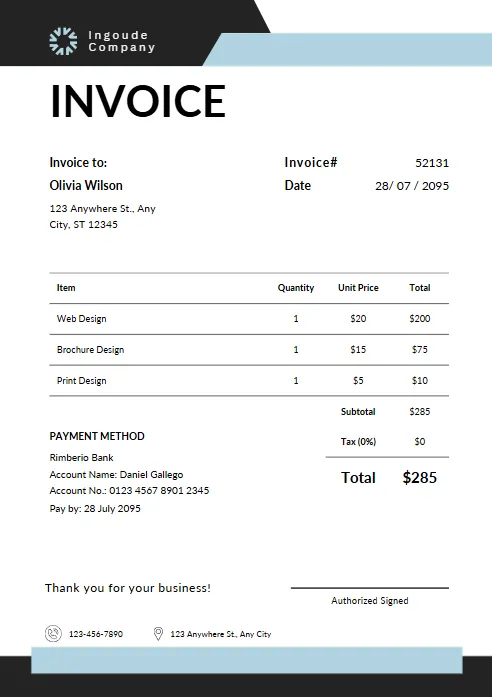
Yellow and Black Typographic
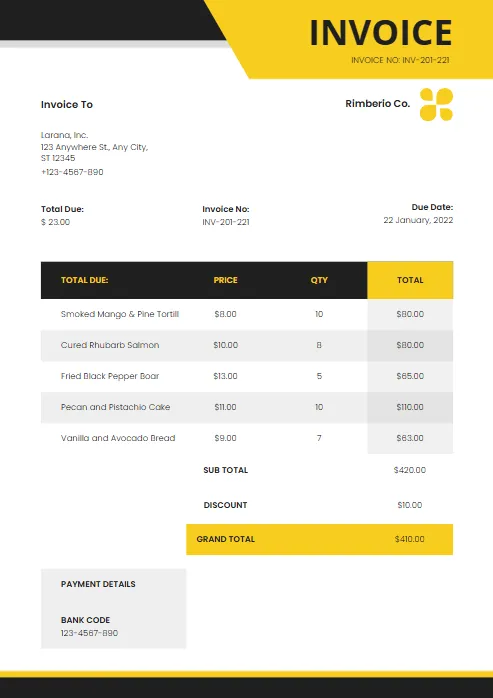
Modern Blue and White
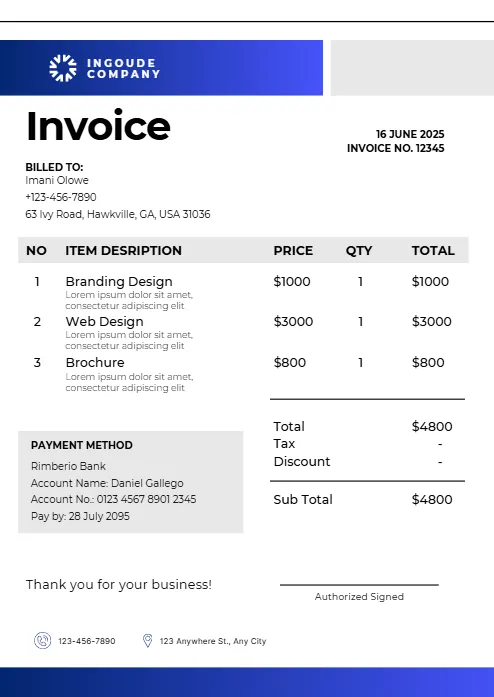
Abstract Yellow Modern Design
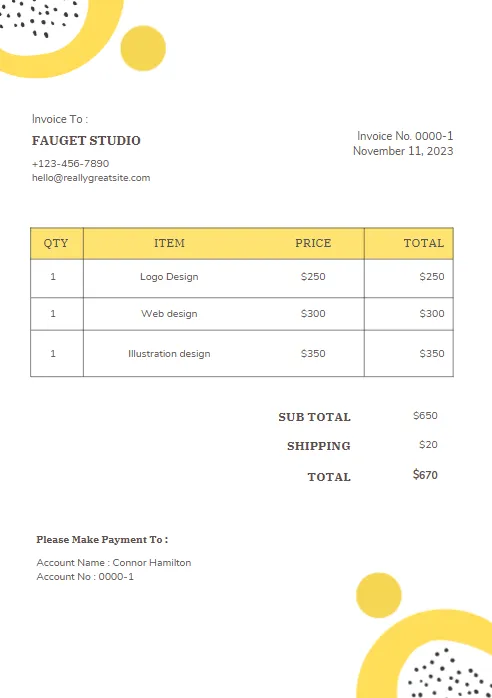
Purple and Orange Modern Invoice
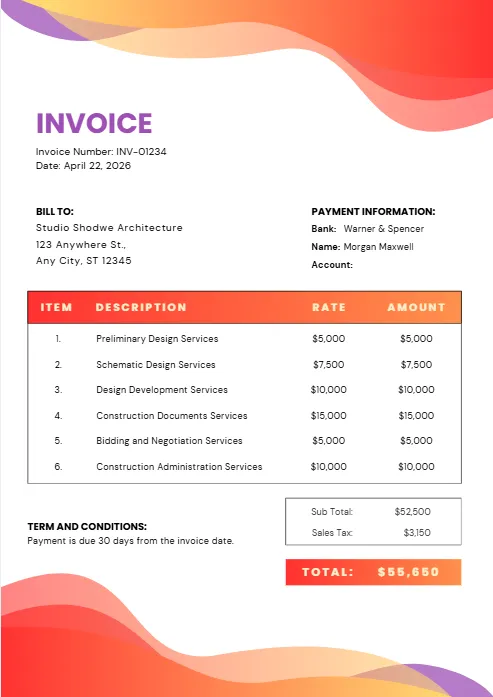
Purple and Blue Modern Invoice
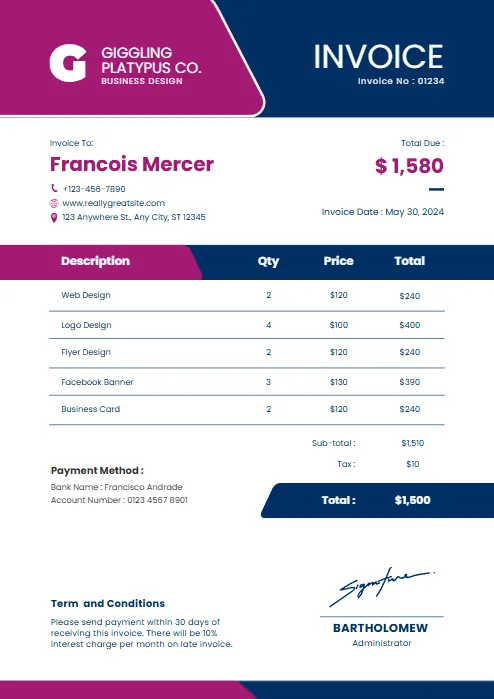
Red and black minimalist business
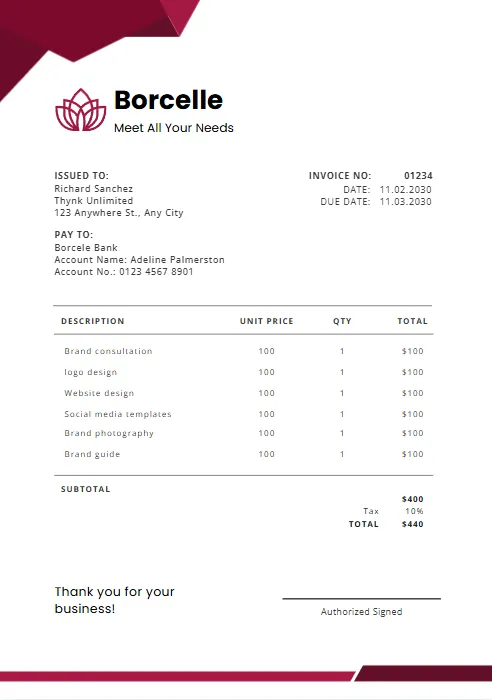
Orange and Purple Minimalist Business
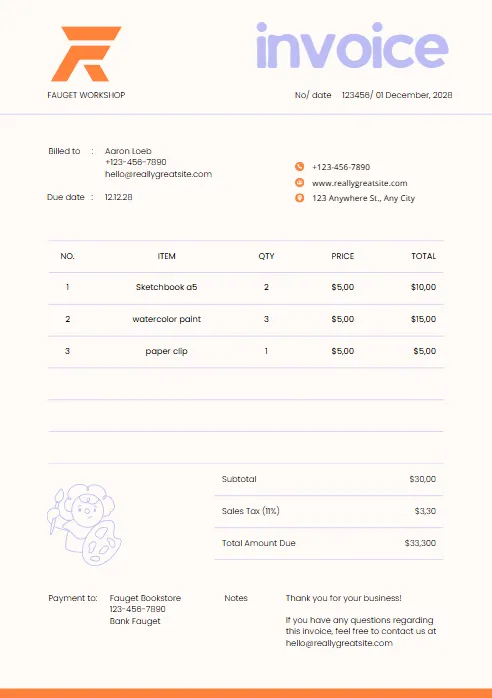
Green & Black Gradient Creative
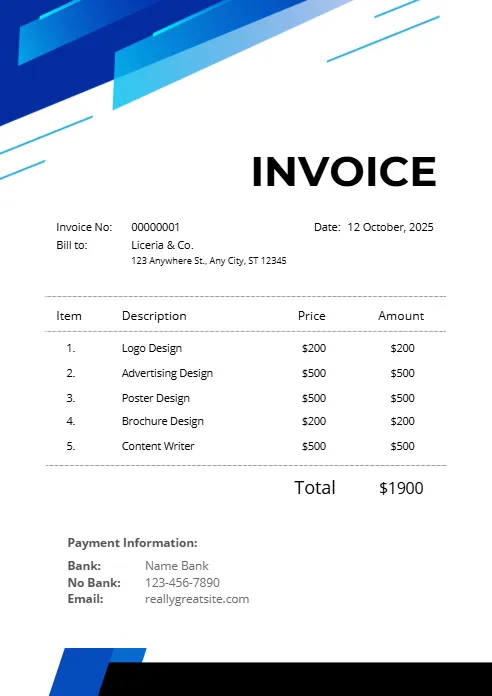
Green and White Professional
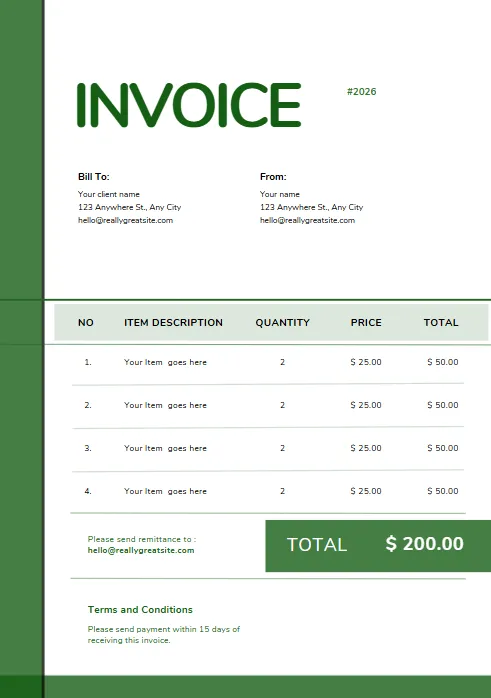
Green and White Modern Corporate
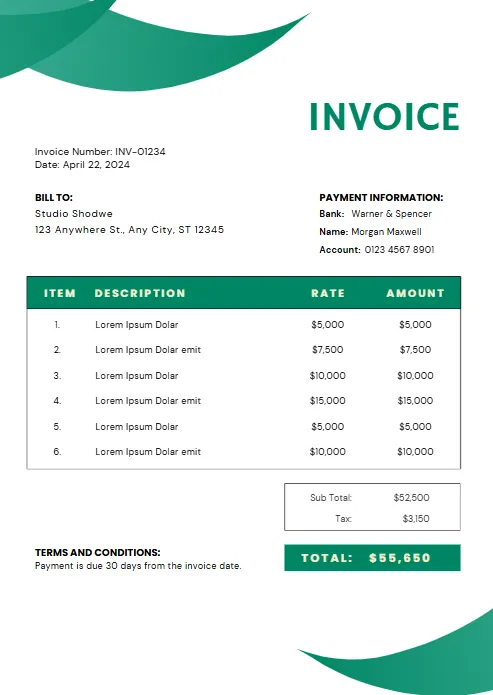
Green Professional Business Invoice
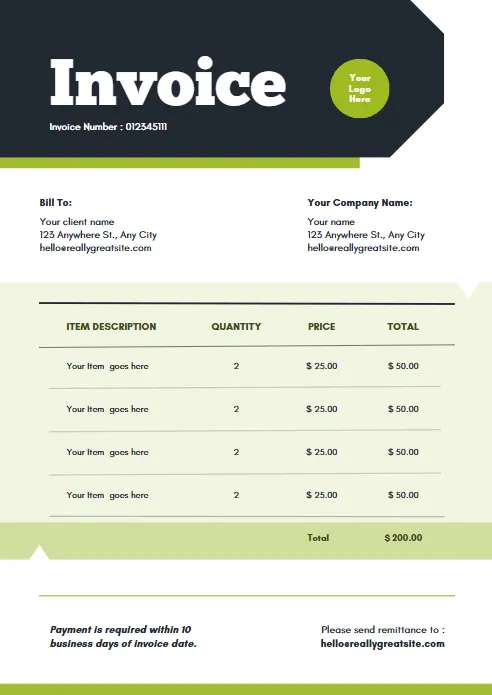
Yellow and Black Generic Service
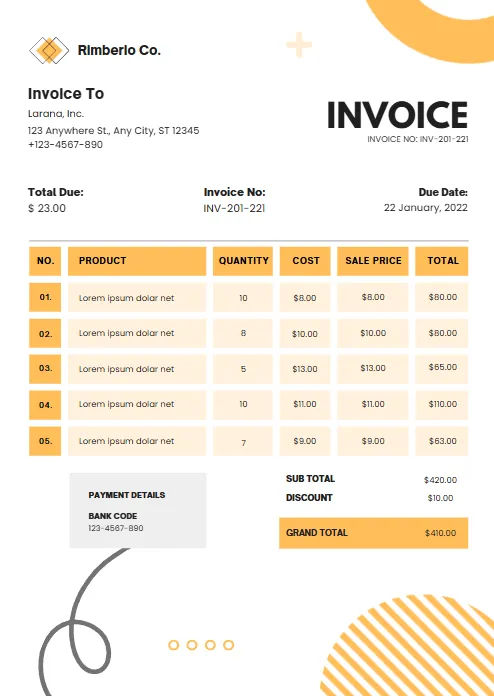
Orange and White Professional
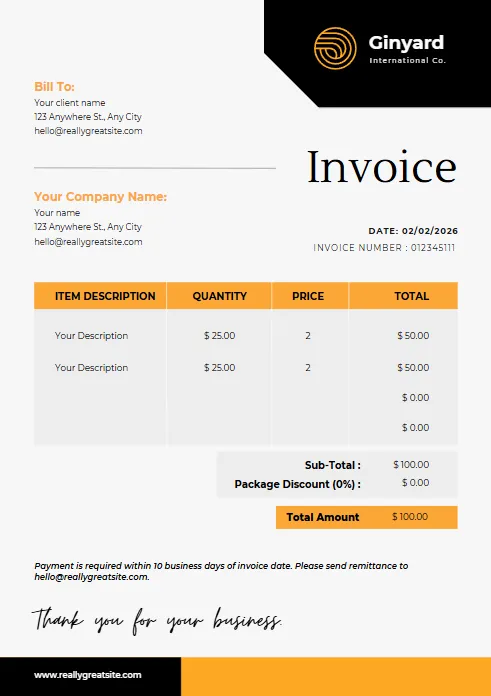
Blue Gradient Simple Architecture
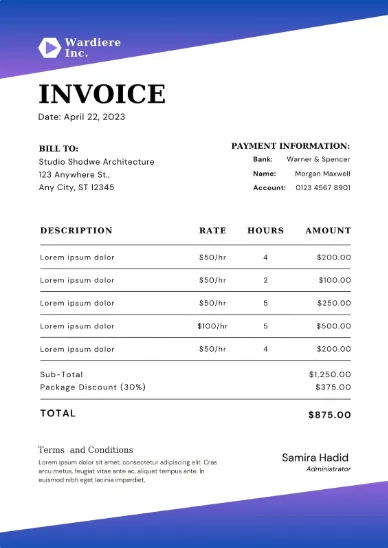
blue Minimalist Simple Invoice
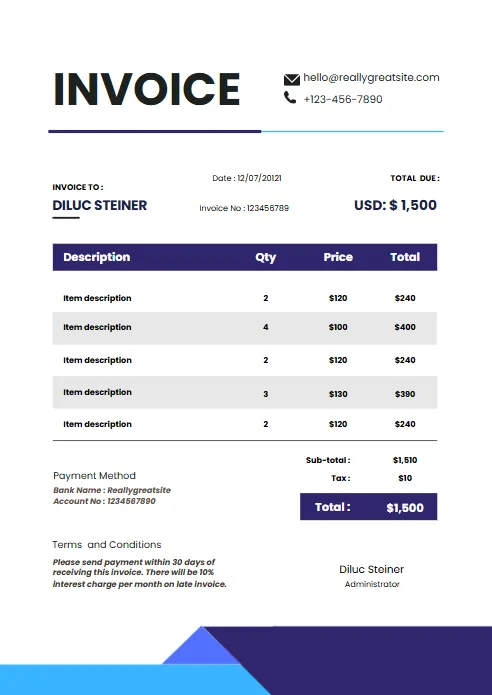
Minimal Professional Invoice
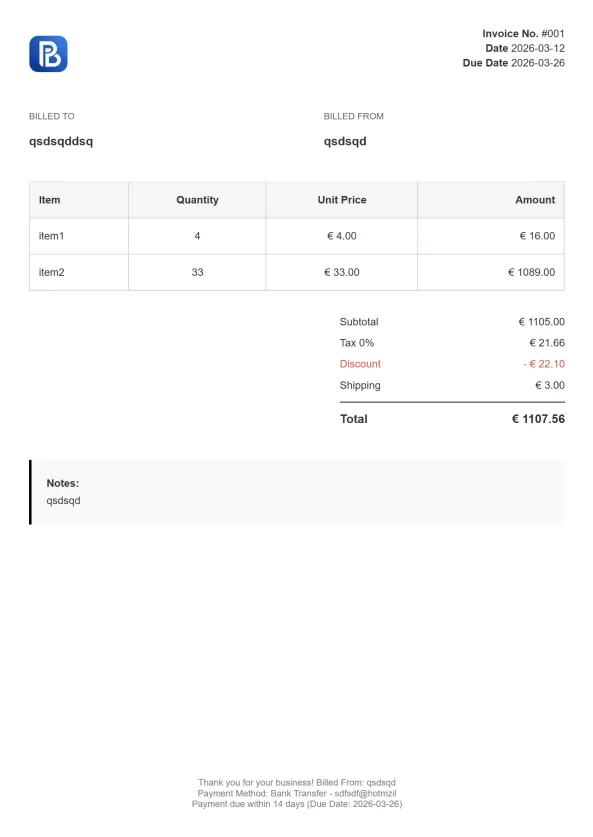
Professional Trucking Invoice

Gradient Modern Invoice
Explore Invoice Templates in Other Formats
Different businesses have different invoicing needs, and choosing the right file format can make your workflow faster and more efficient. While our Google Docs invoice template is ideal for users who want a cloud-based, collaborative document that’s easy to edit and share, you may also prefer another format depending on how you manage your invoices. Browse our collection of professionally designed invoice templates available in multiple formats. Every template is free to download, fully customizable, and ready to use.


Invoice Templates for Every Industry
Although our Google Docs invoice template works for almost any business, some industries benefit from invoice layouts tailored to their services, pricing, and billing practices. Explore our growing collection of industry-specific invoice templates to find a professional format designed for your business. Each template is easy to customize in Google Docs and helps you create accurate, polished invoices in less time.
Why Use a Google Docs Invoice Template?
Creating professional invoices doesn’t have to be complicated or expensive. A Google Docs invoice template gives freelancers, small businesses, and independent professionals an easy way to create polished invoices without purchasing additional software. Because everything is stored in the cloud, you can access, edit, and share your invoices from any device with an internet connection.
Unlike traditional desktop documents, an invoice template for Google Docs automatically saves your changes as you work, reducing the risk of losing important information. You can also collaborate with team members, share invoices directly with clients, and export your finished document as a PDF before sending it.
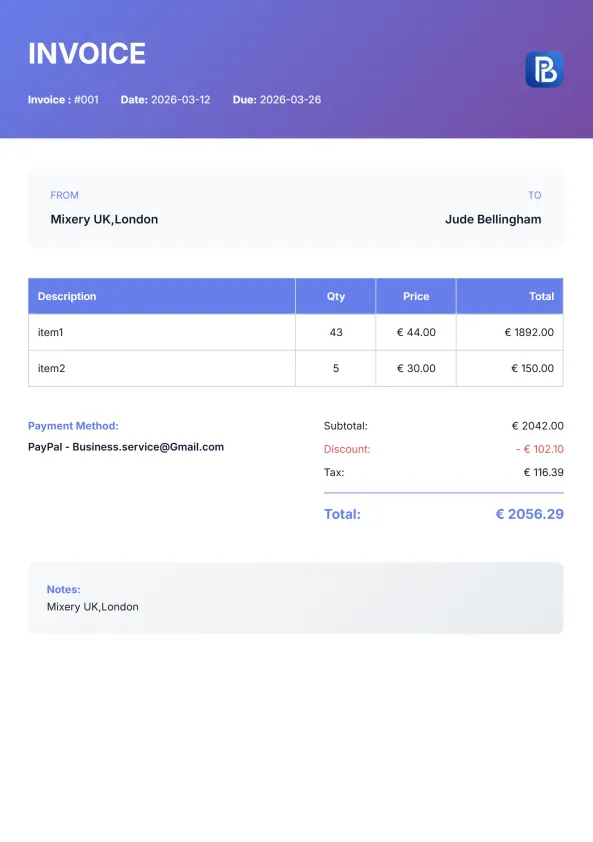
Our free Google Docs invoice template is professionally designed to help you present your business in the best possible way. Simply replace the sample content with your company information, add your client’s details, list the products or services you’ve provided, and enter your payment terms. Within minutes, you’ll have a clean, professional invoice ready to send.
Free to Download
Start invoicing immediately without subscriptions or hidden fees
Fully Editable
Customize text, fonts, colors, logos, and payment terms to match your brand.
Cloud-Based Access
Open and edit your invoices anywhere using your Google account.
Automatic Saving
Google Docs saves your work instantly, so you never lose your progress.
Easy Collaboration
Share invoices with business partners or accountants for quick edits and reviews.
Professional Appearance
Impress clients with a clean, modern invoice designed for every industry.
Export to PDF
Download your completed invoice as a PDF for secure and professional delivery.
Print Ready
Optimized for standard A4 printing whenever you need a physical copy.

What's Included in Our Google Docs Invoice Template?
A professional invoice should do more than simply request payment—it should clearly communicate your business information, outline the services you’ve provided, and make it easy for clients to pay on time. Our Google Docs invoice template includes all the essential fields needed to create accurate, polished invoices while remaining fully customizable for your business.
Whether you’re a freelancer sending your first invoice or a growing business managing multiple clients, this invoice template for Google Docs helps you stay organized and maintain a professional image with every invoice you send.
Business Information
Add your company name, address, phone number, email address, and logo. Including complete business details helps clients identify who issued the invoice and provides a professional appearance.
Customer Details
Enter your client's name, company name, billing address, and contact information. Accurate customer information ensures invoices reach the right recipient and simplifies record keeping.
Invoice Number and Dates
Each invoice should include a unique invoice number, issue date, and payment due date. These fields help organize invoices, track payments, and maintain accurate financial records.
Itemized Products or Services
List every product sold or service provided with: Description , Quantity , Unit Price and Line Total . An itemized invoice makes charges transparent and reduces payment disputes.
Tax and Discount Calculations
The template includes editable tax and discount fields, making it easy to calculate the final amount due. You can adjust tax rates based on your local requirements.
Total Amount Due
Automatic formulas calculate subtotals, taxes, discounts, and the final balance. This helps reduce manual errors and saves time when preparing invoices.
Payment Terms and Notes
Include payment instructions, accepted payment methods, late payment policies, and any additional notes you'd like your client to see.
How to Use a Google Docs Invoice Template
Creating a professional invoice in Google Docs takes just a few minutes. Our Google Docs invoice template is designed to be simple, customizable, and ready to use, even if you’ve never created an invoice before. Follow the steps below to personalize your template, send it to your client, and get paid faster.
Step 1: Make a Copy of the Template
Open the Google Docs invoice template and create your own editable copy by selecting File → Make a copy. This ensures the original template stays unchanged while giving you a version you can customize for your business.
Step 2: Add Your Business Information
Enter your company name, logo, address, phone number, email, and other contact details. This ensures your invoice template PDF reflects your brand and provides clients with the information they need.
Step 3: Enter Your Client's Details
Add the customer's name, company information, billing address, and contact details. Accurate client information helps maintain clear records and improves professionalism.
Step 4: Add the Products or Services
Clearly describe the products sold or services provided. Include quantities, hourly rates, unit prices, and any additional charges so clients can easily understand the invoice.
Step 5: Complete the Payment Details
Including clear payment terms and accepted payment methods helps clients pay you on time and minimizes unnecessary follow-up.
Step 6: Download or Share Your Invoice
Saving your invoice as a PDF before sending preserves the formatting and gives your client a professional, easy-to-read document.

Google Docs Invoice Template vs Other Invoice Formats
Choosing the right invoice format depends on how you create, edit, and send invoices to your clients. While our Google Docs invoice template is an excellent choice for users who want a simple, cloud-based solution, other formats may be better suited for different workflows.
Here’s a quick comparison to help you decide which invoice template best fits your business.
| Feature | Google Docs | Google Sheets | Excel | Word | PDF |
|---|---|---|---|---|---|
|
Easy to Edit
|
✓
|
✓
|
✓
|
✓
|
X
|
|
Cloud-Based
|
✓
|
✓
|
X
|
X
|
X
|
|
Automatic Calculations
|
X
|
✓
|
✓
|
X
|
X
|
|
Team Collaboration
|
✓
|
✓
|
Limited
|
Limited
|
X
|
|
Professional Printing
|
✓
|
✓
|
✓
|
✓
|
✓
|
|
Export to PDF
|
✓
|
✓
|
✓
|
✓
|
✓
|
|
Best For
|
Simple invoices & collaboration
|
Automatic calculations
|
Advanced invoicing
|
Traditional documents
|
Final invoice delivery
|

Word Invoice Template
A Word invoice template is a good option if you prefer working with traditional documents. It offers complete design flexibility but requires manual calculations, making it best suited for simple invoices with only a few items.

Excel Invoice Template
An Excel invoice template offers the most advanced calculation capabilities and customization options. It’s ideal for businesses that rely on spreadsheets, complex pricing structures, or detailed financial reporting.

PDF Invoice Template
A PDF invoice template is primarily used for sending completed invoices to clients. Since PDFs preserve formatting across all devices, they provide a professional appearance but aren’t intended for editing after they’re created.

Google Sheets Invoice Template
A Google Sheets invoice template is ideal if you need automatic calculations. Built-in formulas instantly calculate subtotals, taxes, and totals, saving time and reducing errors.

Google Docs Invoice Template
A Google Docs invoice template lets you create, edit, and share professional invoices from any device. It’s perfect for freelancers and small businesses that need a simple, cloud-based invoicing solution.
More Free Business Tools
Frequently Asked Questions (FAQ)
Is this Google Docs invoice template free?
Yes. Our Google Docs invoice template is completely free to download and use. There are no subscriptions, hidden fees, or usage limits.
How do I use the Google Docs invoice template?
Open the template in Google Docs, create your own copy, replace the sample information with your business and client details, add your products or services, and save or export the completed invoice as a PDF before sending it.
Can I customize the invoice template?
Absolutely. Every Google Docs invoice template is fully editable. You can change your logo, business information, colors, fonts, payment terms, and other invoice details to match your brand.
Can I download the invoice as a PDF?
Yes. Google Docs lets you export your completed invoice as a PDF with just a few clicks, making it easy to send a professional, print-ready invoice to your clients.
Does this template work on mobile devices?
Yes. Since Google Docs is cloud-based, you can view and edit your invoices from a computer, tablet, or smartphone using the Google Docs app or a web browser.
Is Google Docs better than Google Sheets for invoices?
It depends on your needs. Google Docs is ideal for creating simple, professional invoices, while Google Sheets is better if you need automatic calculations for subtotals, taxes, and totals.
Can I add my company logo?
Yes. You can easily insert your company logo, update your business details, and personalize the template to create invoices that reflect your brand.
Is this template suitable for freelancers and small businesses?
Yes. Our free Google Docs invoice template is designed for freelancers, consultants, contractors, agencies, and small businesses across a wide range of industries.
Can I print the invoice after editing it?
Yes. The template is formatted for clean, professional printing on standard A4 paper, and you can also save it as a PDF before printing.
What's the difference between using a template and an online invoice generator?
A Google Docs invoice template is great for creating invoices manually and customizing them in Google Docs. If you want automatic calculations, recurring invoices, instant PDF generation, and a faster workflow, our online invoice generator is the better option.

