 Skip to content
Free Handyman Invoice Template
Download a free handyman invoice template designed for independent contractors and handyman businesses. Easily create professional invoices for home repairs, maintenance, installations, carpentry, painting, furniture assembly, drywall repairs, and other handyman services. Available in Word, Excel, PDF, Google Docs, and Google Sheets formats—ready to customize, print, or send to clients in minutes.
Pipe Repair • Drain Cleaning • Leak Detection • Water Heater Service • Faucet & Fixture Installation • Sewer Line Repair • Emergency Plumbing • Residential & Commercial
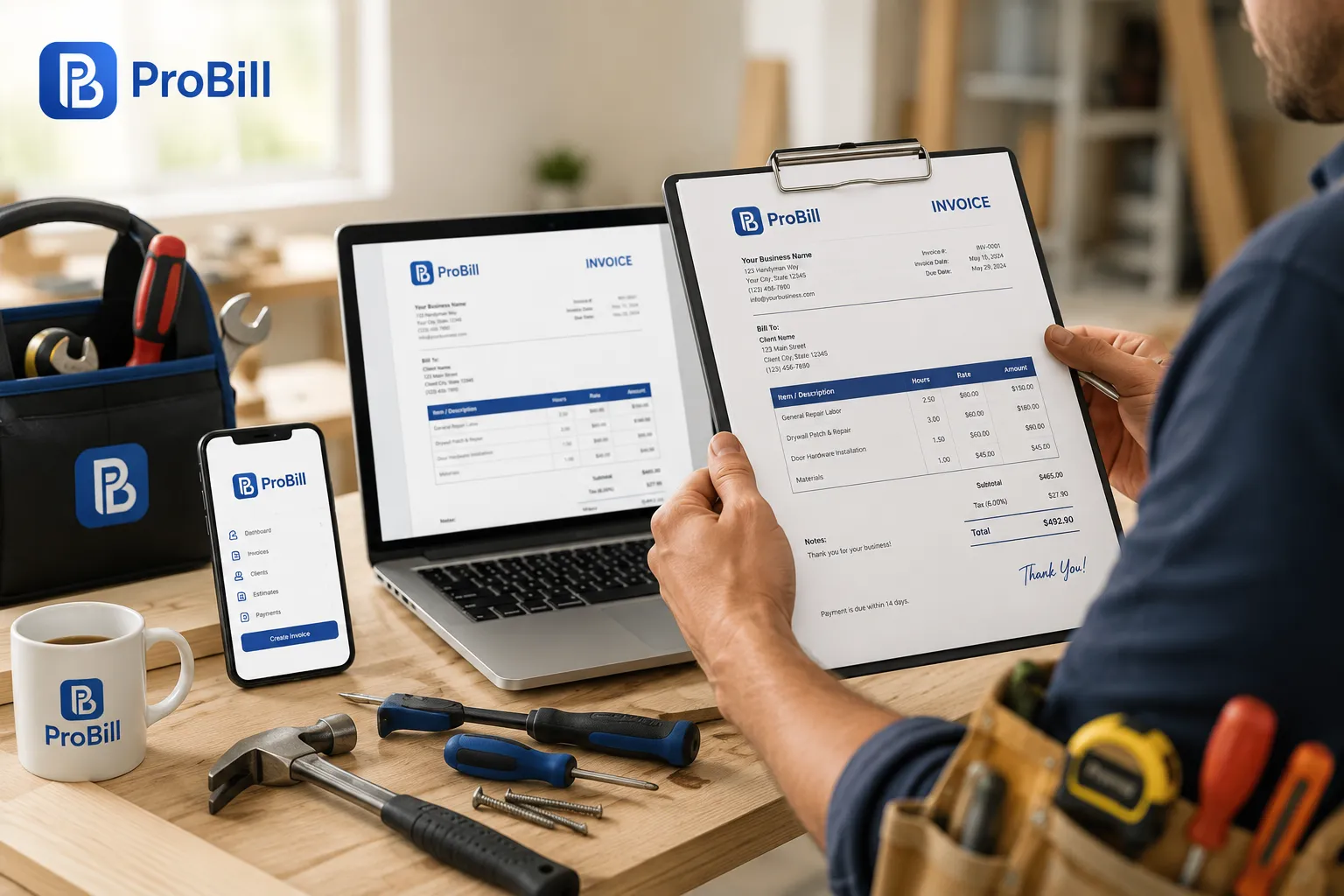
Choose Your Free Handyman Invoice Template
Whether you’re a self-employed handyman or manage a growing handyman business, having a professional invoice helps you get paid faster and keeps your records organized. Browse our collection of free handyman invoice templates below and download the format that fits your workflow. Every template is fully customizable, easy to use, and designed for residential and commercial handyman services.
Moderne Minimaliste Beige Noir
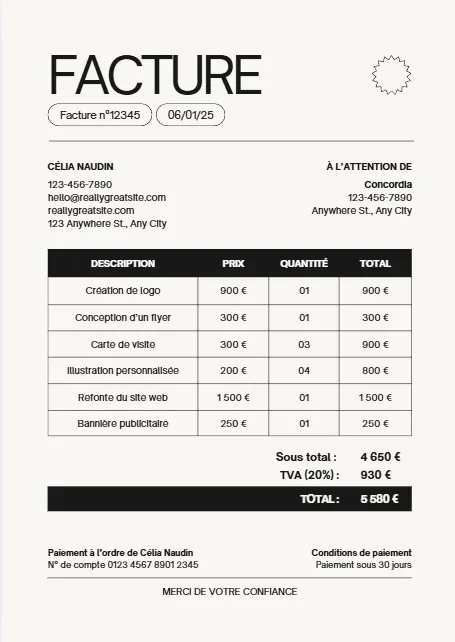



White And Blue Minimalist Invoice
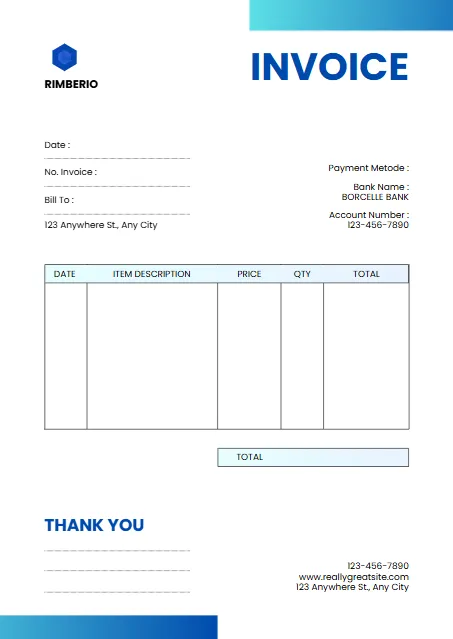
Plum And Teal Clean Medical
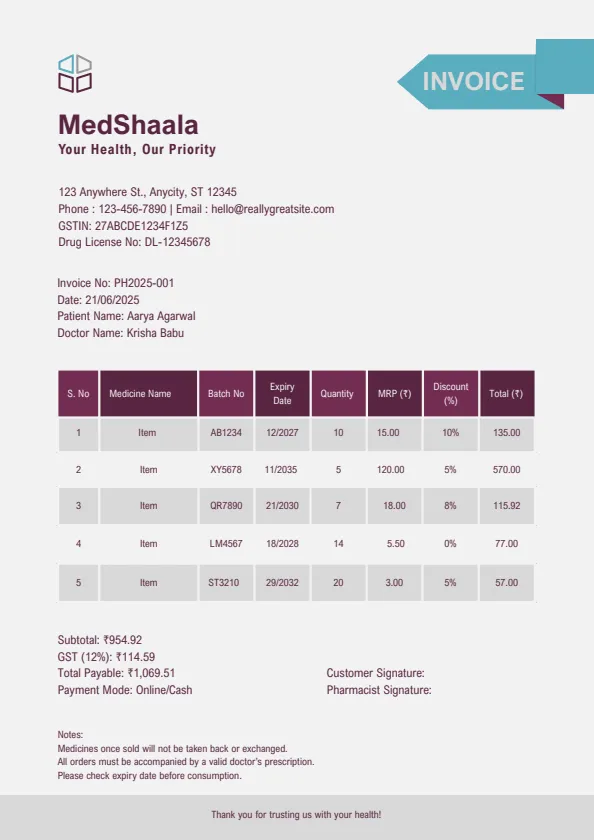
Blue Modern Creative Professional
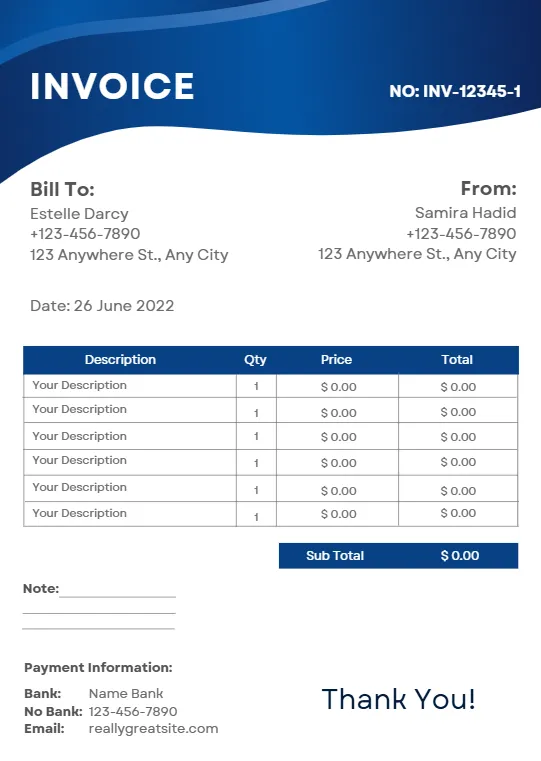
Beige Minimalist Typecentric
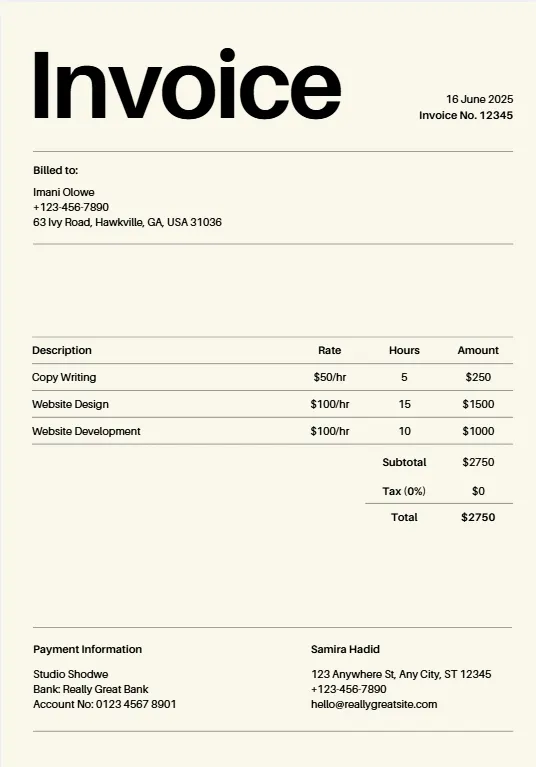
Orange Geometric Line
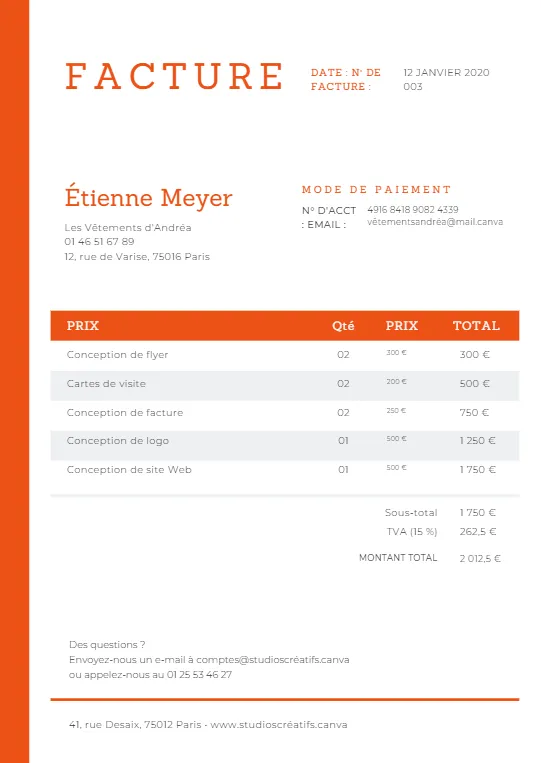
Minimalist Business Invoice
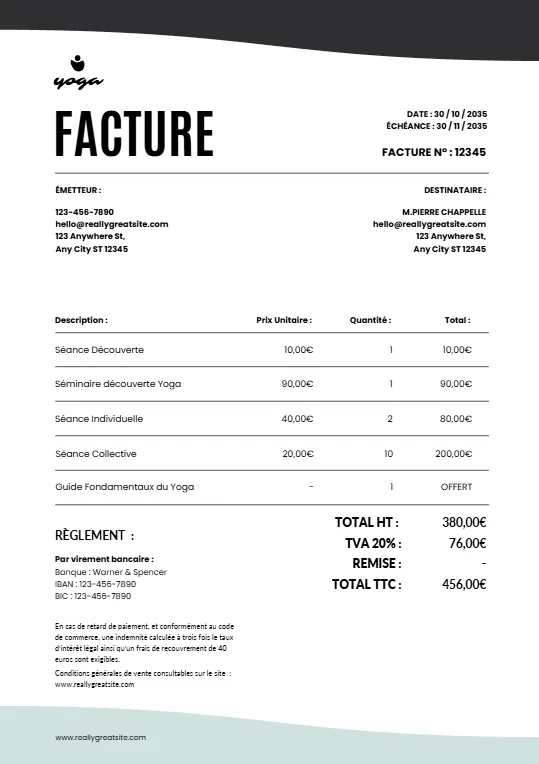
Simple Minimalist Invoice
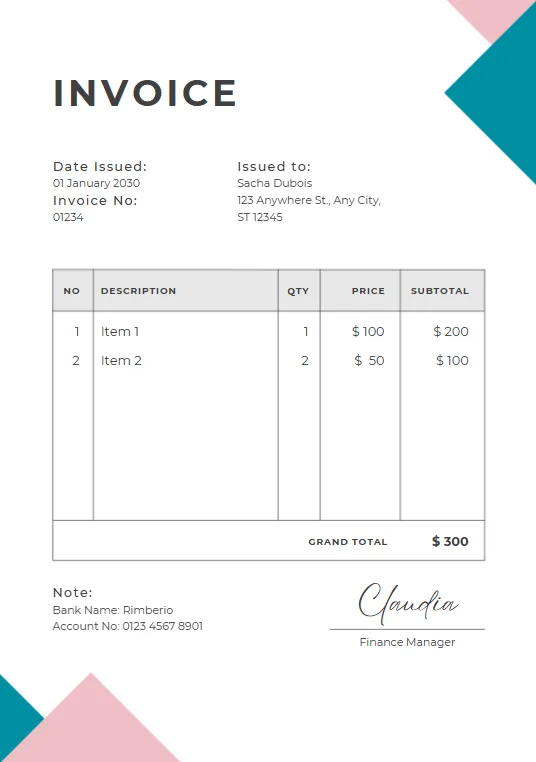
Pink And Teal Modern Invoiceb
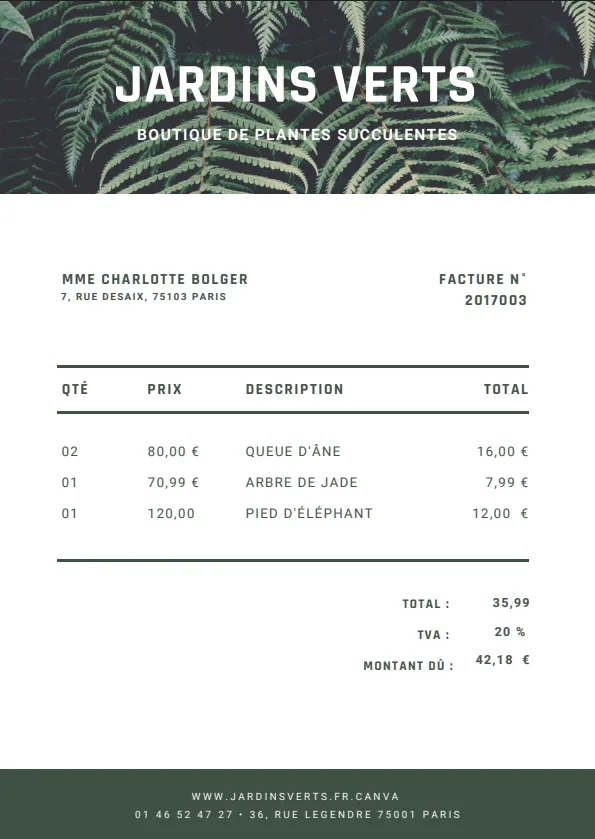
Green Plant invoice
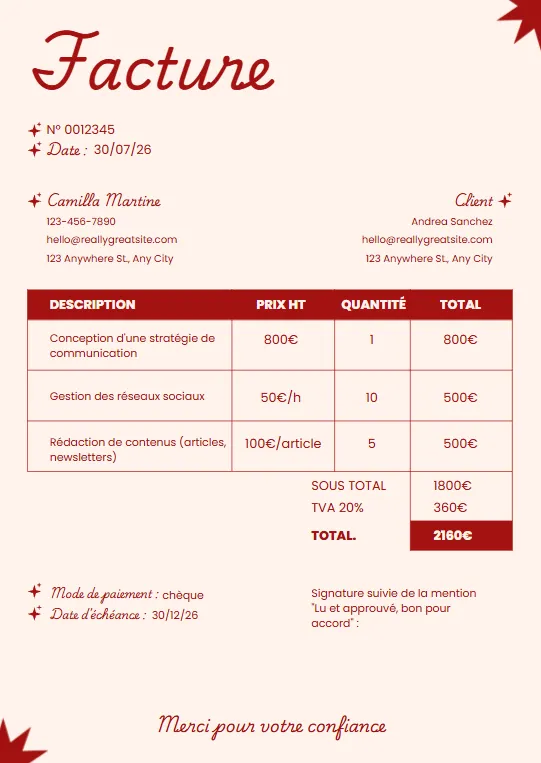
Minimalist red professional invoice
Black White and Blue Corporate
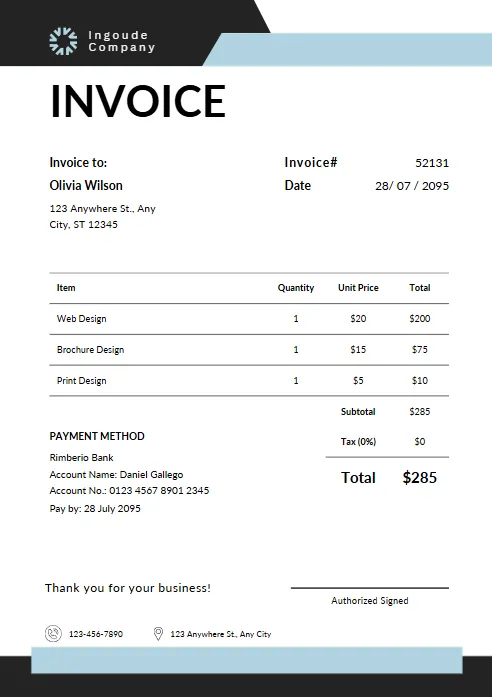
Yellow and Black Typographic
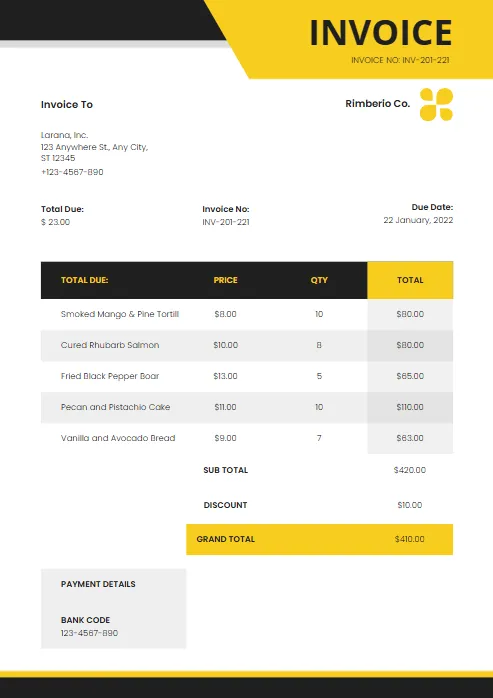
Modern Blue and White
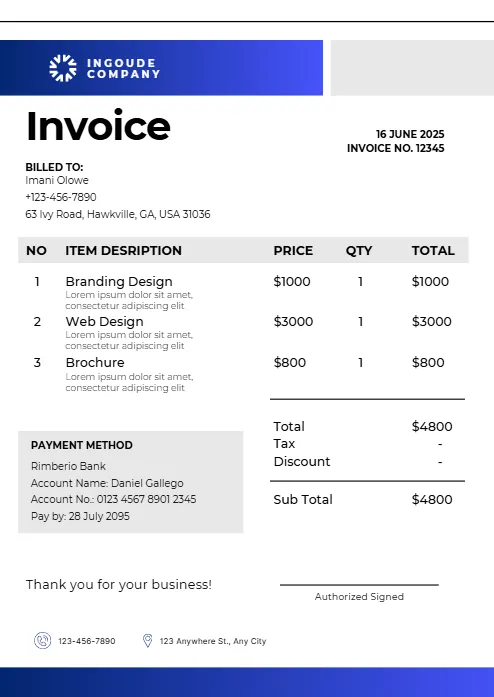
Abstract Yellow Modern Design
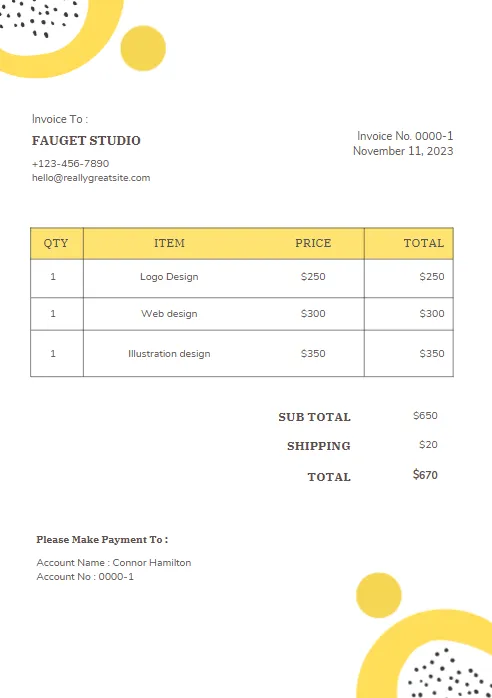
Purple and Orange Modern Invoice
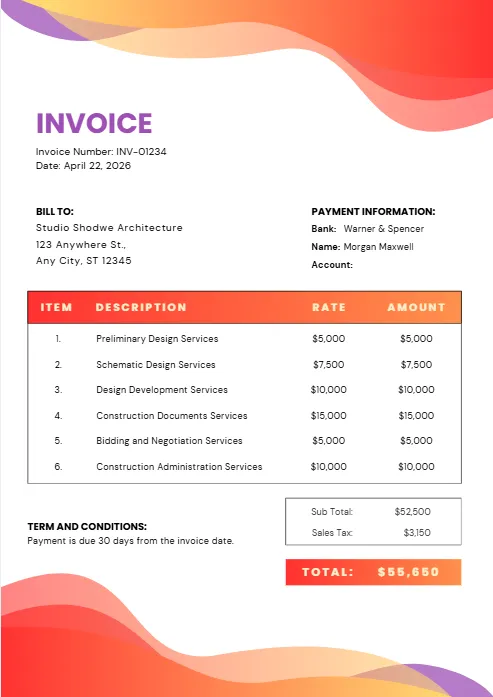
Purple and Blue Modern Invoice
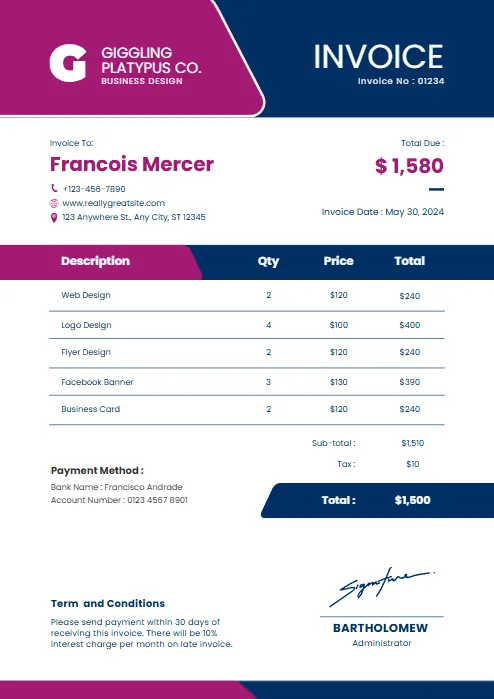
Red and black minimalist business
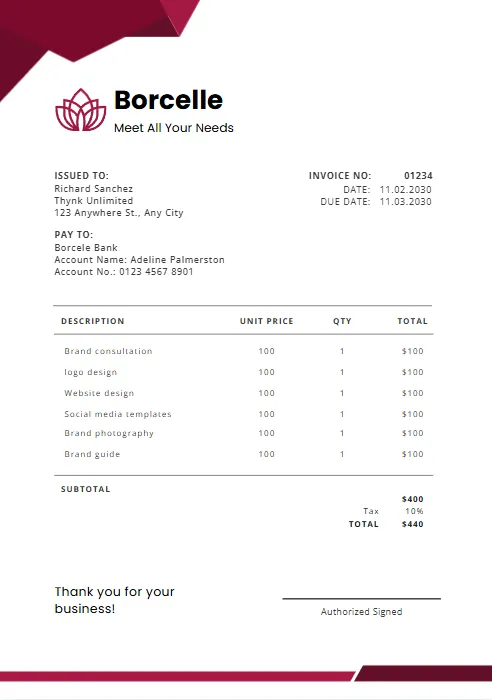
Orange and Purple Minimalist Business
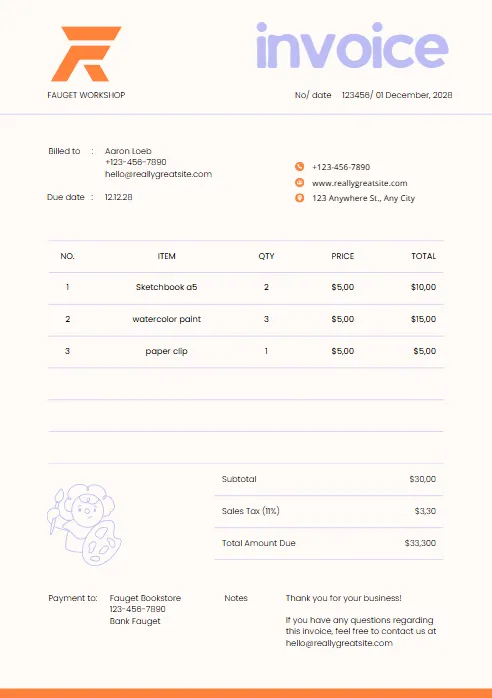
Green & Black Gradient Creative
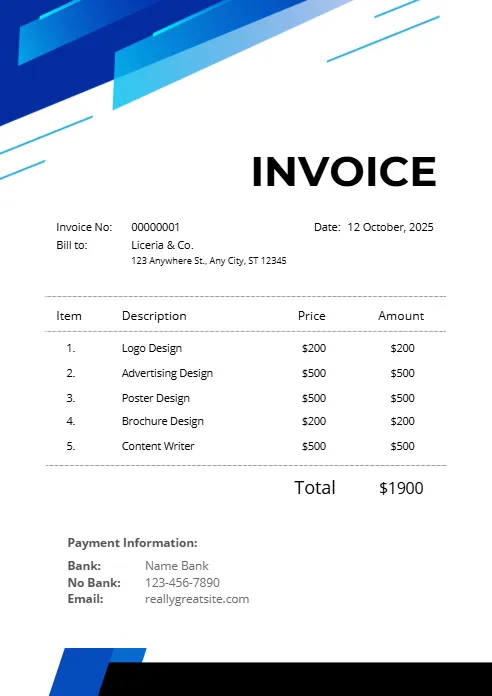
Green and White Professional
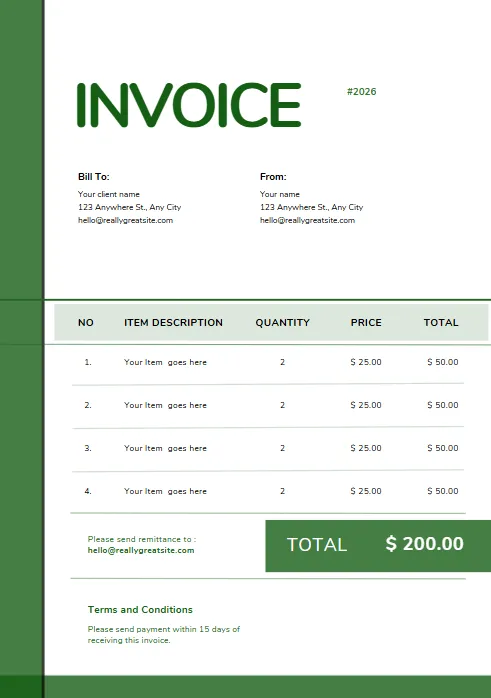
Green and White Modern Corporate
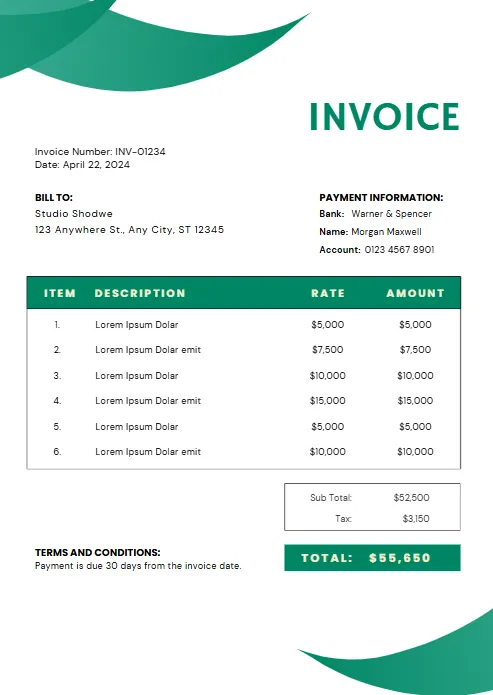
Green Professional Business Invoice
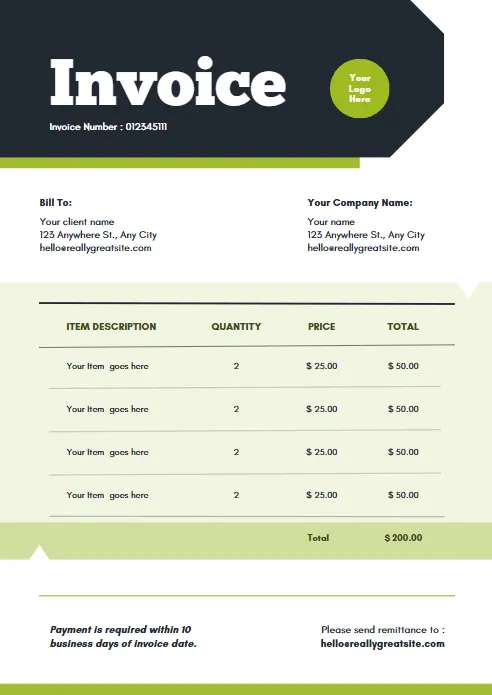
Yellow and Black Generic Service
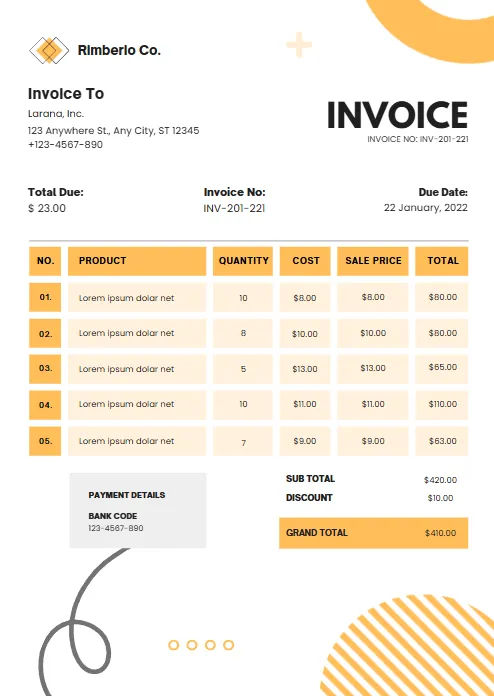
Orange and White Professional
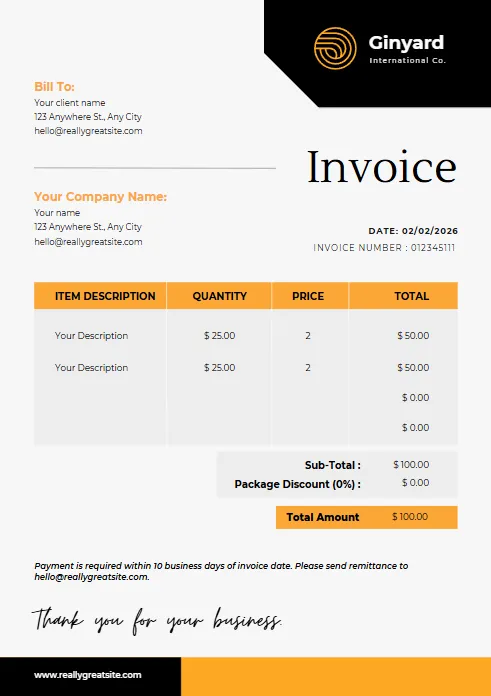
Blue Gradient Simple Architecture
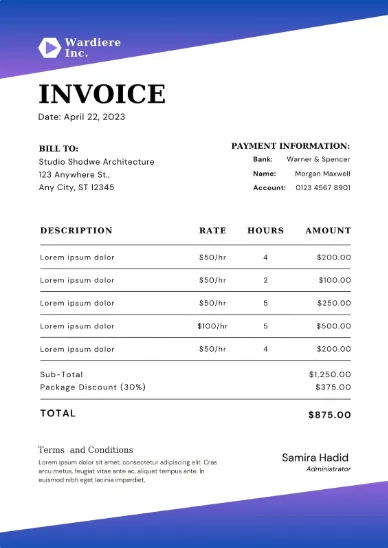
blue Minimalist Simple Invoice
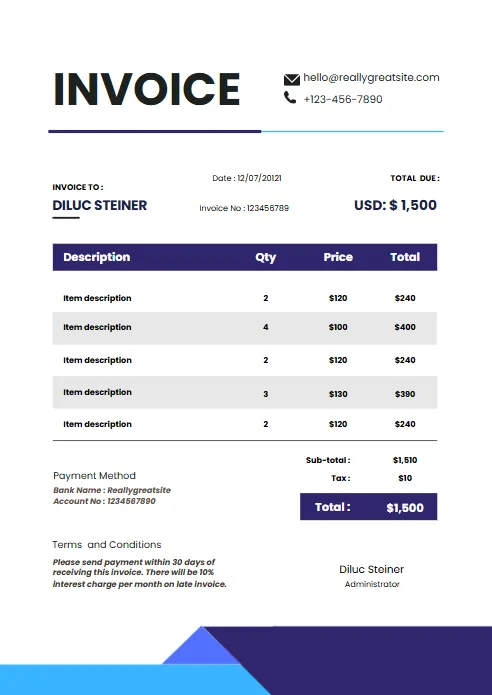
Minimal Professional Invoice
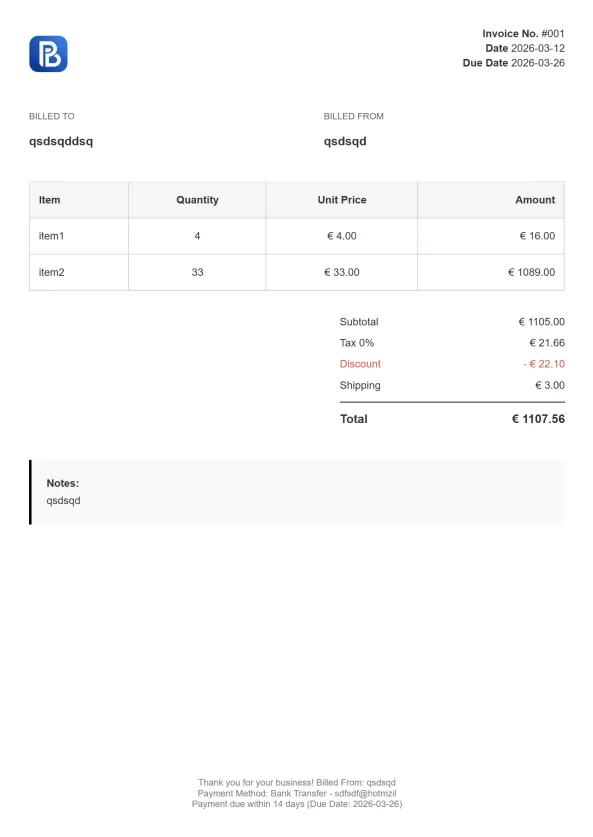
Professional Trucking Invoice

Gradient Modern Invoice
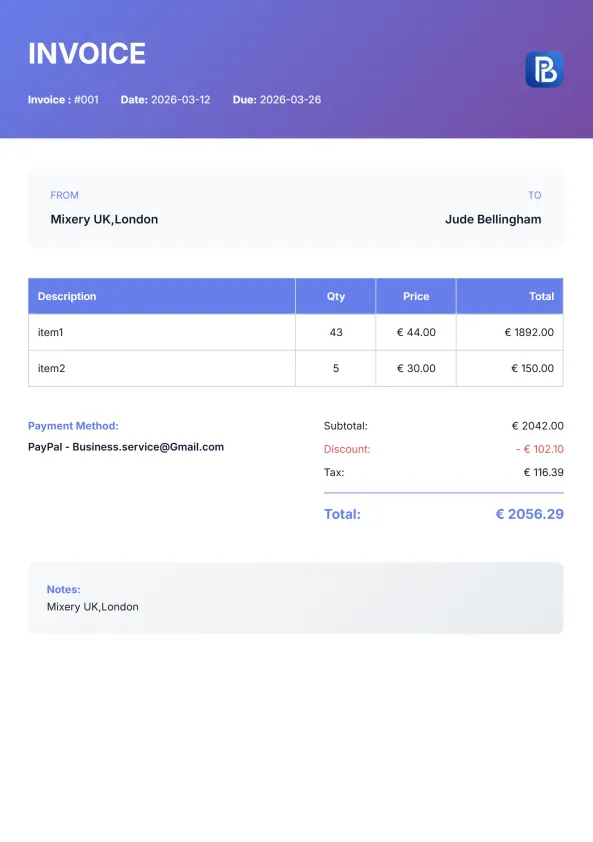
Explore Invoice Templates in Other Formats
Every handyman business has its own way of managing invoices. Some professionals prefer editable documents, while others rely on automatic calculations or cloud-based tools to streamline their billing. That’s why our handyman invoice template is available in multiple formats, allowing you to choose the one that best fits your workflow.
Whether you download the template in Microsoft Word, Excel, PDF, Google Docs, or Google Sheets, you’ll get the same professional design with all the essential invoicing fields you need. Simply customize the template with your business information, add your services, labor, and materials, and send a polished invoice to your clients with confidence.


Invoice Templates for Every Industry
Every trade has unique invoicing requirements. While our handyman invoice template is designed for home repairs, general maintenance, furniture assembly, carpentry, painting, drywall repair, fixture installation, and other handyman services, we also offer professionally designed invoice templates tailored to a wide range of industries.
Browse our collection to find the invoice template that best matches your business, simplifies your billing process, and helps you create professional invoices that leave a great impression on every client
Why Use a Handyman Invoice Template?
Whether you handle small household repairs or manage multiple projects every week, a professional handyman invoice template makes invoicing faster, more accurate, and more professional. Instead of creating invoices from scratch for every job, you can simply update the customer information, list the completed services, and send a polished invoice in just a few minutes.
Using a consistent invoice template also helps you stay organized, maintain accurate financial records, and present a professional image that builds trust with your clients.
Save Time on Every Job
Stop recreating invoices for every repair or installation. With a ready-to-use template, you only need to update the job details, labor hours, materials, and pricing before sending it to your customer.
Get Paid Faster
A clear invoice with itemized services, payment terms, and accepted payment methods reduces confusion and encourages clients to pay on time. Professional invoices also make it easier for customers to understand exactly what they're paying for.
Create a Professional Impression
A well-designed handyman service invoice template reflects the quality of your work. Including your business logo, contact information, invoice number, and organized pricing shows customers that you run a reliable and professional business.
Keep Accurate Business Records
Every completed invoice becomes part of your financial history. Organized invoices make it easier to track income, manage outstanding payments, prepare for tax season, and review completed jobs throughout the year.
Suitable for Every Handyman Service
Our free handyman invoice template can be customized for virtually any type of job
Easy to Edit, Print, and Share
Perfect for residential plumbing, commercial plumbing, emergency call-outs, drain cleaning, leak repairs, sewer line work, water heater installation, pipe replacement, bathroom remodeling, and routine maintenance.
What's Included in Our Handyman Invoice Template?
A professional handyman invoice should do more than request payment—it should clearly outline the work completed, labor charges, materials used, and payment terms while presenting your business in a trustworthy way. Our handyman invoice template is designed to help you create polished invoices in just a few minutes, whether you’re completing a small repair or a large home improvement project.Every template includes the essential fields needed to bill clients accurately and maintain organized records for your business.
Business Information
Add your company name, logo, contact details, and business address.
Customer Details
Include your customer's name, address, phone number, and email.
Invoice Details
Keep every invoice organized with a unique invoice number, issue date, and payment due date.
Service Description
Clearly describe each handyman service performed, such as repairs, installations, maintenance, painting, carpentry, furniture assembly, or drywall work.
Labor Hours & Rates
Record hours worked and hourly rates or fixed service fees.
Materials & Parts
List any supplies, replacement parts, or materials used during the job.
Subtotal, Taxes & Total
Automatically calculate totals when using the Excel or Google Sheets versions.
Payment Terms
Specify accepted payment methods and due dates to encourage on-time payments.
Notes Section
Add warranty information, project details, or a thank-you message for your client.
Signature Area
Include signatures for both you and your customer when required.
What's Included in Our Handyman Invoice Template?
Whether you specialize in home maintenance, furniture assembly, painting, carpentry, drywall repair, door and window repairs, fixture installation, TV mounting, deck repairs, or general property maintenance, our free handyman invoice template provides a professional layout that can be customized for every project. Simply download the template in Word, Excel, PDF, Google Docs, or Google Sheets, fill in your job details, and send a polished invoice that helps you get paid faster.
How to Make a Handyman Invoice
Creating a professional handyman invoice doesn’t have to be complicated. Whether you’re billing for a quick repair, routine maintenance, or a larger home improvement project, following a consistent invoicing process helps ensure your clients understand the work completed and know exactly how much is due. Our handyman invoice template makes the process simple by providing a ready-to-use layout that you can customize in minutes.
Step 1 – Download the Invoice Template
Choose the Word invoice template that best fits your business needs and download it to your computer. Open the file in Microsoft Word to begin editing.
Step 2 – Add Your Business Information
Start by entering your handyman business name, logo, phone number, email address, and business address. Including complete contact information helps clients identify your business and makes it easy for them to reach you with questions.
Step 3 – Enter Client Details
Include your client's name, address, phone number, and email address. Accurate customer information keeps your records organized and ensures the invoice reaches the correct recipient.
Step 4 – Describe the Services Performed
List each handyman service separately with a clear description. For example, include services such as furniture assembly, drywall repair, painting, fixture installation, carpentry, home maintenance, or general repairs. The more detailed your descriptions are, the easier it is for customers to understand the work completed.
Step 5 – Add Labor Hours and Materials
Record the number of hours worked, your hourly rate or fixed service fee, and any materials or replacement parts used during the project. Itemizing labor and materials provides transparency and helps prevent billing disputes.
Step 6 – Calculate the Total Amount Due
Add your subtotal, applicable taxes, discounts (if any), and calculate the final amount due. If you're using the Excel or Google Sheets version, totals can be calculated automatically to reduce manual errors.
Step 7 – Save and Send the Invoice
Once your invoice is complete, save it as a PDF to preserve the formatting. Email the PDF to your client or print a copy if needed.

More Free Business Tools
Frequently Asked Questions About HVAC Invoice Templates
Is this handyman invoice template free?
Yes. Our free handyman invoice template is available to download at no cost. You can customize it with your business information, add your services, and use it for both residential and commercial handyman jobs.
What formats are available?
Our handyman invoice templates are available in multiple formats to suit your workflow:
- Microsoft Word
- Microsoft Excel
- Google Docs
- Google Sheets
Choose the format you’re most comfortable with and start invoicing immediately.
What should a handyman invoice include?
A professional handyman invoice should include:
- Business name and contact information
- Customer details
- Invoice number
- Invoice and due dates
- Itemized list of services
- Labor hours or flat-rate charges
- Materials and parts used
- Taxes and discounts (if applicable)
- Total amount due
- Payment terms and accepted payment methods
Including these details helps ensure accurate billing and creates a professional experience for your customers.
Can I customize the handyman invoice template?
Absolutely. Every template is fully editable, allowing you to add your company logo, update business information, modify service descriptions, change pricing, and personalize payment terms to match your business.
Can I print or email my invoice?
Yes. Once you’ve completed your invoice, you can print it for in-person jobs or save it as a PDF and email it directly to your client. All templates are designed to look professional in both digital and printed formats.
Is this template suitable for independent handymen?
Yes. Whether you’re a self-employed handyman, an independent contractor, or manage a larger handyman business, this template is designed to work for businesses of all sizes.
Can I use this template for different handyman services?
Yes. The template is flexible enough to invoice a wide variety of services, including home repairs, furniture assembly, painting, carpentry, drywall repair, maintenance work, fixture installation, TV mounting, deck repairs, minor plumbing, minor electrical work, and many other handyman services.
What's the difference between using a template and an online invoice generator?
A downloadable template is ideal if you prefer working in Word, Excel, or PDF and want to keep invoices offline. An online invoice generator offers additional convenience by automatically calculating totals, storing invoice information, and creating professional invoices in just a few clicks. Both options help you create accurate invoices—the best choice depends on your preferred workflow.
Ready to Create Professional Handyman Invoices?
Download our free handyman invoice template to start creating clear, professional invoices for every repair, installation, or maintenance job. Prefer a faster solution? Use our online invoice generator to customize your invoice, calculate totals automatically, and download a polished PDF in minutes.

