 Skip to content
Free Construction Invoice Templates
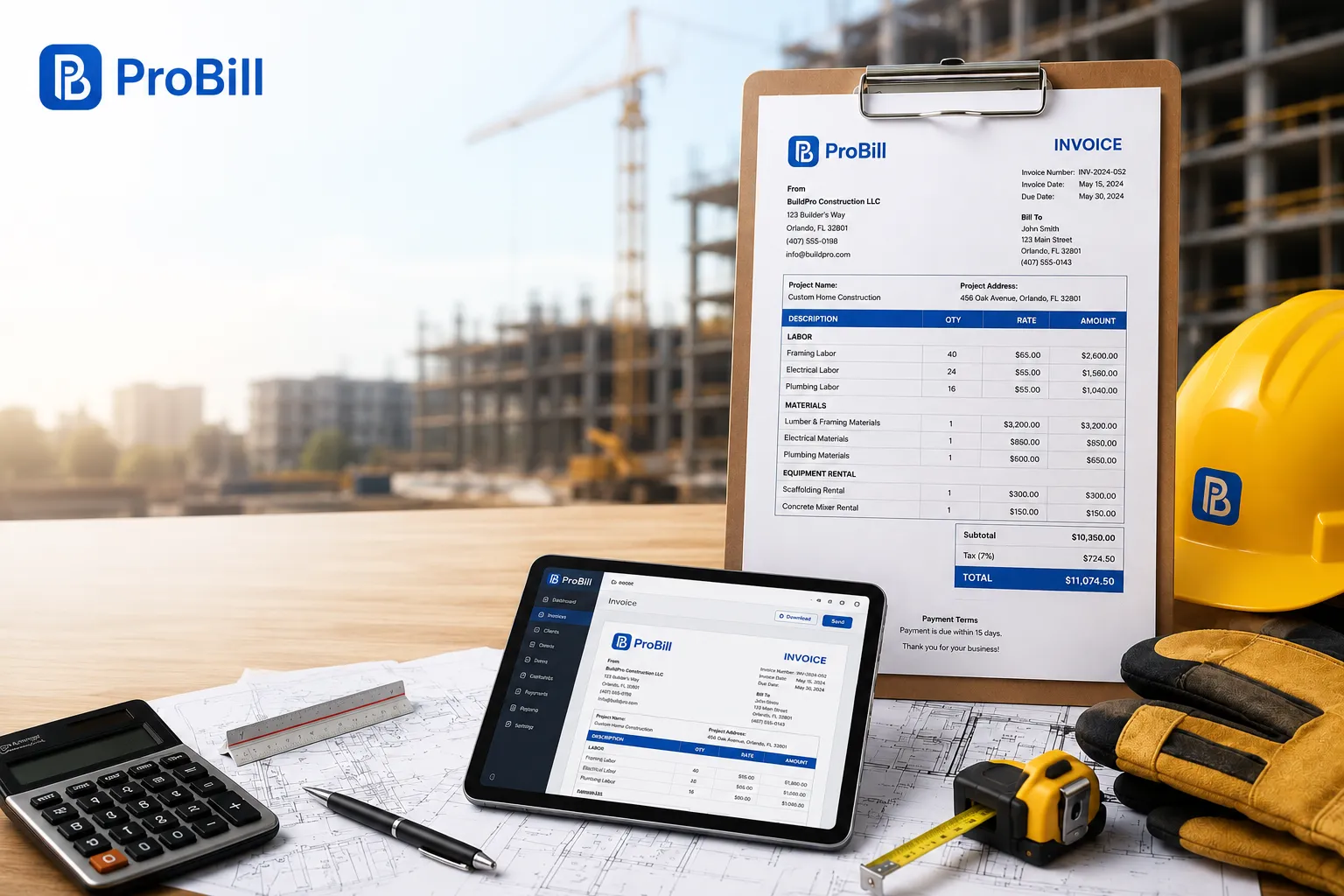
Download a free construction invoice templates that’s built for contractors, builders, subcontractors, and construction companies. Choose from professionally designed templates in Excel, Word, PDF, Google Sheets, or Google Docs, or create and customize your invoice online in minutes. Whether you’re billing for labor, materials, equipment, or completed project milestones, our templates help you send accurate invoices and get paid faster.
No sign-up required • Instant download • Works on mobile
Free Construction Invoice Templates
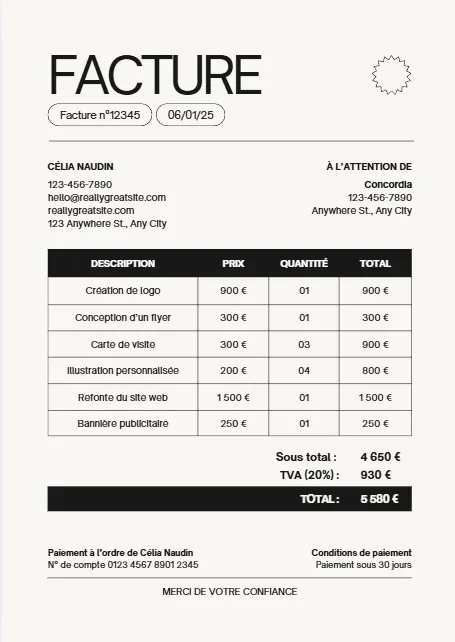
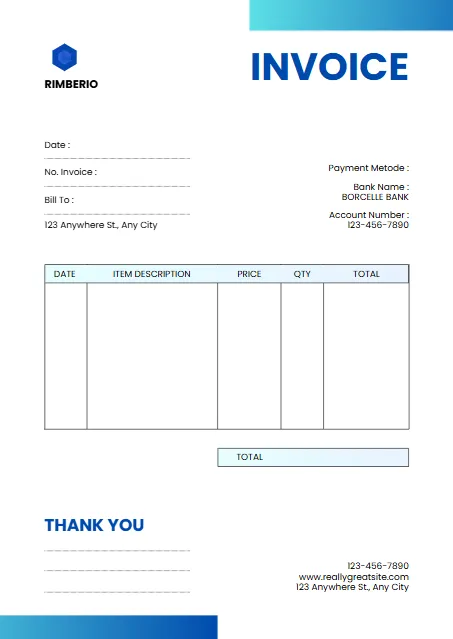
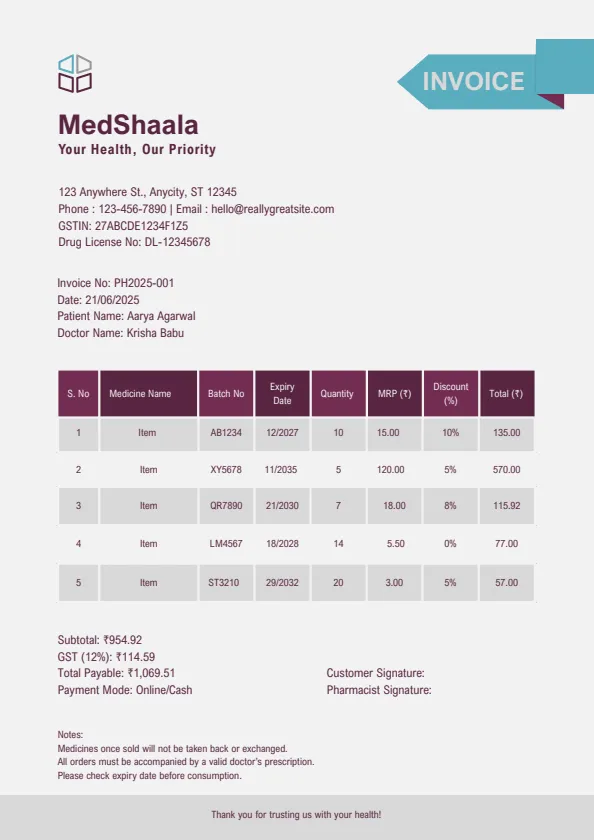
Download a professionally designed construction invoice template in the format that works best for your business. Whether you’re a general contractor, subcontractor, builder, or construction company, our templates are easy to customize and ready to print. Choose from Excel, Word, PDF, Google Sheets, or Google Docs to create clear, professional invoices for labor, materials, equipment, and project costs.
Moderne Minimaliste Beige Noir



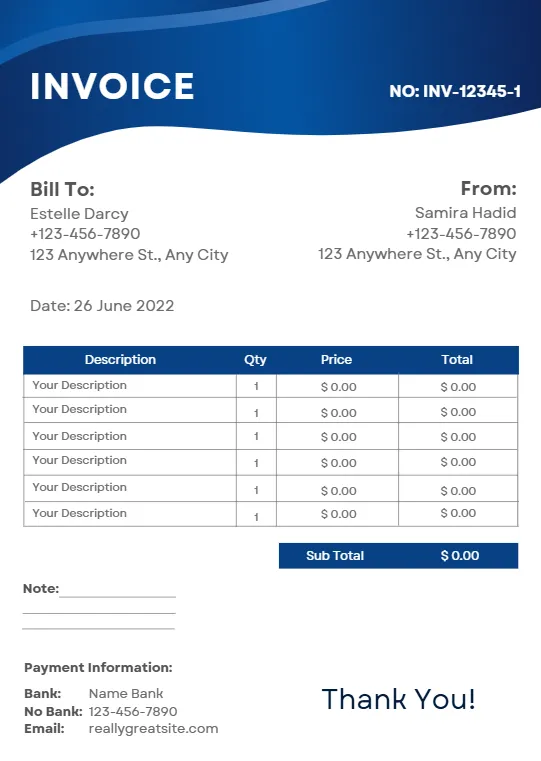
White And Blue Minimalist Invoice
Plum And Teal Clean Medical
Blue Modern Creative Professional
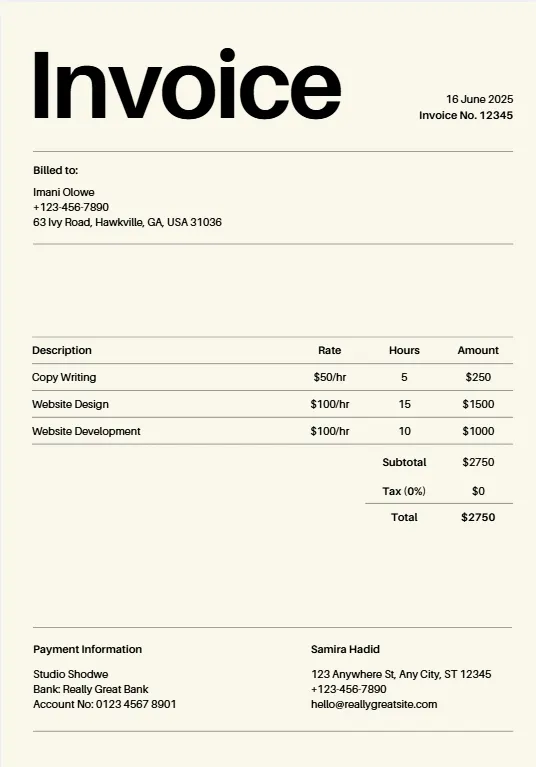
Beige Minimalist Typecentric
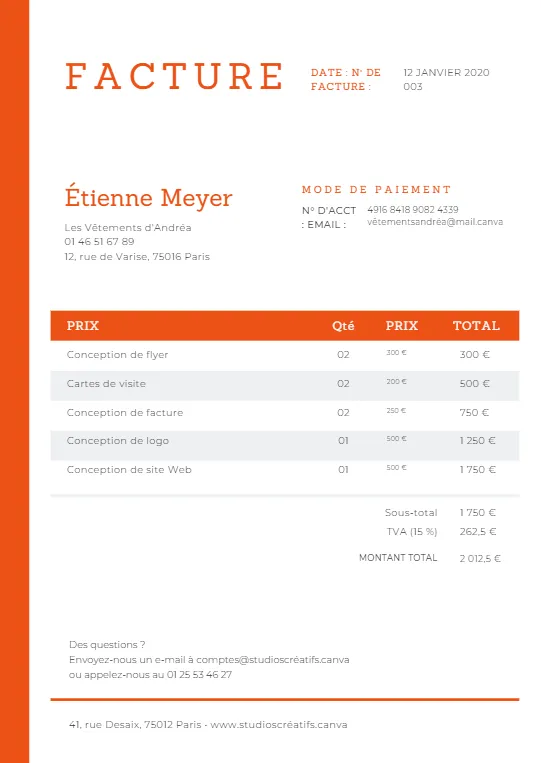
Orange Geometric Line
Minimalist Business Invoice
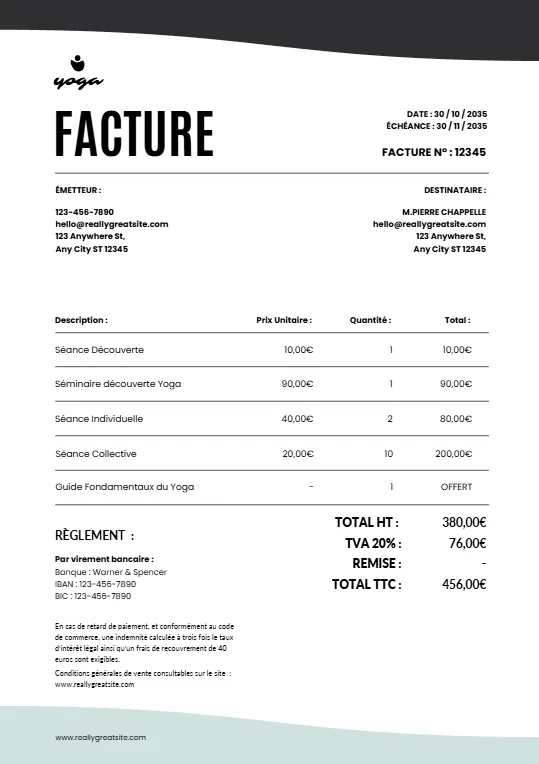
Simple Minimalist Invoice
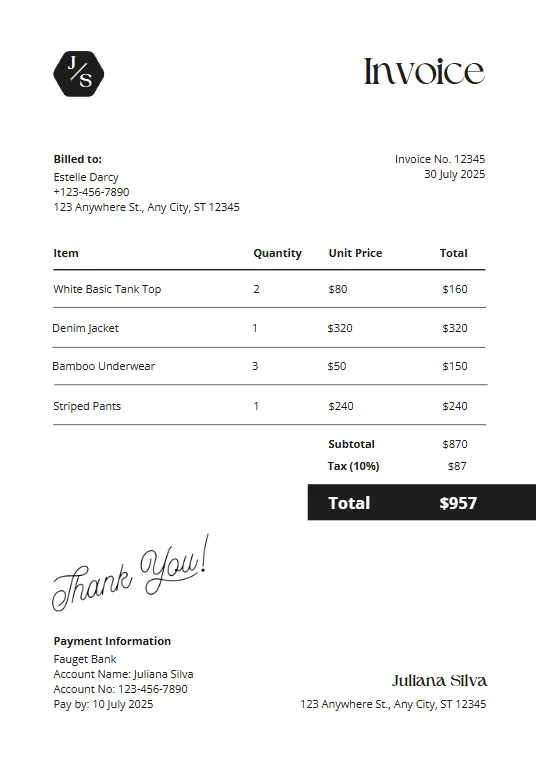
Pink And Teal Modern Invoiceb
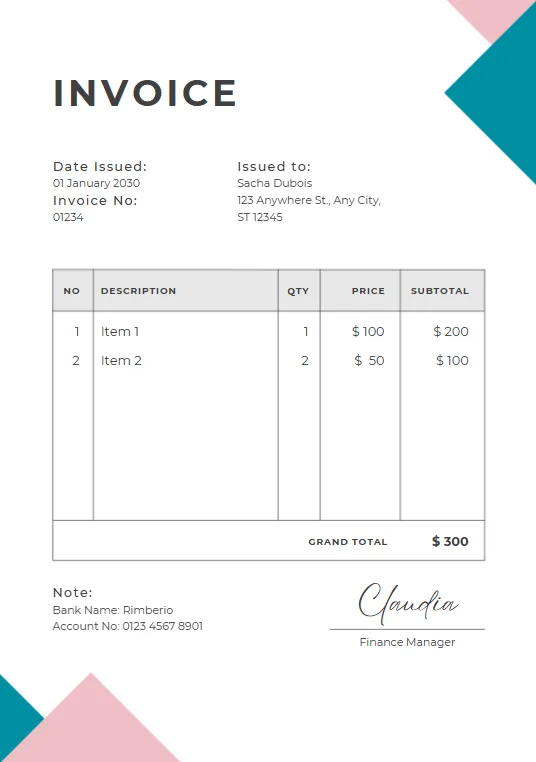
Green Plant invoice
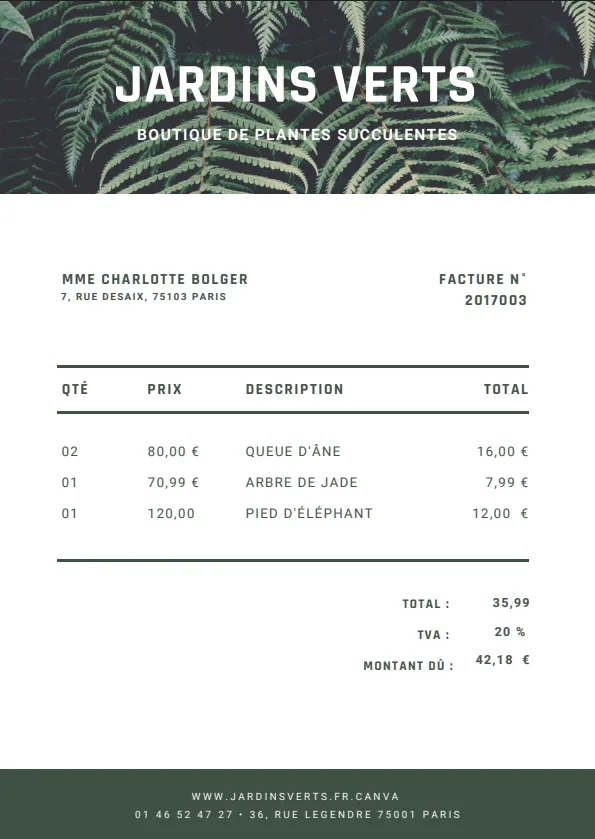
Minimalist red professional invoice
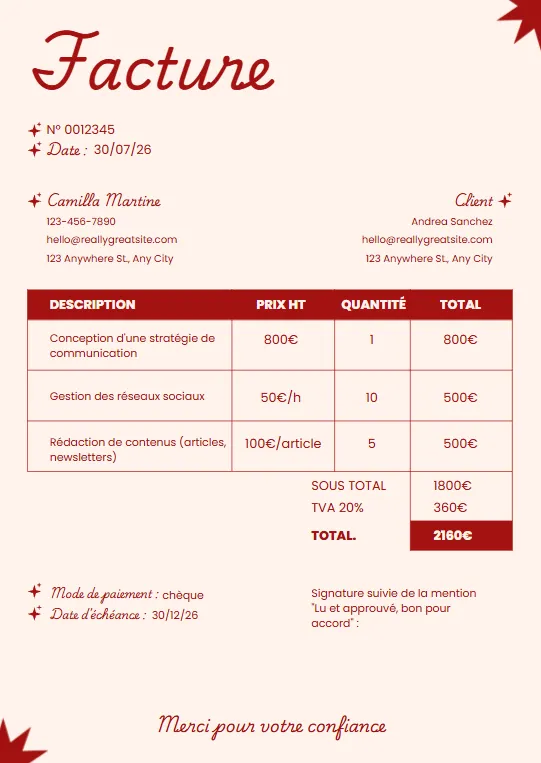
Black White and Blue Corporate
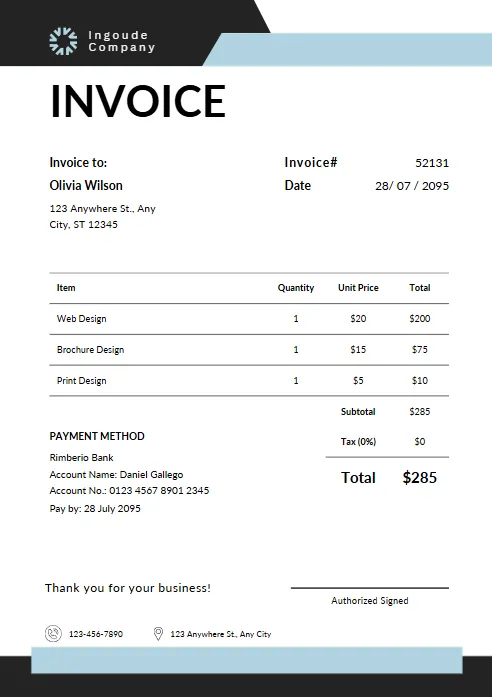
Yellow and Black Typographic
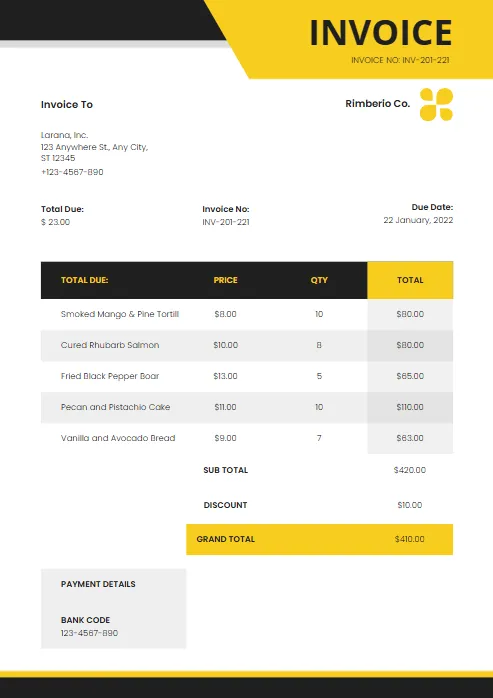
Modern Blue and White
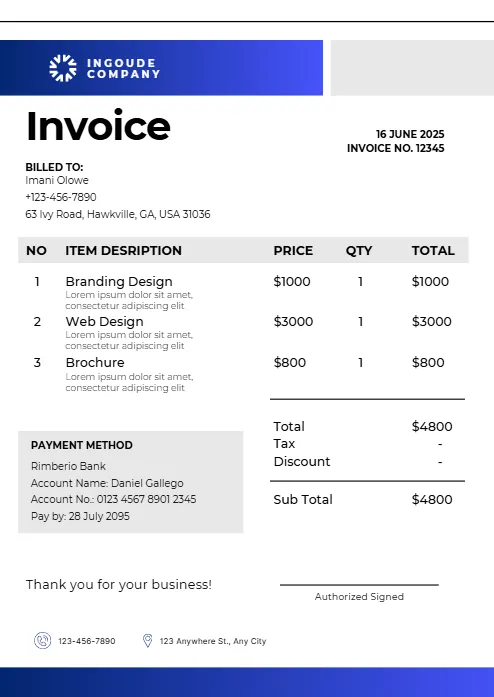
Abstract Yellow Modern Design
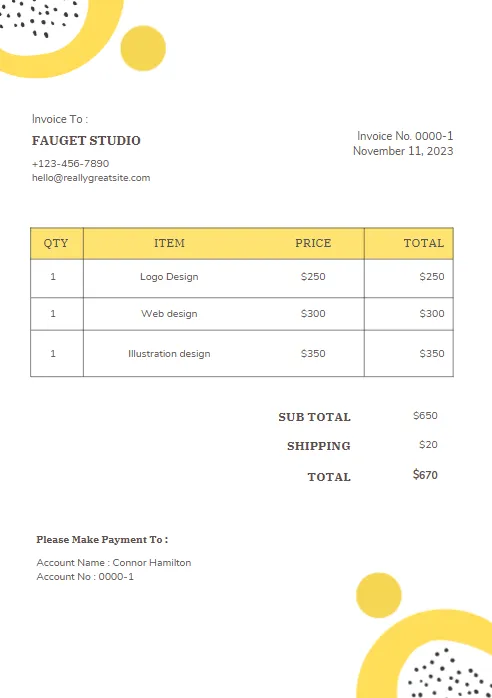
Purple and Orange Modern Invoice
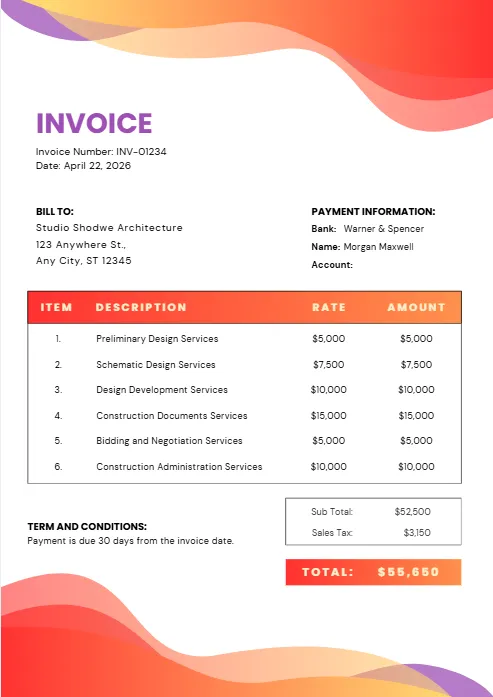
Purple and Blue Modern Invoice
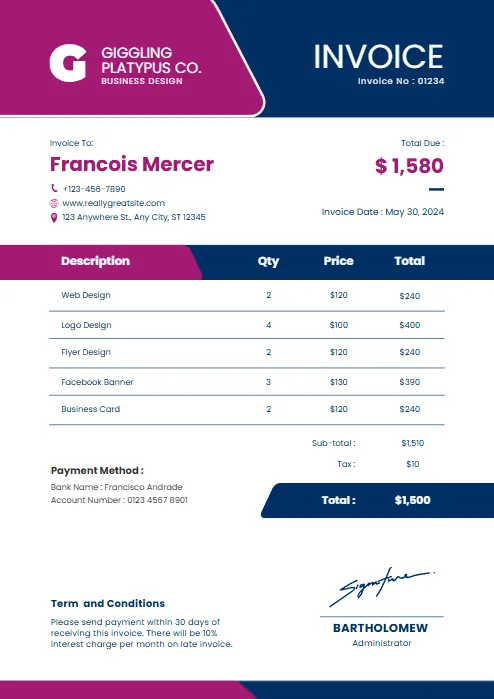
Red and black minimalist business
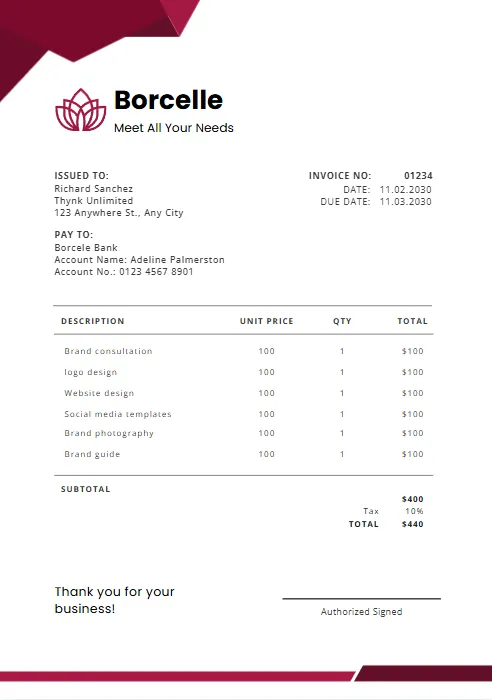
Orange and Purple Minimalist Business
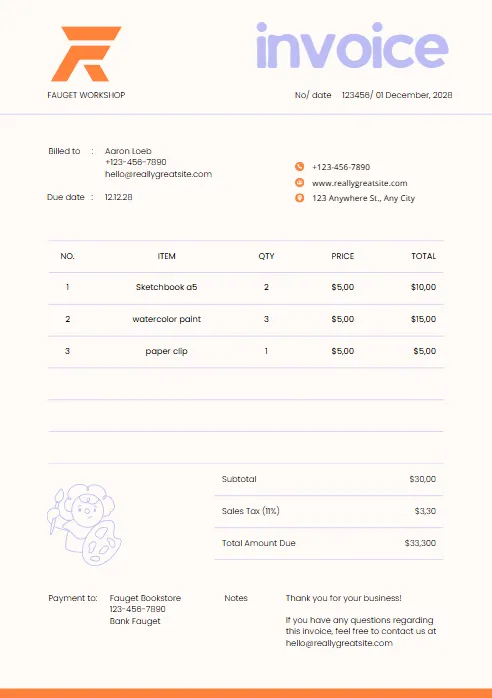
Green & Black Gradient Creative
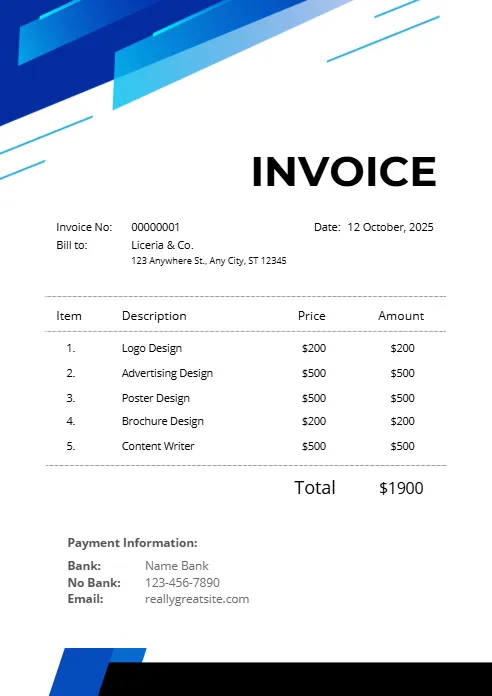
Green and White Professional
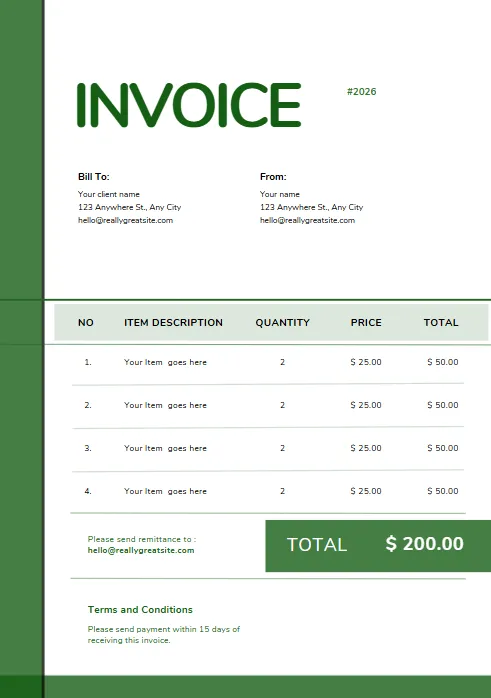
Green and White Modern Corporate
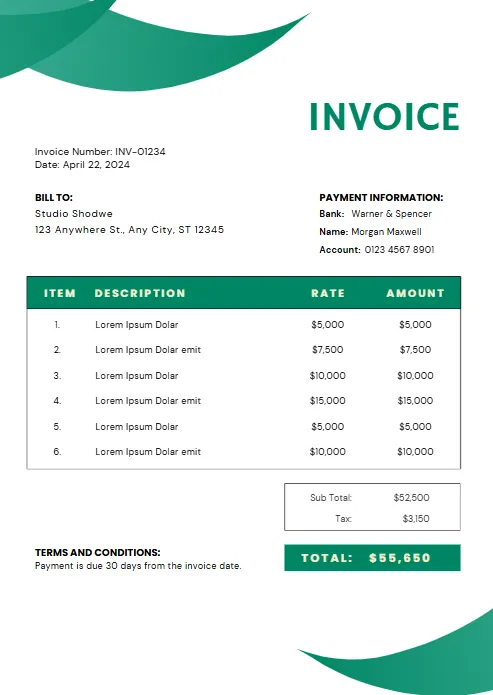
Green Professional Business Invoice
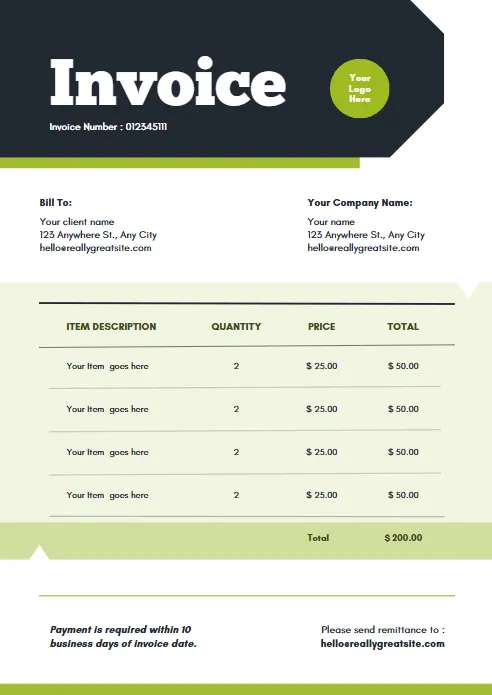
Yellow and Black Generic Service
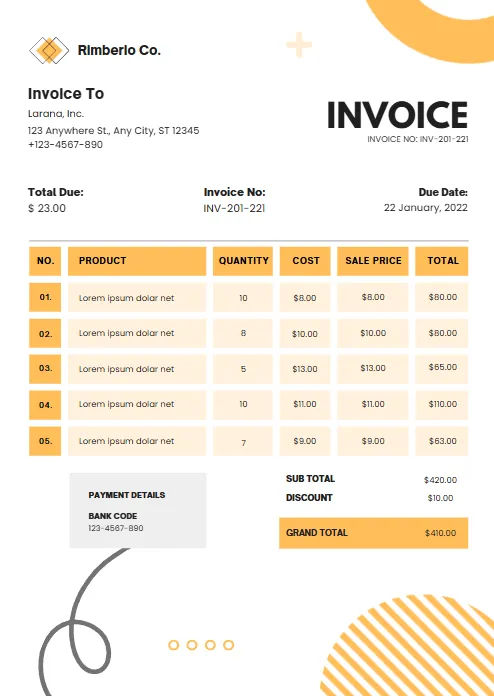
Orange and White Professional
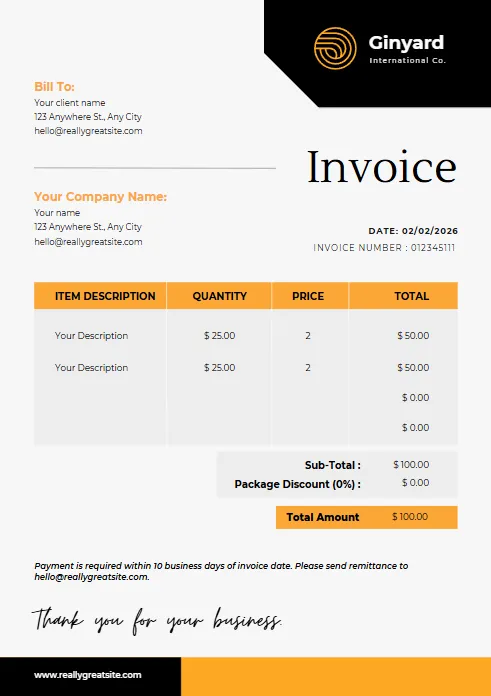
Blue Gradient Simple Architecture
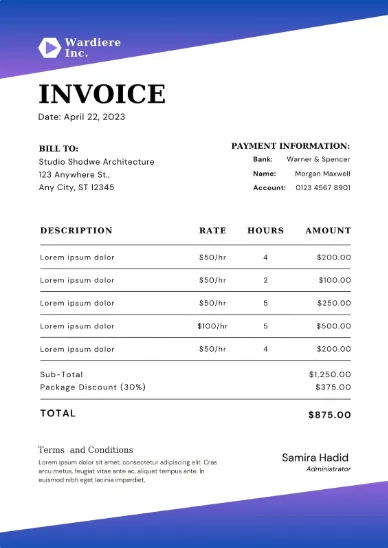
blue Minimalist Simple Invoice
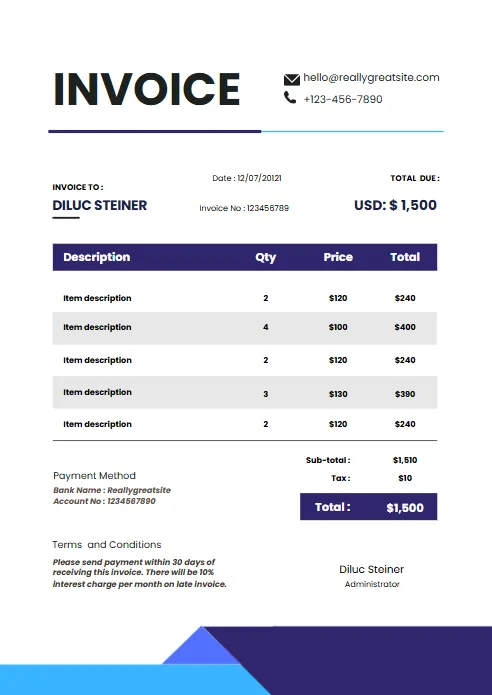
Minimal Professional Invoice
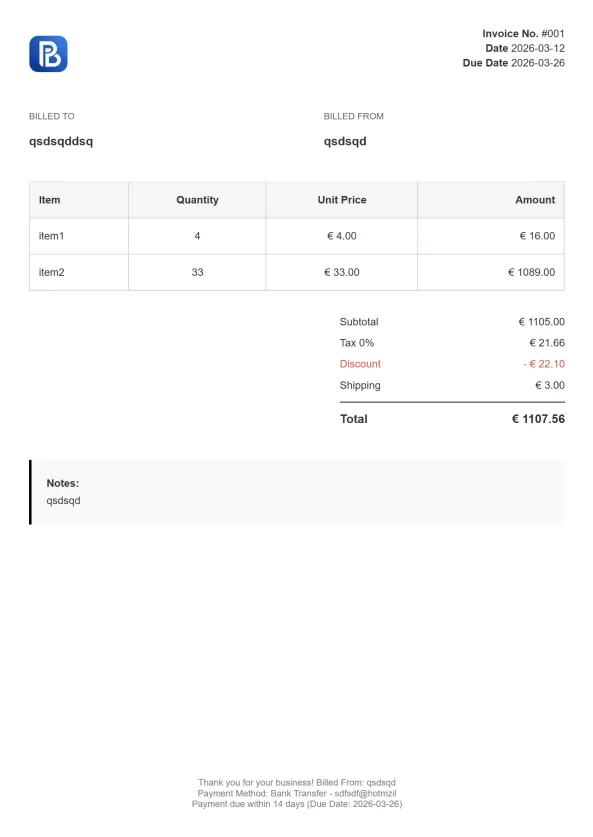
Professional Trucking Invoice

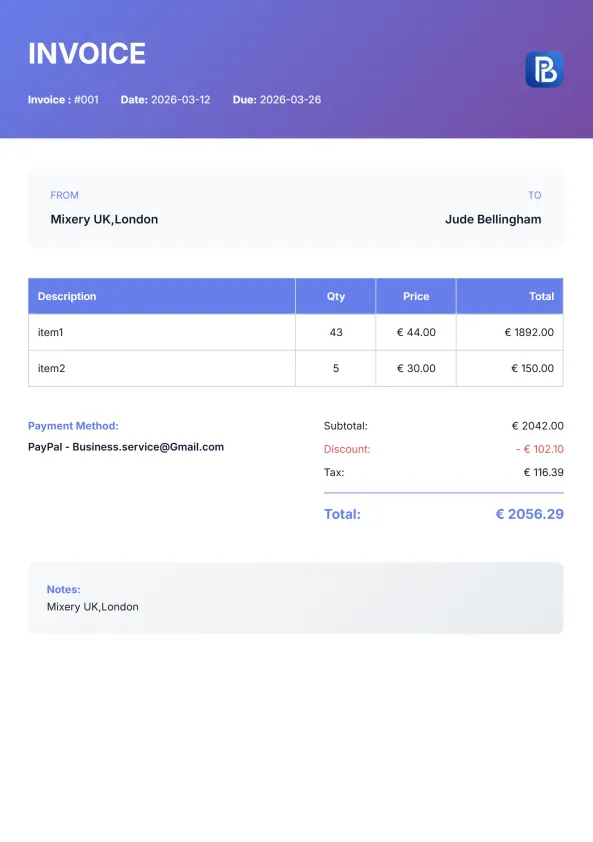
Gradient Modern Invoice
Explore Invoice Templates in Other Formats
Different businesses and professionals prefer different invoice formats depending on their workflow and software. While our construction invoice template is designed specifically for contractors and builders, you can also download our invoice templates in other popular formats. Every template is professionally designed, fully editable, and ready to use.


Industry-Specific Google Sheets Invoice Templates
Every trade has different invoicing requirements. Construction invoices often include labor, materials, equipment rentals, and project milestones, while other industries may require different layouts. Browse our industry-specific invoice templates to find the format that best fits your business.
Built for Real Construction Projects
Whether you’re a general contractor, subcontractor, remodeler, or construction company, invoicing should be as organized as your projects. Our construction invoice template is designed specifically for the construction industry, making it easy to bill clients for labor, materials, equipment rentals, and completed work. Instead of editing a generic invoice, you get a professional template built around the way construction businesses actually invoice.
Track Labor Costs
Separate labor charges by employee, subcontractor, or hourly rate. Clearly listing labor helps clients understand exactly what work was completed while keeping your invoices transparent and professional.
Itemize Materials
List every material used on the project, from concrete and lumber to drywall, paint, electrical supplies, or roofing materials. Detailed material breakdowns reduce payment disputes and create accurate project records.
Bill Equipment & Rentals
Include charges for rented equipment, machinery, tools, or heavy vehicles directly on your invoice. Keeping equipment costs separate gives clients a complete picture of the project's expenses.
Organize Project Details
Record the project name, job site address, work completed, and important reference numbers. These details make invoices easier to identify and help both you and your clients stay organized.
Set Clear Payment Terms
Add payment due dates, deposits, milestone payments, retainage, or late payment policies to make expectations clear before the invoice is sent.
Present a Professional Image
A clean, well-structured invoice reflects the quality of your work. A professional layout builds trust with homeowners, businesses, and commercial clients while helping you get paid faster.
What Every Construction Invoice Should Include
A professional construction invoice does more than request payment—it provides a complete record of the work completed and the costs involved. Including the right information helps avoid misunderstandings, speeds up approvals, and creates a clear paper trail for both contractors and clients. Whether you’re using our construction invoice template or creating your own invoice, these are the essential elements every construction invoice should contain.
Contractor Information
Include your business name, logo, address, phone number, email, and any required license or registration numbers so clients know exactly who performed the work.
Client Information
Add the customer's name, company (if applicable), billing address, and contact details to ensure the invoice reaches the correct recipient.
Project Details
Specify the project name, job site address, and a brief description of the completed work. This is especially important when working on multiple projects for the same client.
Labor Charges
List labor separately with descriptions, hours worked, hourly rates, or agreed project pricing. Clear labor breakdowns improve transparency and reduce billing disputes.
Materials Used
Itemize construction materials such as lumber, concrete, drywall, roofing materials, electrical supplies, plumbing fixtures, or paint. Include quantities, unit prices, and totals whenever possible.
Equipment & Rental Costs
If machinery or specialized equipment was used, include rental fees or equipment charges as separate line items for complete cost visibility.
Taxes & Additional Charges
Show applicable taxes, delivery fees, permit costs, disposal fees, or any other additional project expenses before calculating the final total.
Payment Terms
Clearly state the invoice date, due date, accepted payment methods, deposit balance (if applicable), and any late payment policy.
A detailed construction billing invoice helps clients understand exactly what they’re paying for while making your business appear more professional. Breaking down labor, materials, equipment, and project costs reduces questions, minimizes payment delays, and creates accurate records for accounting and future projects. Whether you’re an independent contractor or managing a large construction company, a well-structured invoice helps you get paid faster and keeps every project financially organized.
How to Create a Construction Invoice
Creating a professional construction invoice doesn’t have to be complicated. Whether you’re billing for a small home renovation or a large commercial project, following a consistent process helps you produce accurate invoices, avoid payment disputes, and get paid faster. Our construction invoice template makes each step simple by providing a ready-to-use layout that you can customize for every project.
Step 1 – Download the Invoice Template
Choose the Word invoice template that best fits your business needs and download it to your computer. Open the file in Microsoft Word to begin editing.
Step 2 – Add Your Business Information
Enter your company name, logo, address, phone number, email address, and any other relevant contact information. This helps clients identify who issued the invoice and how to contact you.
Step 3 – Enter Client Details
Add your client's name, company name, billing address, and contact information. Accurate client information helps prevent billing errors and payment delays.
Step 4 – Include Invoice Information
Assign a unique invoice number and enter the invoice date. You may also include a due date to clearly communicate your payment expectations.
Step 5 – Add Products or Services
List each product sold or service provided along with quantities, rates, and descriptions. Clearly itemized invoices make it easier for clients to understand the charges.
Step 6 – Calculate the Total Amount Due
Add up all line items and include any taxes, discounts, or additional fees. Double-check your calculations before sending the invoice.
Step 7 – Save and Send the Invoice
Once your invoice is complete, save it as a PDF to preserve the formatting. Email the PDF to your client or print a copy if needed.

Construction Invoice Template vs. Online Invoice Generator
A downloadable construction invoice template is a great solution for creating professional invoices quickly, especially if you prefer working in Excel, Word, or PDF. However, if you invoice clients regularly, an online invoice generator can save even more time by automating calculations and simplifying the entire billing process.
The right choice depends on how often you invoice and the features you need. Here’s a quick comparison to help you decide.
| Feature | Construction Invoice Template | Online Invoice Generator |
|---|---|---|
|
Excel, Word & PDF downloads
|
✓
|
✓
|
|
Customizable Layout
|
✓
|
✓
|
|
Fully customizable
|
✓
|
✓
|
|
Automatic calculations
|
X
|
✓
|
|
Instant professional PDF
|
✓
|
✓
|
|
Reuse customer information
|
X
|
✓
|
|
Faster for recurring invoices
|
X
|
✓
|
|
No spreadsheet formulas required
|
X
|
✓
|
Which Option Is Right for You?
A construction invoice template is ideal if you only create invoices occasionally or prefer editing documents manually. You can customize the template, print it, or send it to clients whenever needed.
If you’re managing multiple construction projects or sending invoices every week, an online invoice generator can streamline your workflow. Automatic calculations reduce mistakes, invoices can be created in just a few minutes, and every document maintains a professional appearance without manual formatting.
Whether you choose a downloadable template or create invoices online, the most important thing is sending clear, accurate invoices that help you get paid on time.
More Free Business Tools
Frequently Asked Questions (FAQ)
What is a construction invoice template?
A construction invoice template is a pre-designed document used by contractors, builders, and construction companies to bill clients for completed work. It includes sections for labor, materials, equipment rentals, project details, taxes, and payment terms, making it easy to create accurate and professional invoices.
Is this construction invoice template free?
Yes. You can download our free construction invoice template in Excel, Word, PDF, Google Sheets, or Google Docs without any cost. Simply choose your preferred format and customize it with your business information.
What should a construction invoice include?
A professional construction invoice should include:
- Contractor information
- Client details
- Project name and address
- Invoice number and date
- Labor charges
- Materials used
- Equipment rental costs
- Taxes and additional fees
- Total amount due
- Payment terms and due date
Including these details helps prevent disputes and ensures clients clearly understand the work performed.
Can I customize the template with my company logo?
Yes. Every template is fully editable, allowing you to add your company logo, business details, brand colors, payment terms, and any additional information required for your projects.
Which file formats are available?
Our construction invoice templates are available in:
- Microsoft Excel
- Microsoft Word
- Google Sheets
- Google Docs
Choose the format that best fits your workflow and accounting process.
Can I use the template for residential and commercial projects?
Absolutely. The template is suitable for home renovations, remodeling projects, commercial construction, subcontractor work, maintenance jobs, and new building projects.
What's the difference between a construction invoice template and an online invoice generator?
A downloadable template is ideal if you prefer editing invoices manually in Excel, Word, or PDF. An online invoice generator automatically calculates totals, speeds up invoice creation, and lets you download professional invoices without manual formatting.
How do I calculate labor and material costs?
Labor costs are typically calculated using hourly rates or fixed project pricing, while materials should be listed separately with quantities, unit prices, and total costs. Separating these expenses makes invoices easier for clients to review and improves billing transparency.
Can I send the invoice digitally?
Yes. After completing your invoice, you can save it as a PDF and email it directly to your client, or print a physical copy if required.
Can I create a construction invoice online instead of downloading a template?
Yes. If you want a faster solution, you can use our online invoice generator to create a professional construction invoice in minutes. It automatically calculates totals, lets you customize every detail, and generates a polished PDF that’s ready to send to your clients.

