 Skip to content
Free Concrete Invoice Template
Create professional invoices for concrete projects in minutes with our free Concrete Invoice Template. Download customizable templates in Excel, Word, PDF, Google Sheets, or Google Docs, or create and send invoices online with our free invoice generator.
Concrete Foundations • Driveways • Sidewalks • Patios • Slabs • Stamped Concrete • Residential & Commercial Projects
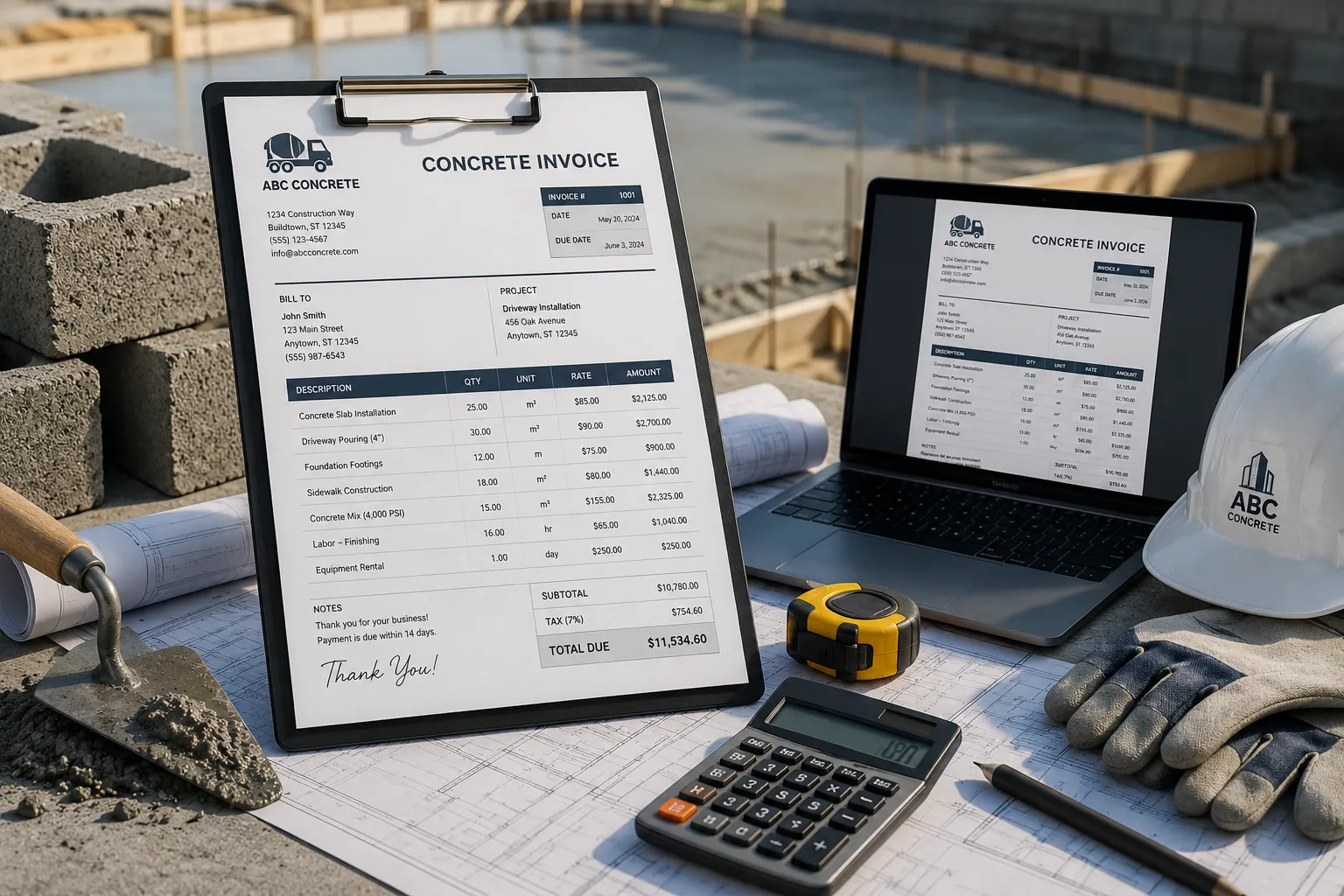
Download Your Free Concrete Invoice Template
Whether you’re billing for a new foundation, driveway, patio, sidewalk, or any other concrete project, our Concrete Invoice Template helps you create professional invoices in minutes. Choose your preferred format below, customize it with your business details, and send accurate invoices that clearly list labor, materials, equipment, and payment information.
All templates are professionally designed, fully editable, and available to download for free.
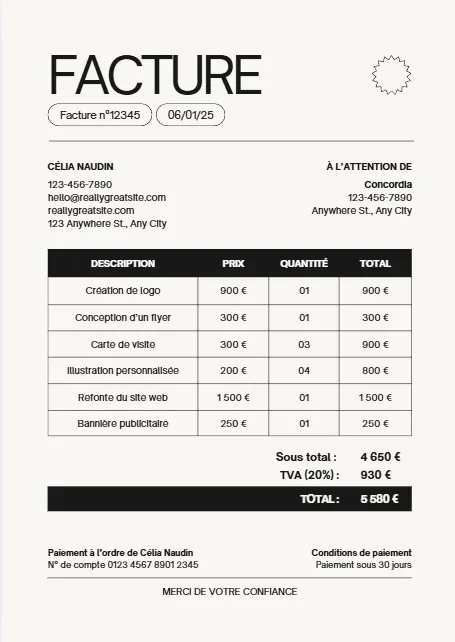
Moderne Minimaliste Beige Noir


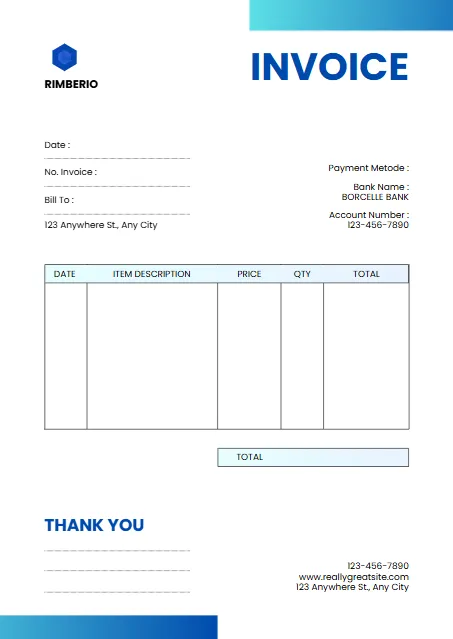
White And Blue Minimalist Invoice
Plum And Teal Clean Medical
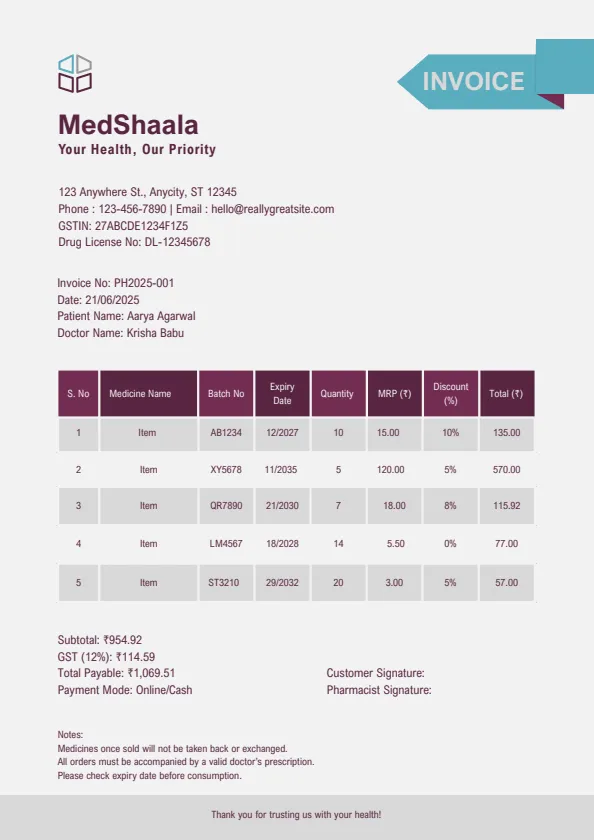
Blue Modern Creative Professional
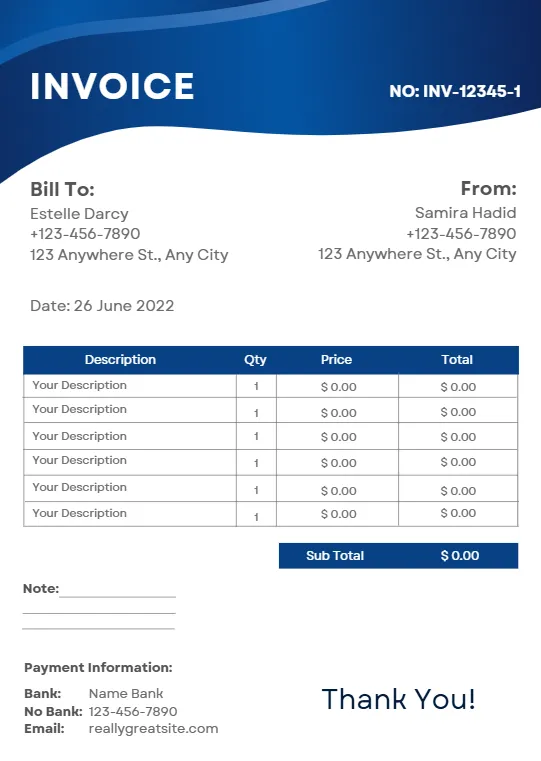
Beige Minimalist Typecentric
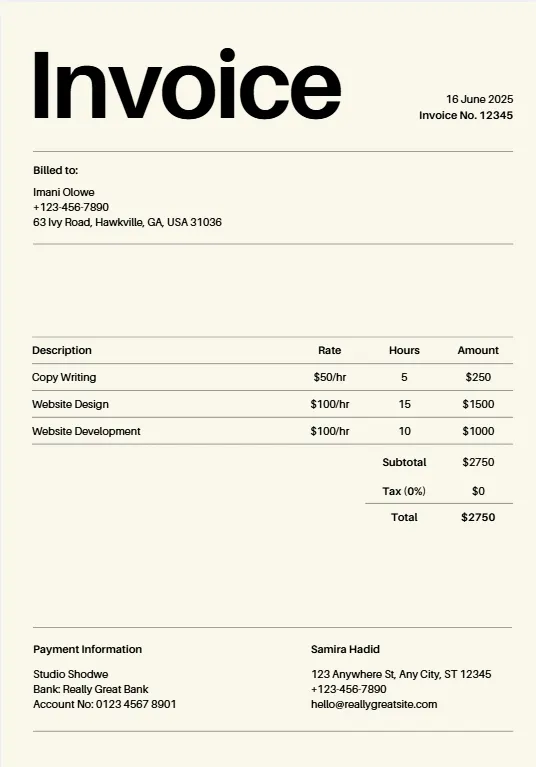
Orange Geometric Line
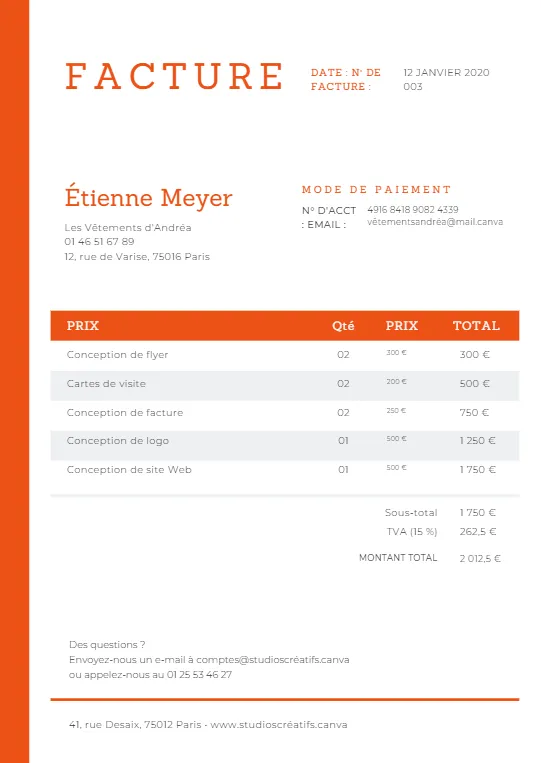
Minimalist Business Invoice
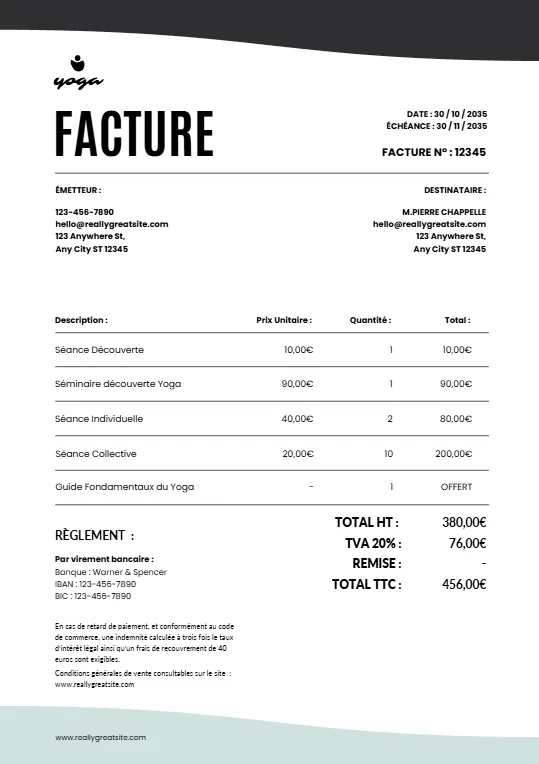
Simple Minimalist Invoice
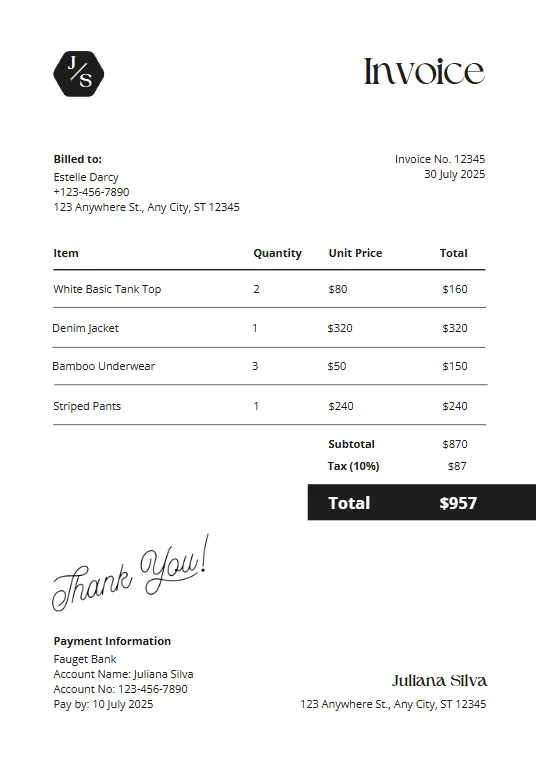
Pink And Teal Modern Invoiceb
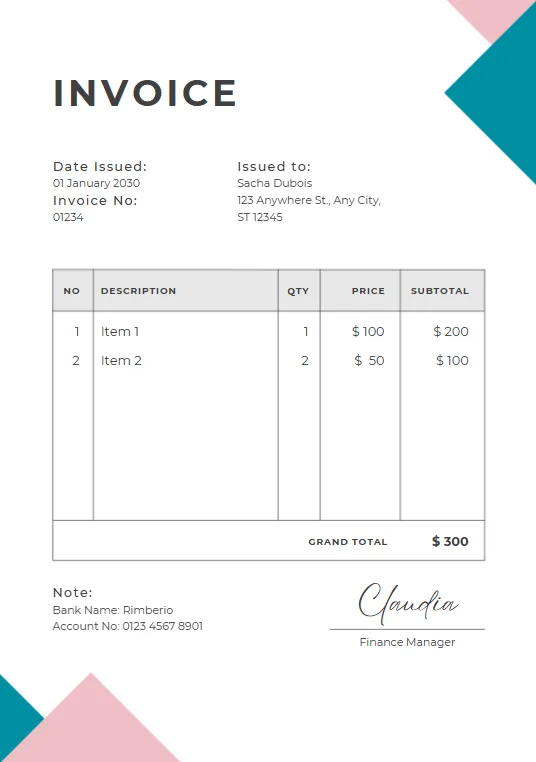
Green Plant invoice
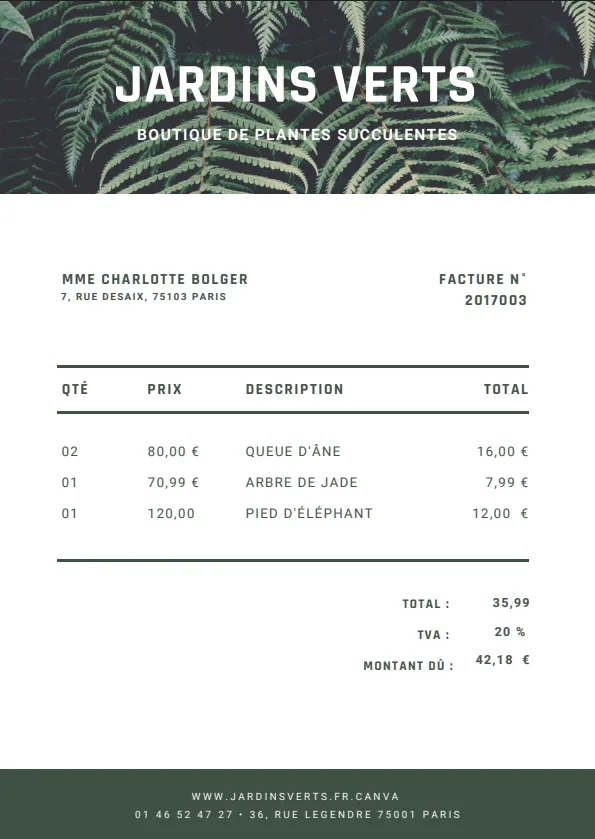
Minimalist red professional invoice
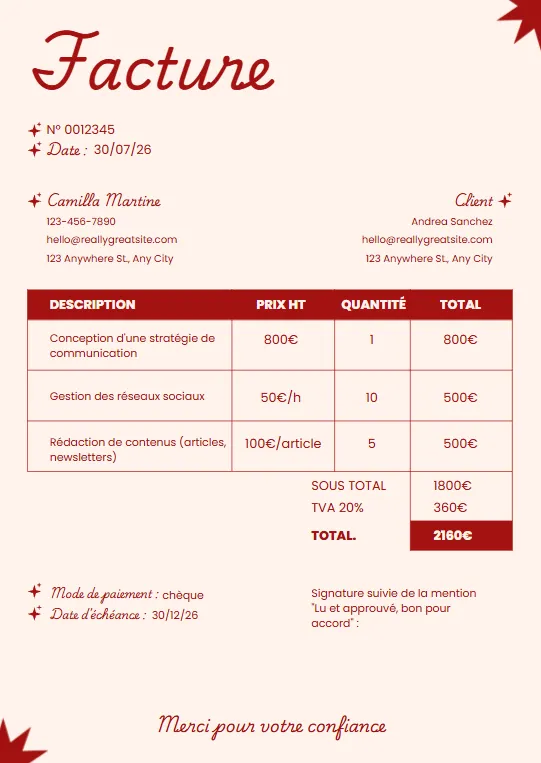
Black White and Blue Corporate
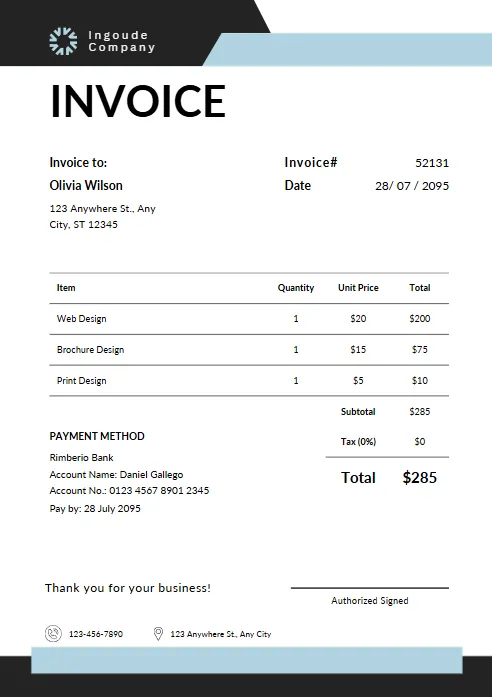
Yellow and Black Typographic
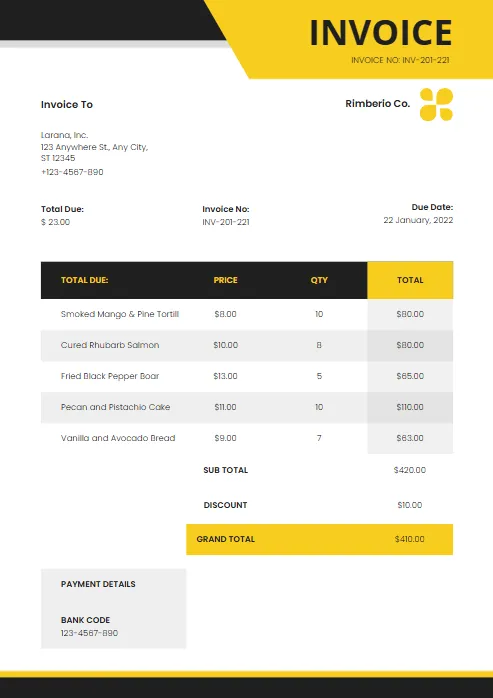
Modern Blue and White
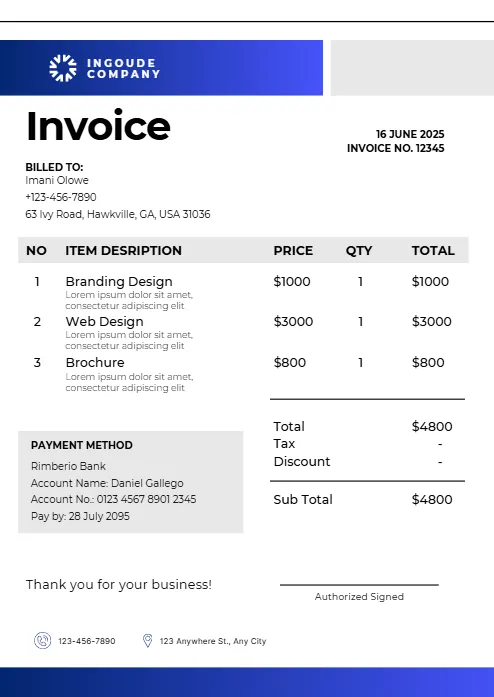
Abstract Yellow Modern Design
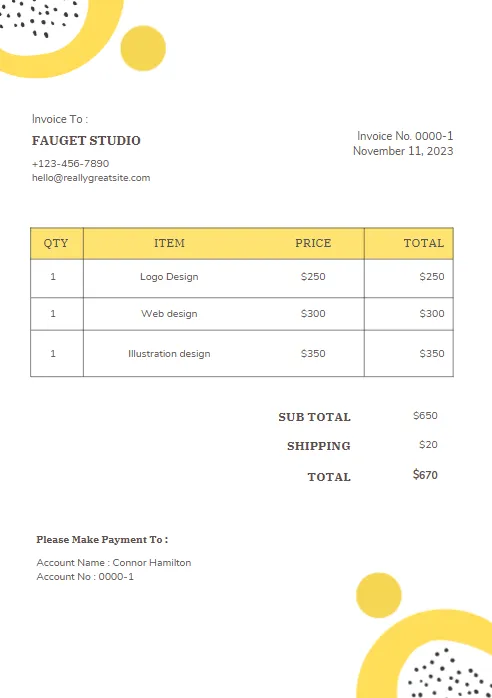
Purple and Orange Modern Invoice
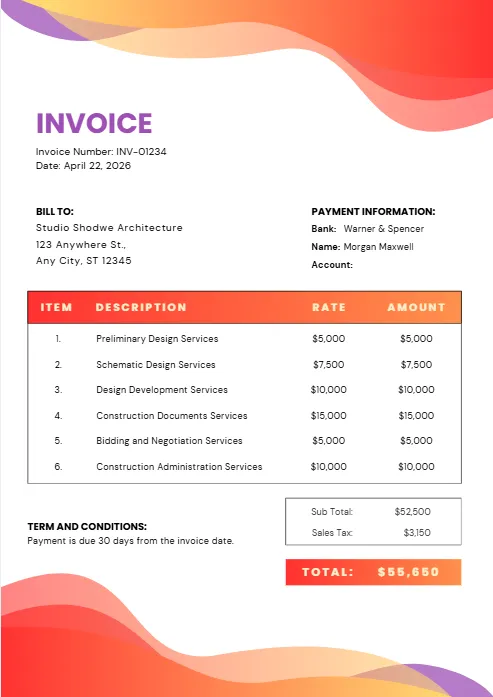
Purple and Blue Modern Invoice
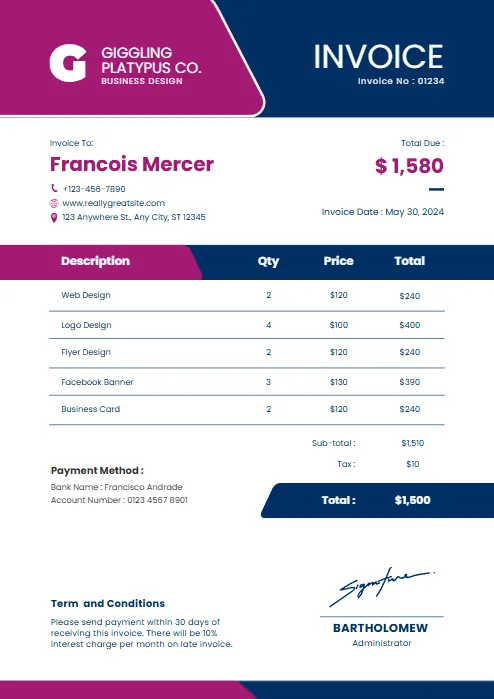
Red and black minimalist business
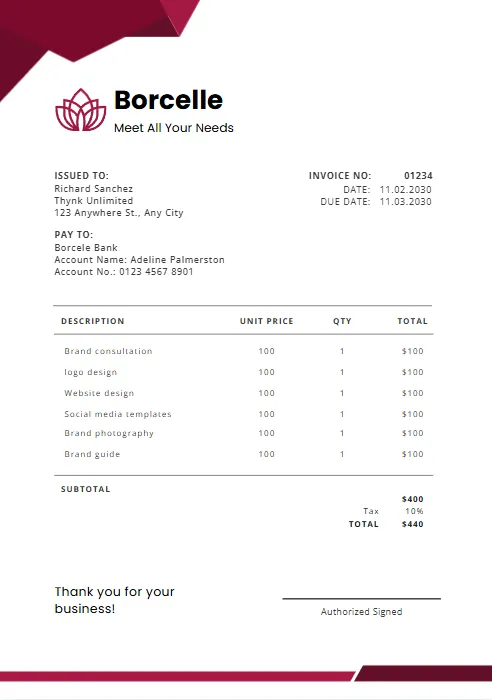
Orange and Purple Minimalist Business
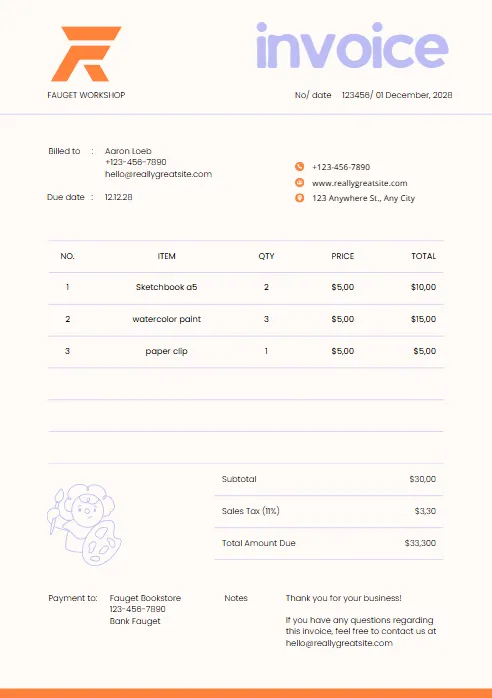
Green & Black Gradient Creative
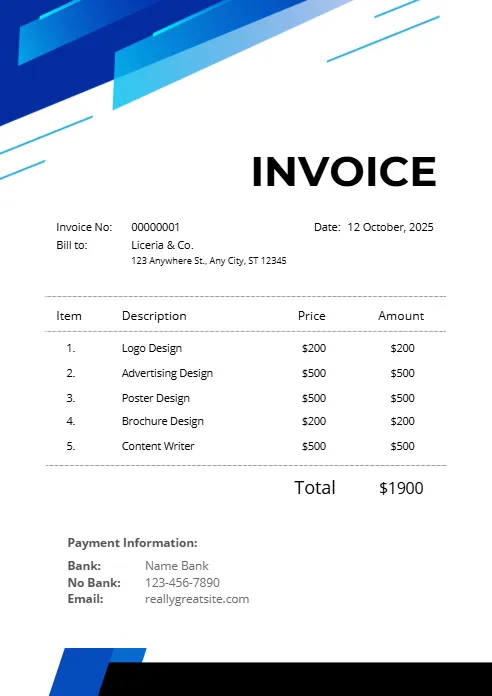
Green and White Professional
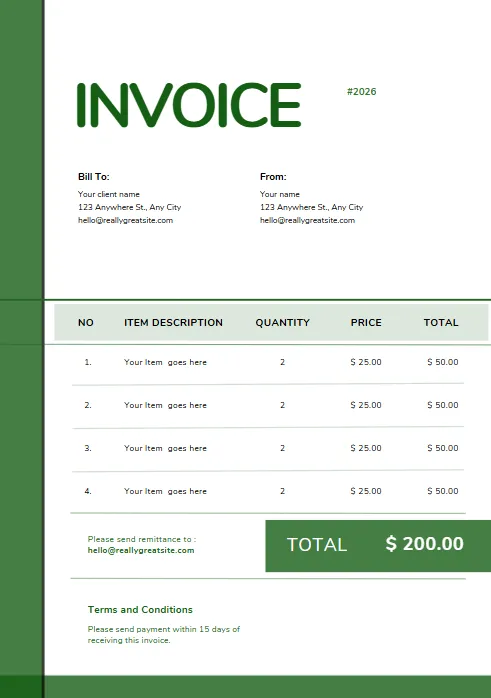
Green and White Modern Corporate
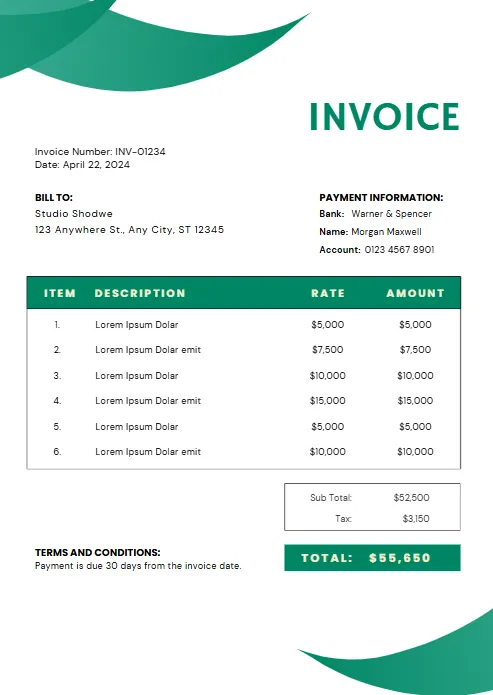
Green Professional Business Invoice
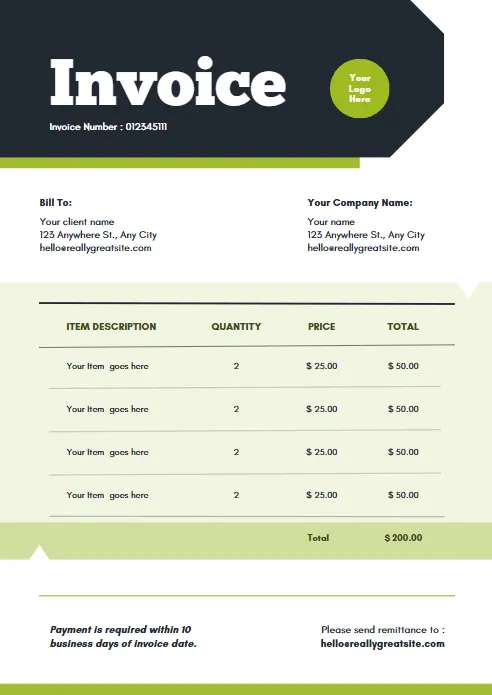
Yellow and Black Generic Service
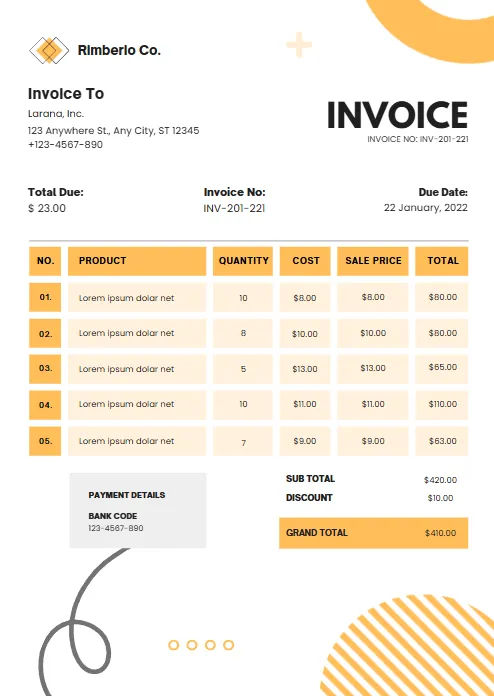
Orange and White Professional
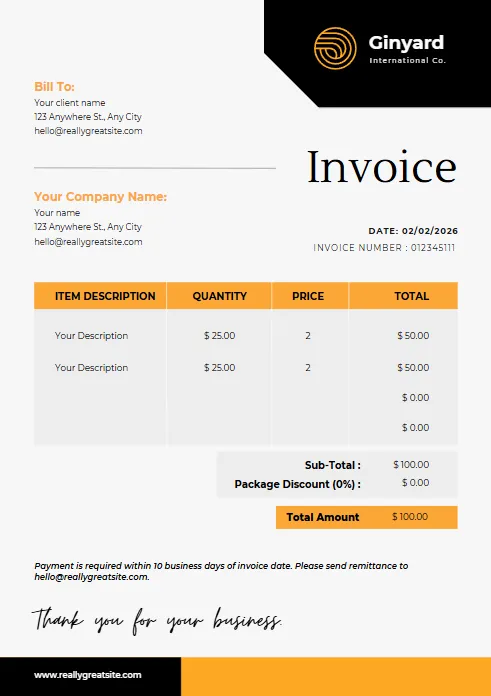
Blue Gradient Simple Architecture
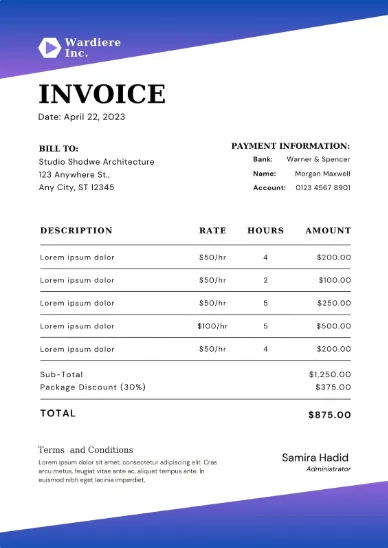
blue Minimalist Simple Invoice
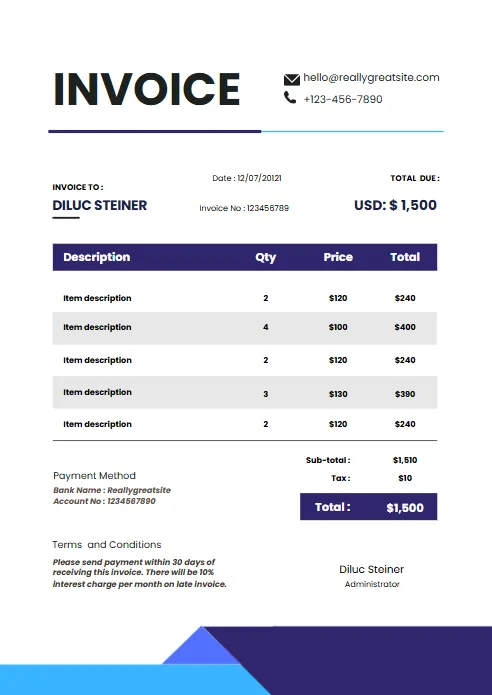
Minimal Professional Invoice
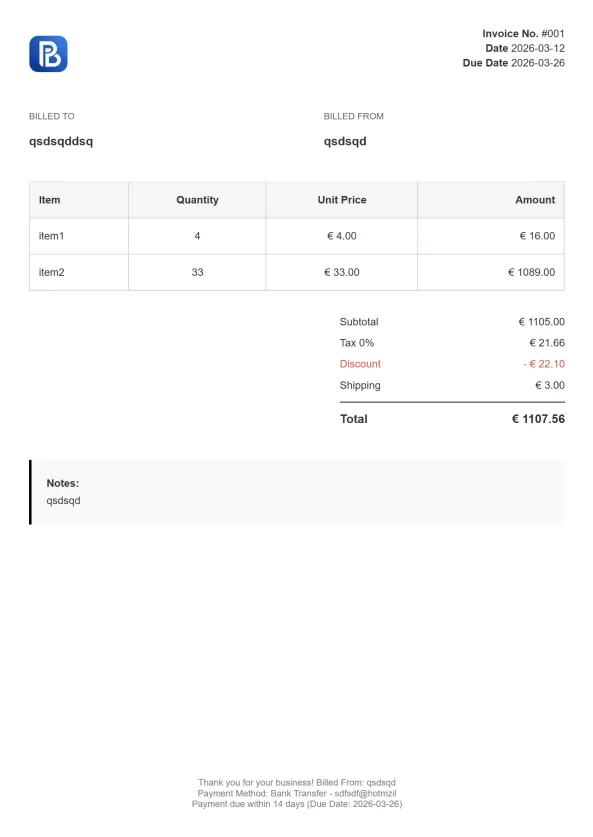
Professional Trucking Invoice

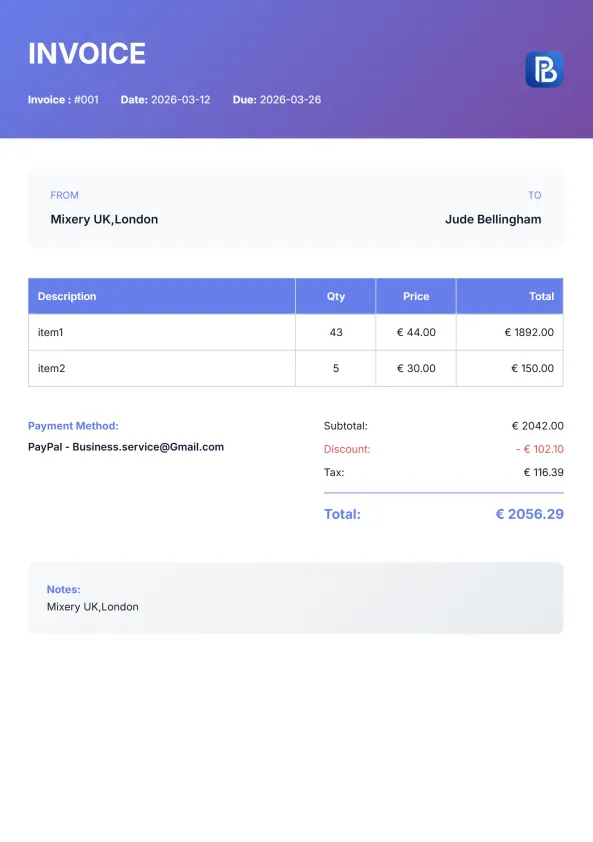
Gradient Modern Invoice
Explore Invoice Templates in Other Formats
Whether you prefer working in Microsoft Word, Excel, PDF, Google Docs, or Google Sheets, we offer free invoice templates for every workflow. Browse our collection of professionally designed templates and choose the format that best fits your invoicing needs. Every template is fully editable, easy to customize, and ready to download.


Invoice Templates for Every Industry
Every industry has unique invoicing requirements. While our Concrete Invoice Template is designed for contractors handling foundations, driveways, patios, sidewalks, slabs, and other concrete projects, you can also explore invoice templates created for other trades. Each template is professionally designed, fully customizable, and available as a free download to help you invoice with confidence.
Why Choose Our Concrete Invoice Templates?
Our Concrete Invoice Templates are designed specifically for concrete contractors, making it easy to bill for labor, materials, equipment, and project costs. With a professional layout, full customization, and multiple downloadable formats, you can create accurate invoices quickly and present a polished image to every client.
Designed for Concrete Contractors
Built specifically for concrete work, including foundations, driveways, slabs, sidewalks, patios, and other residential or commercial projects.
Fully Customizable
Add your company logo, business information, client details, pricing, taxes, and payment terms in just a few minutes.
Available in Multiple Formats
Download your Concrete Invoice Template in Excel, Word, PDF, Google Sheets, or Google Docs—choose the format that fits your workflow.
Professional & Client-Ready
Every template has a clean, modern layout that helps present your business professionally and makes invoices easy for clients to understand.
Free to Download
Download and use the template as many times as you need with no subscriptions or hidden costs.
Works for Any Project Size
Perfect for small residential jobs, large commercial projects, repairs, renovations, and ongoing concrete contracts.
What's Included in a Concrete Invoice Template?
A professional Concrete Invoice Template should do more than list a total amount. It should clearly document the work completed, materials used, labor charges, and payment details so both you and your client have a complete record of the project. Our template includes all the essential sections needed to create accurate, professional invoices for residential and commercial concrete work.
Contractor Information
Start every invoice with your business details, including your company name, logo, address, phone number, email, and contractor license number (if applicable). This helps clients identify your business and adds credibility to every invoice.
Client & Project Details
Include your client's contact information along with the project address, invoice number, issue date, and payment due date. Recording these details makes it easier to track projects and maintain organized financial records.
Concrete Work Performed
Clearly describe each service completed so your client understands exactly what they're being billed for. Examples include: Foundation installation, Concrete slab pouring
Materials & Equipment
List all materials and equipment used throughout the project. This may include concrete mix, rebar, gravel, wire mesh, sealers, formwork, concrete pumps, mixers, or other rented equipment. Itemizing these costs provides transparency and helps prevent billing disputes.
Labor Hours
Record labor charges based on hourly rates, daily rates, or fixed project pricing. Separating labor from material costs gives clients a clear breakdown of the total project cost.
Payment Summary
Finish your invoice with a complete payment summary, including the subtotal, taxes, discounts (if applicable), deposits received, balance due, accepted payment methods, and payment terms. A clear summary helps clients process payments quickly and reduces the chance of misunderstandings.
How to Use a Concrete Invoice Template
Creating a professional invoice doesn’t have to be complicated. Our Concrete Invoice Template is designed to help you bill accurately for every project, whether you’re pouring a new foundation, installing a driveway, or completing a commercial concrete job. Follow these simple steps to customize your template and send a polished invoice to your client.
Step 1: Make a Copy of the Template
Open the Google Docs invoice template and create your own editable copy by selecting File → Make a copy. This ensures the original template stays unchanged while giving you a version you can customize for your business.
Step 2: Add Your Business Information
Start by entering your company name, logo, contact details, and contractor license number (if applicable). Including complete business information makes your invoice look professional and gives clients an easy way to contact you.
Step 3: Enter Your Client's Details
Add your client's name, billing address, project location, invoice number, issue date, and payment due date. Keeping these details organized helps you track projects and maintain accurate records.
Step 4: Describe the Carpentry Work
Describe each service provided and include quantities, unit prices, and labor charges. You can invoice for services such as: Concrete slab installation Foundation work Also include any materials or equipment used, such as concrete mix, rebar, gravel, concrete pumps, or rented machinery.
Step 5: Review the Total Amount
Double-check your calculations before sending the invoice. Make sure taxes, discounts, deposits, and the remaining balance are accurate so your client clearly understands the final amount due.
Step 6: Download and Send Your Invoice
Once everything is complete, download your invoice in PDF, Word, Excel, Google Docs, or Google Sheets format, or print it for your records. Sending a clear and professional invoice helps you get paid faster and leaves a positive impression on your clients.

Concrete Invoice Template vs Online Invoice Generator
A Concrete Invoice Template is an excellent choice if you prefer creating invoices manually using Word, Excel, PDF, or Google Docs. However, if you invoice clients regularly, an online invoice generator can help you work faster by automating calculations and simplifying the entire billing process.
Choose the option that best fits the way you manage your concrete business.
| Concrete Invoice Template | Online Invoice Generator |
|---|---|
|
Free to download and edit
|
Create invoices instantly online
|
|
Works offline
|
Access your invoices from anywhere
|
|
Manual calculations
|
Automatic tax and total calculations
|
|
Ideal for occasional invoicing
|
Perfect for frequent invoicing
|
|
Customize with your preferred software
|
Save customer and business details for future invoices
|
|
Export as PDF or print
|
Generate, download, and send invoices in minutes
|
More Free Business Tools
Frequently Asked Questions (FAQ)
Is this Concrete Invoice Template free to download?
Yes. Our Concrete Invoice Template is completely free to download and use. Choose from Excel, Word, PDF, Google Sheets, or Google Docs, customize it with your business information, and use it for as many projects as you need.
What types of concrete projects can I use this template for?
This template is suitable for almost any concrete project, including driveways, foundations, patios, sidewalks, slabs, garage floors, retaining walls, decorative concrete, repairs, and both residential and commercial construction jobs.
Can I customize the template with my company logo?
Absolutely. You can easily add your company logo, business name, contact information, contractor license number, payment terms, and other branding to create a professional invoice that reflects your business.
What should a concrete invoice include?
A professional concrete invoice should include your business information, client details, project location, invoice number, work performed, materials used, labor charges, equipment costs, taxes, payment terms, and the total amount due.
Can I use this template for commercial concrete projects?
Yes. The template works for both residential and commercial concrete work. Whether you’re billing for a small patio installation or a large commercial foundation, you can customize the invoice to fit your project.
Which file formats are available?
You can download the Concrete Invoice Template in Microsoft Word, Microsoft Excel, PDF, Google Docs, and Google Sheets, allowing you to choose the format that best fits your workflow.
What's the difference between a Concrete Invoice Template and an online invoice generator?
A downloadable template is ideal if you prefer creating invoices manually or working offline. An online invoice generator automatically calculates totals, stores customer information, and lets you create professional invoices faster without manual formatting.
Can I convert my invoice to PDF?
Yes. If you’re using the Word, Excel, Google Docs, or Google Sheets version, you can save or export your completed invoice as a PDF before sending it to your client. You can also download the ready-to-use PDF version directly from our website.

