 Skip to content
Free Invoice Templates (Download or Create Online)
Create professional invoices in seconds. Choose from ready-made invoice templates or skip the hassle and generate your invoice online — fast, simple, and free.
No sign-up required • Instant download • Works on mobile
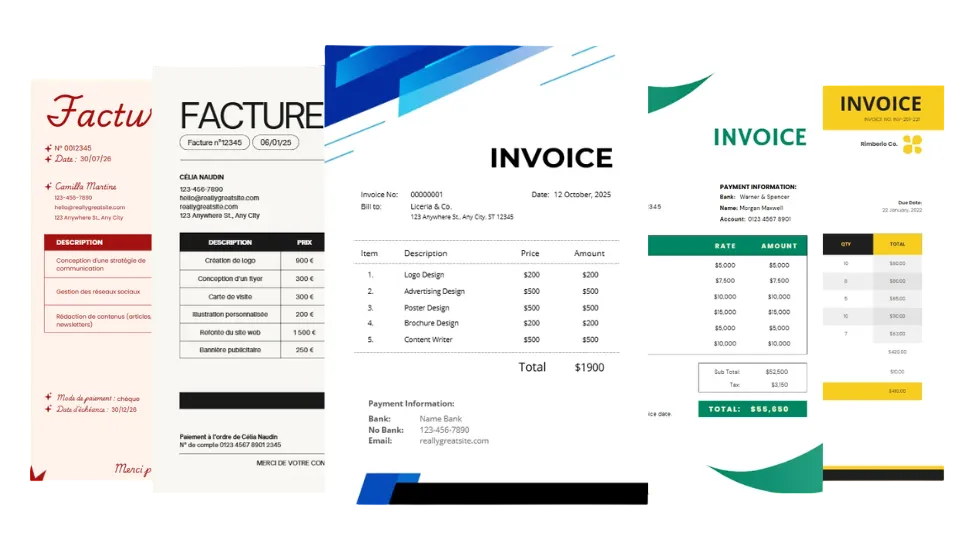
Browse Our Invoice Templates
Choose from a wide range of free invoice templates designed for different needs. Whether you’re a freelancer, small business owner, or agency, you’ll find a template that fits your workflow.
All templates are easy to customize, professional, and ready to download in multiple formats. Word, Excel, PDF, Google Docs, and Google Sheets.
Moderne Minimaliste Beige Noir
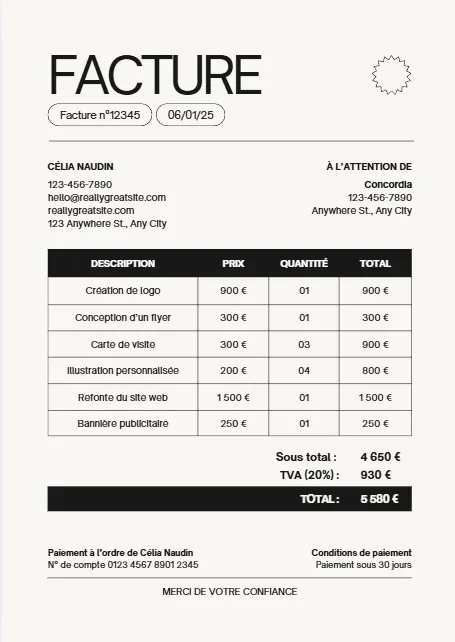
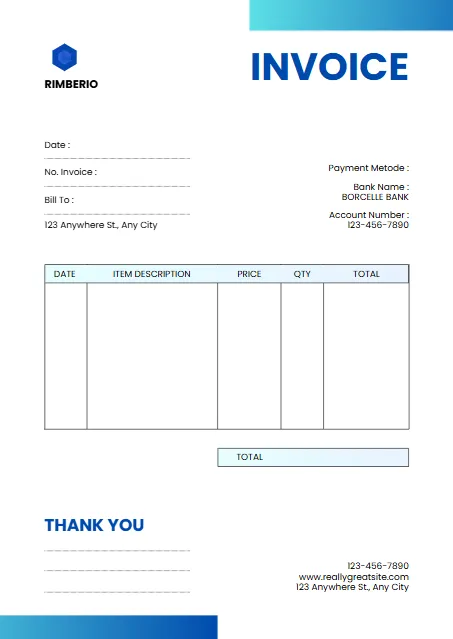
White And Blue Minimalist Invoice
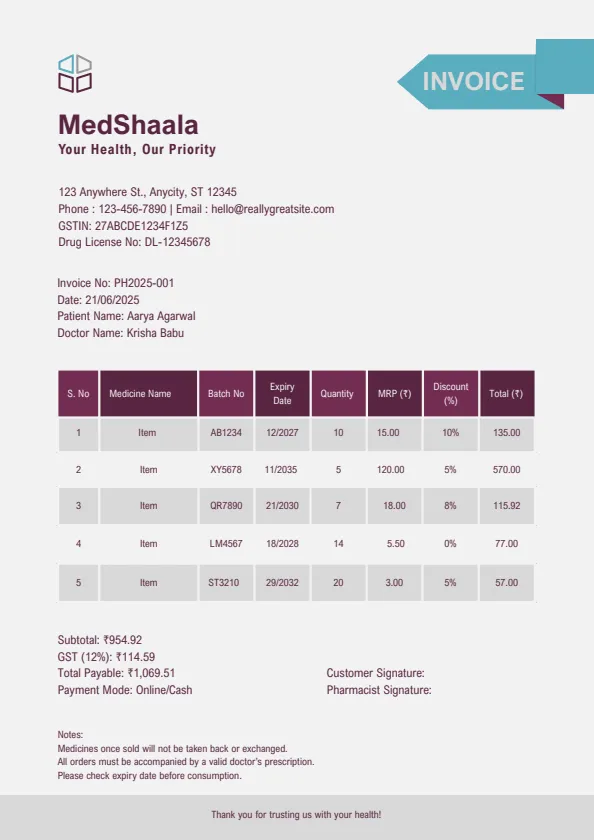
Plum And Teal Clean Medical
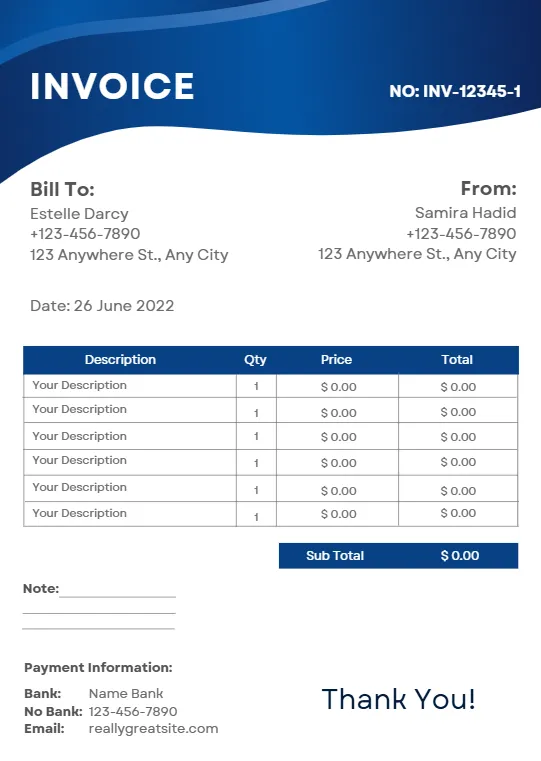
Blue Modern Creative Professional
Beige Minimalist Typecentric
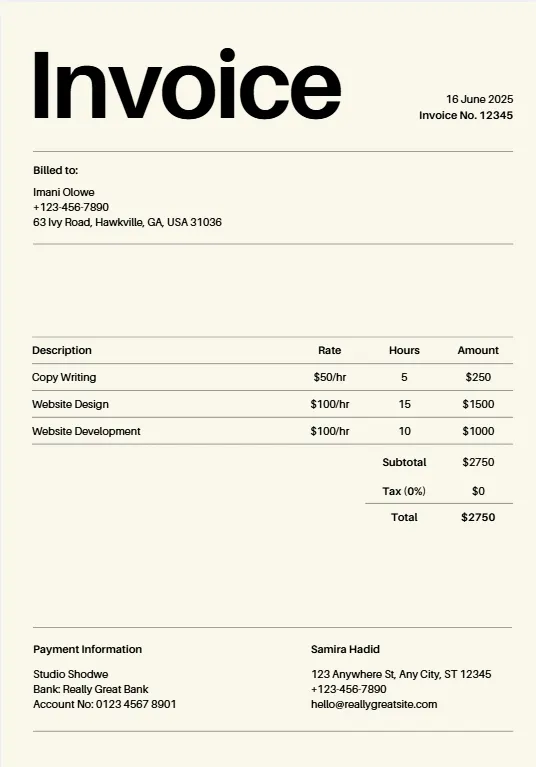
Orange Geometric Line
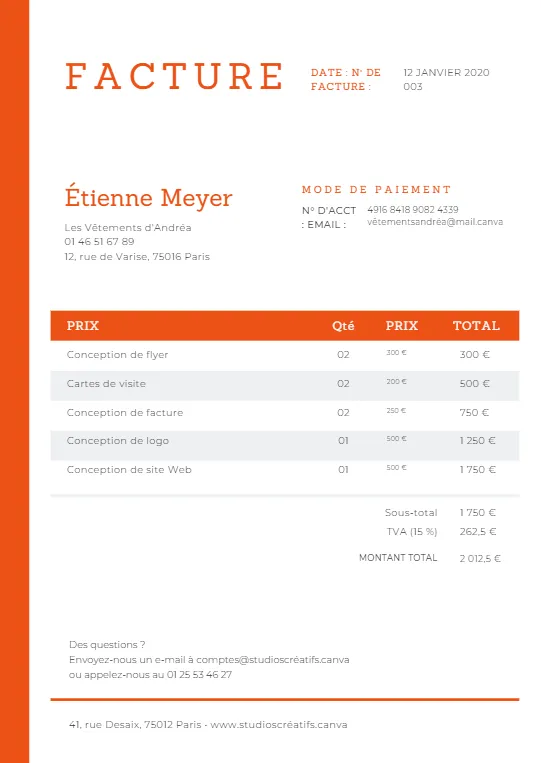
Minimalist Business Invoice
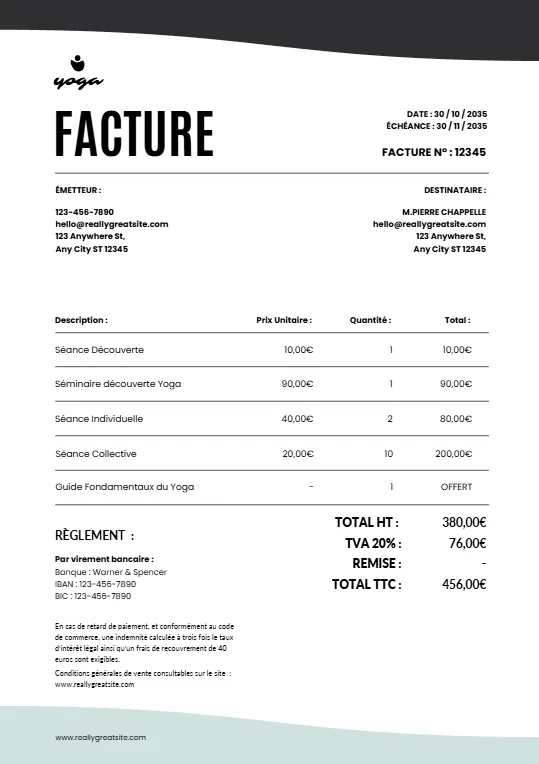
Simple Minimalist Invoice
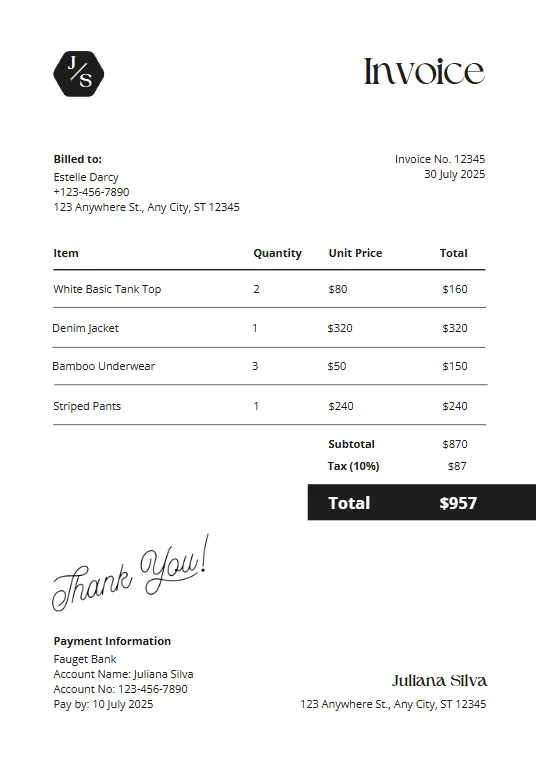
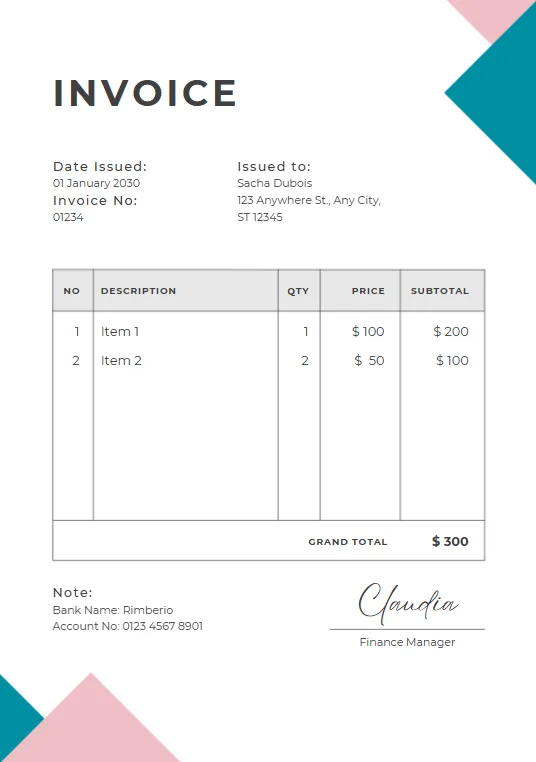
Pink And Teal Modern Invoiceb
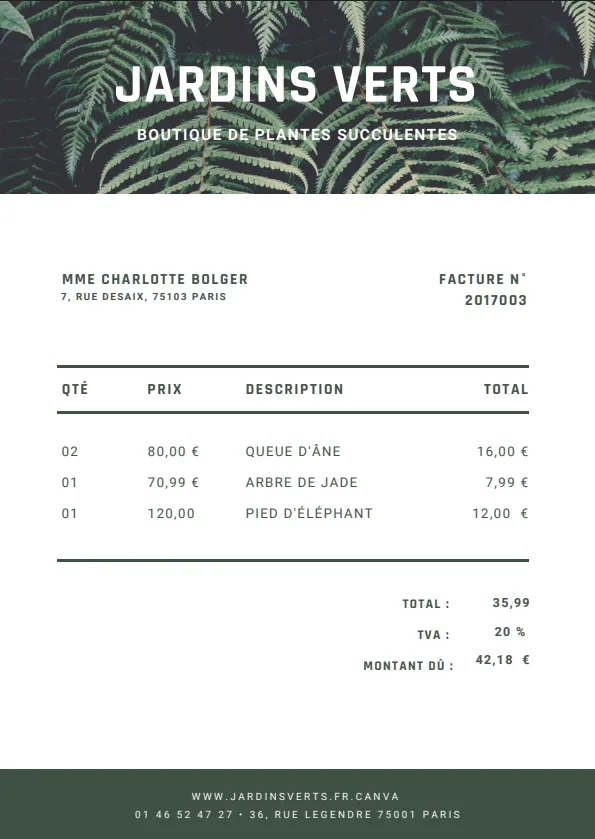
Green Plant invoice
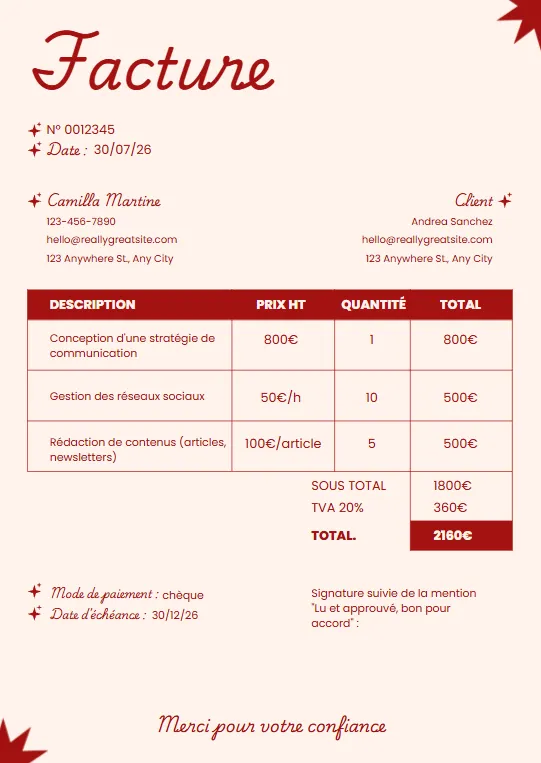
Minimalist red professional invoice
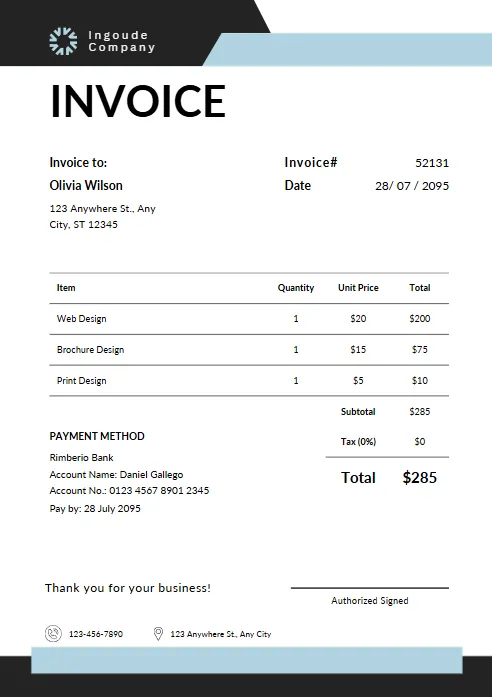
Black White and Blue Corporate
Yellow and Black Typographic
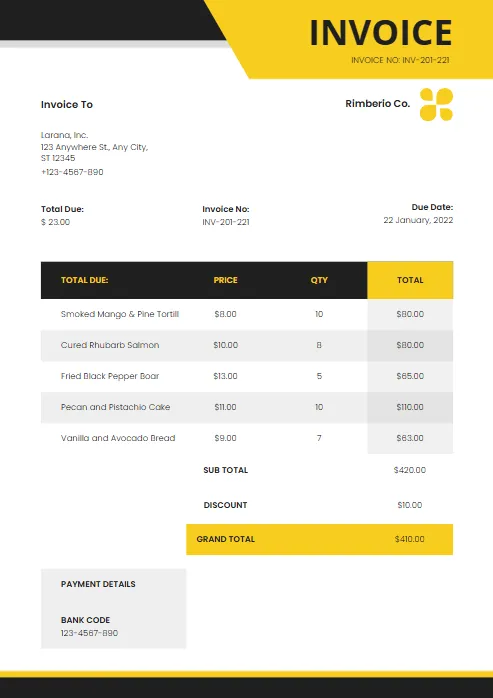
Modern Blue and White
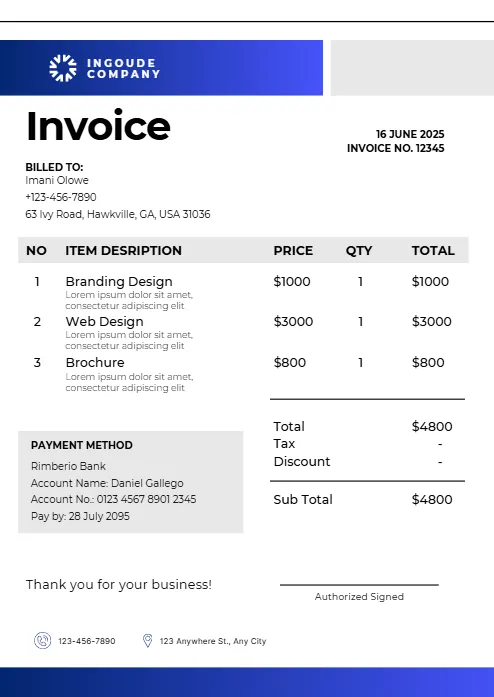
Abstract Yellow Modern Design
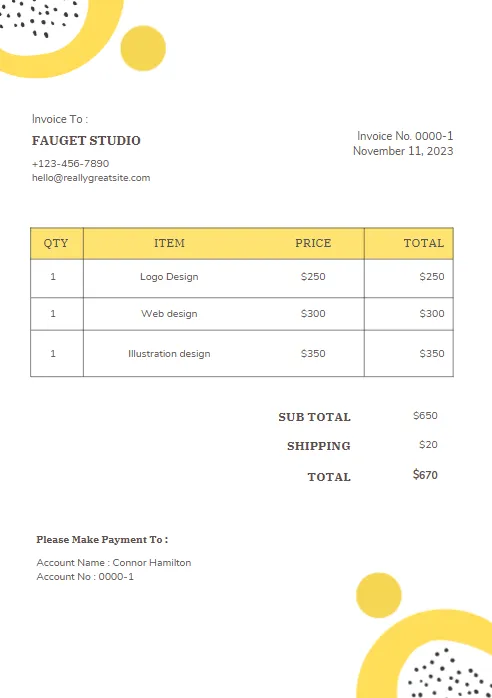
Purple and Orange Modern Invoice
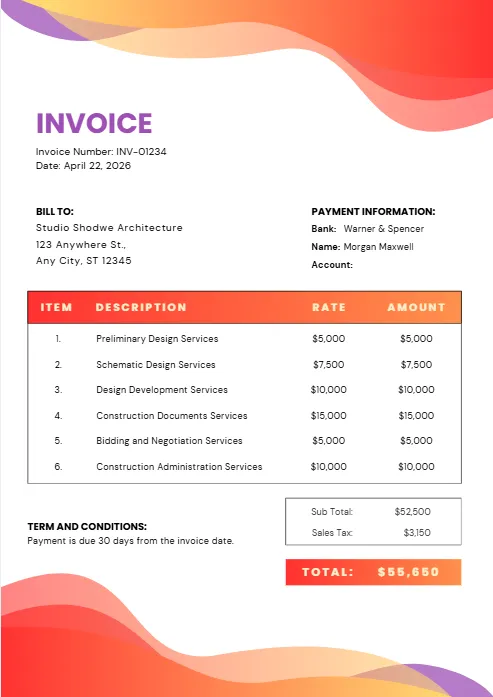
Purple and Blue Modern Invoice
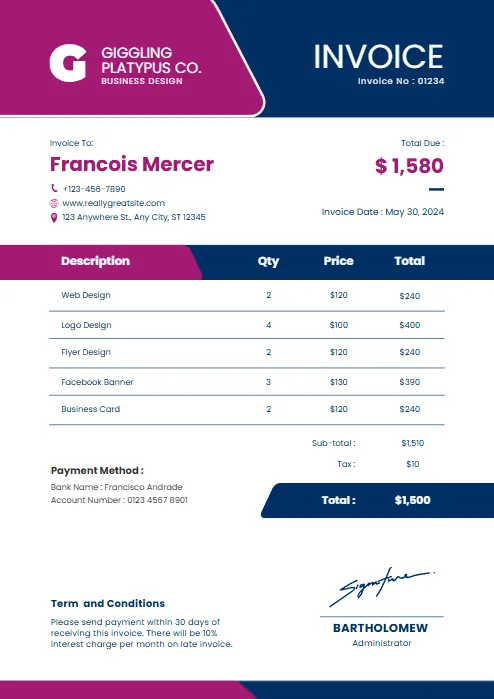
Red and black minimalist business
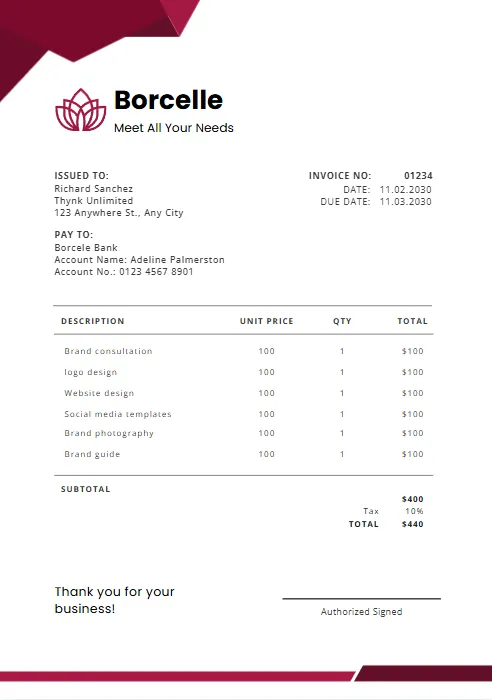
Orange and Purple Minimalist Business
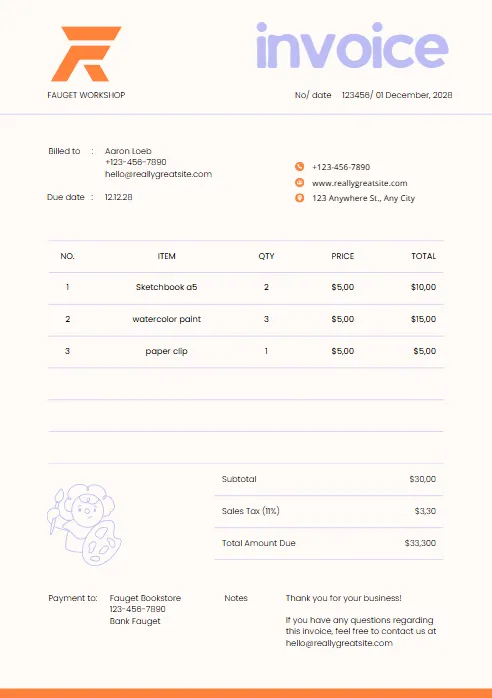
Green & Black Gradient Creative
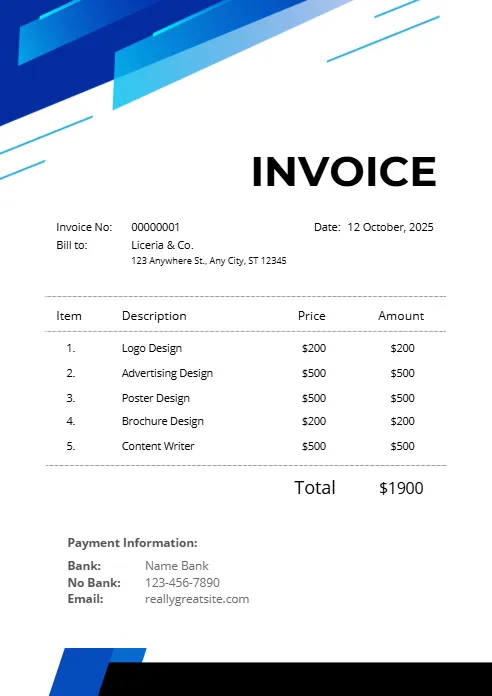
Green and White Professional
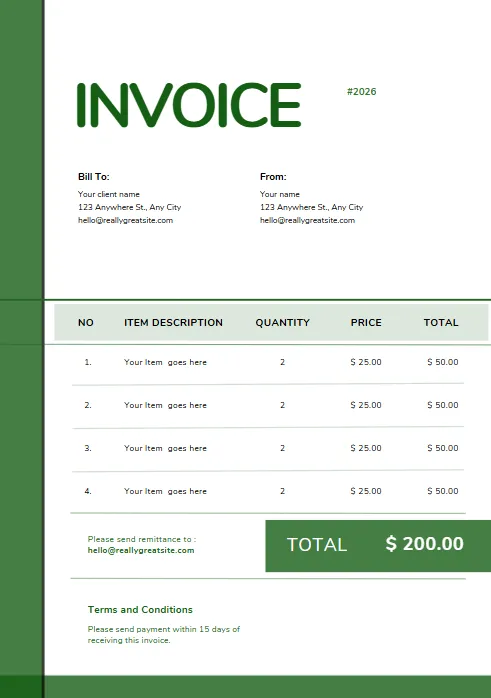
Green and White Modern Corporate
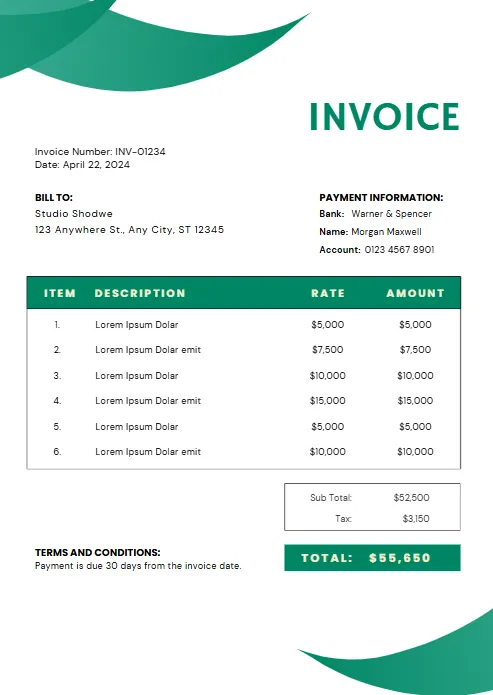
Green Professional Business Invoice
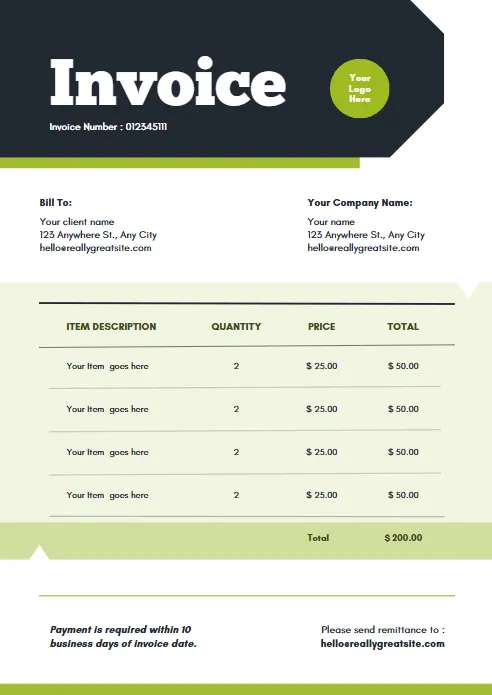
Yellow and Black Generic Service
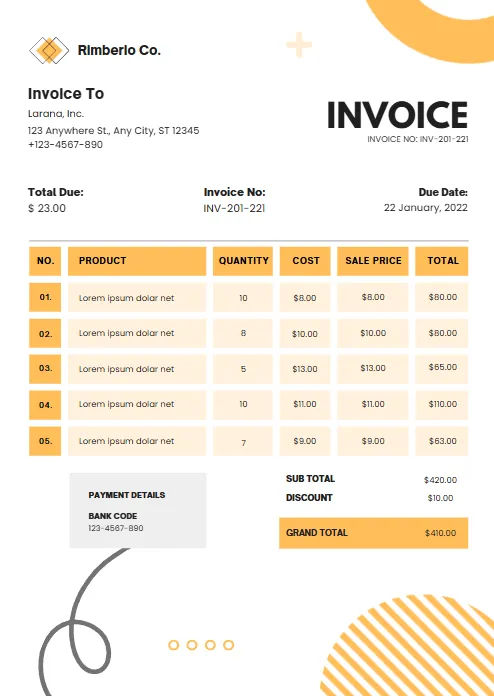
Orange and White Professional
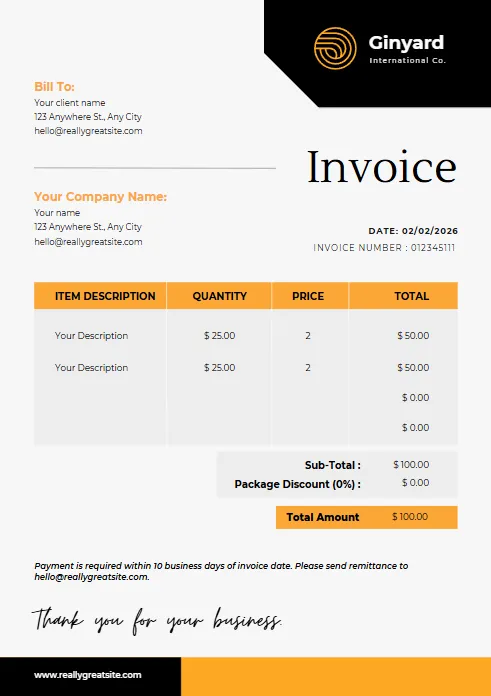
Blue Gradient Simple Architecture
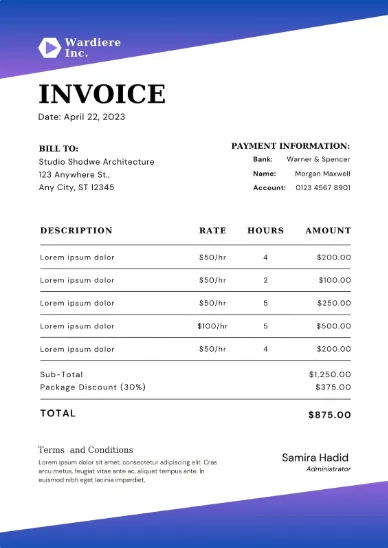
blue Minimalist Simple Invoice
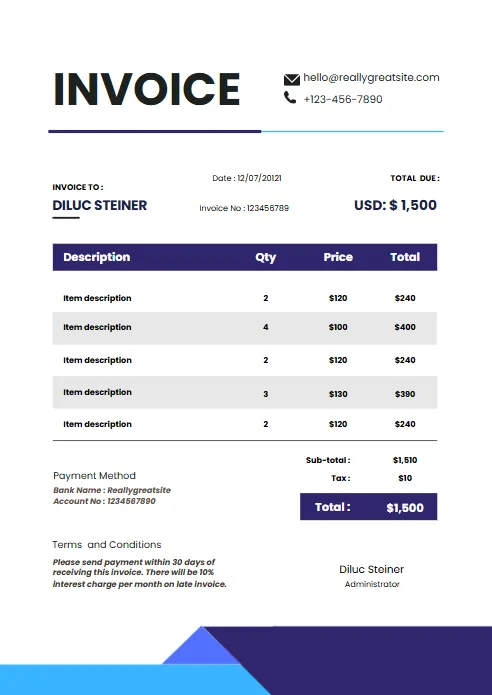
Minimal Professional Invoice
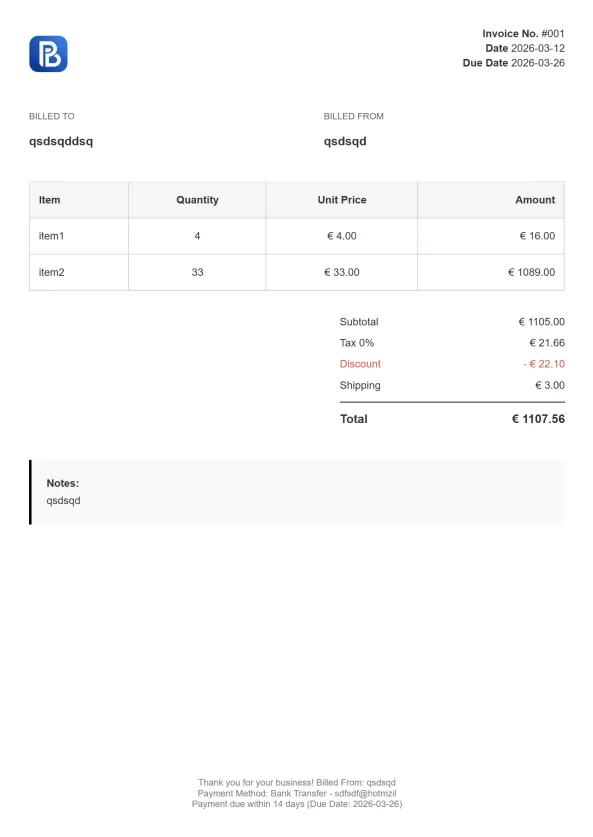
Classic Business Invoice
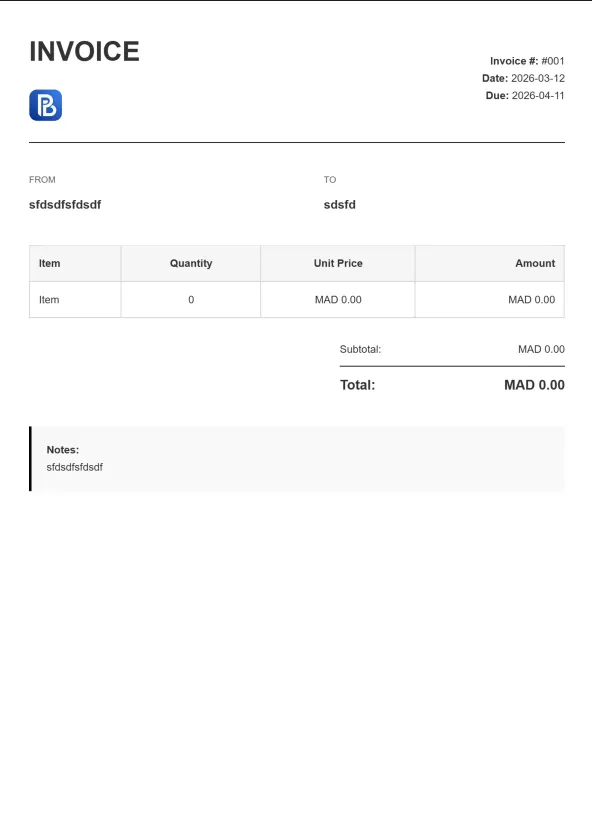
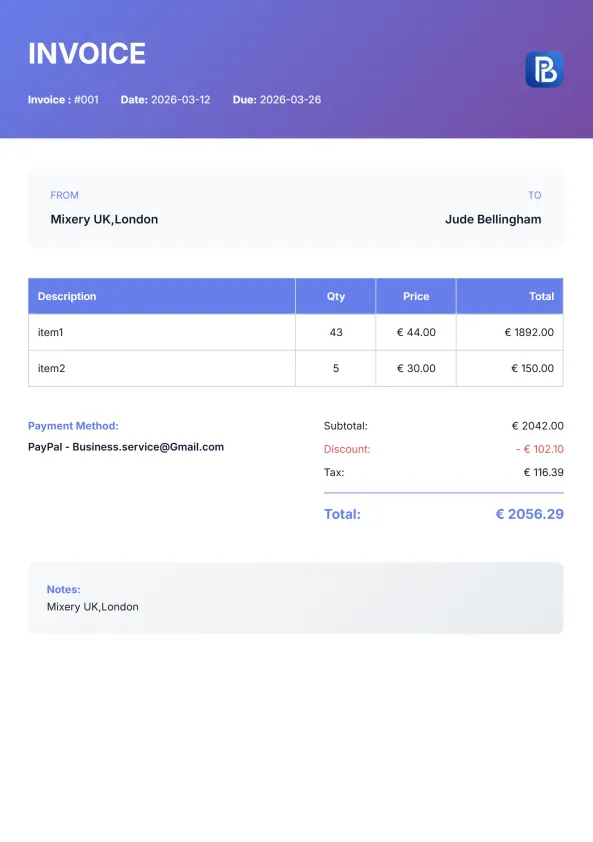
Gradient Modern Invoice
Browse More Invoice Templates
Different businesses prefer different invoice formats depending on their workflow, software, and billing needs. While our Excel invoice template is perfect for users who need spreadsheet-based invoicing, you can also explore other free invoice templates available in multiple formats. All templates are professionally designed, fully customizable, and ready to download.


Industry-Specific Invoice Templates
Every business has unique invoicing requirements. While our Excel invoice template works for almost any profession, some industries benefit from templates designed specifically for their services, materials, and billing practices. Explore our industry-specific invoice templates to find a format tailored to your business needs.
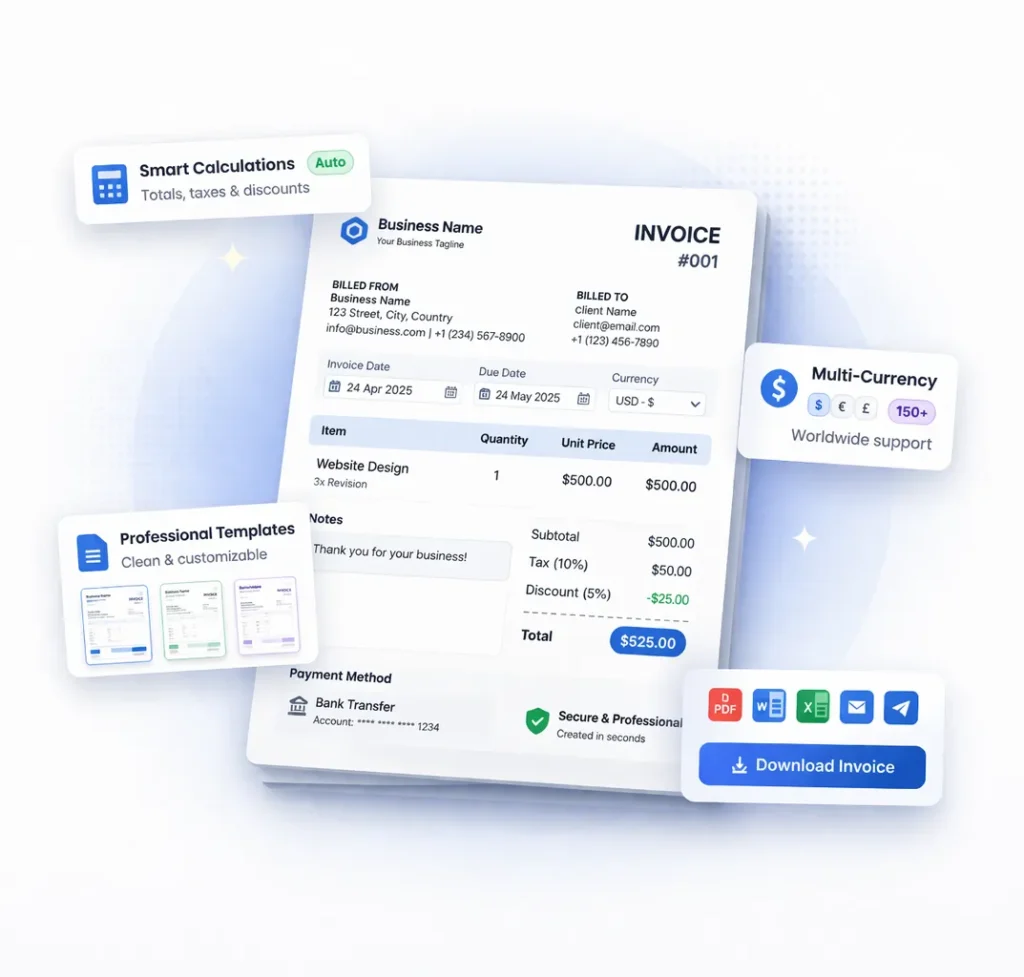
Create Your Invoice Instantly
Skip editing and formatting. Use our free invoice generator to create, customize, and download your invoice in seconds.
No design skills needed
Automatic calculations
Download as PDF instantly
Works perfectly on mobile
Free Invoice Templates for Every Use Case
No matter your business type, using the right invoice template helps you stay professional and get paid faster. Our free invoice templates are designed to fit different industries and workflows, so you can choose what works best for you.
Invoice Templates for Freelancers
Perfect for designers, developers, writers, and consultants. These templates are simple, clean, and focused on clarity — helping you bill clients quickly without confusion.
Invoice Templates for Small Businesses
Designed for growing businesses that need more structure. Include company details, tax information, and clear payment terms to keep everything organized.
Invoice Templates for Agencies
Ideal for teams managing multiple clients and projects. These templates help you present detailed invoices while maintaining a professional look.
Simple & Easy Invoice Templates
If you want something minimal, these templates remove the complexity. Just add your details, download, and send.
No matter which template you choose, you can also create your invoice online instantly using our free tool — faster, easier, and fully customizable.
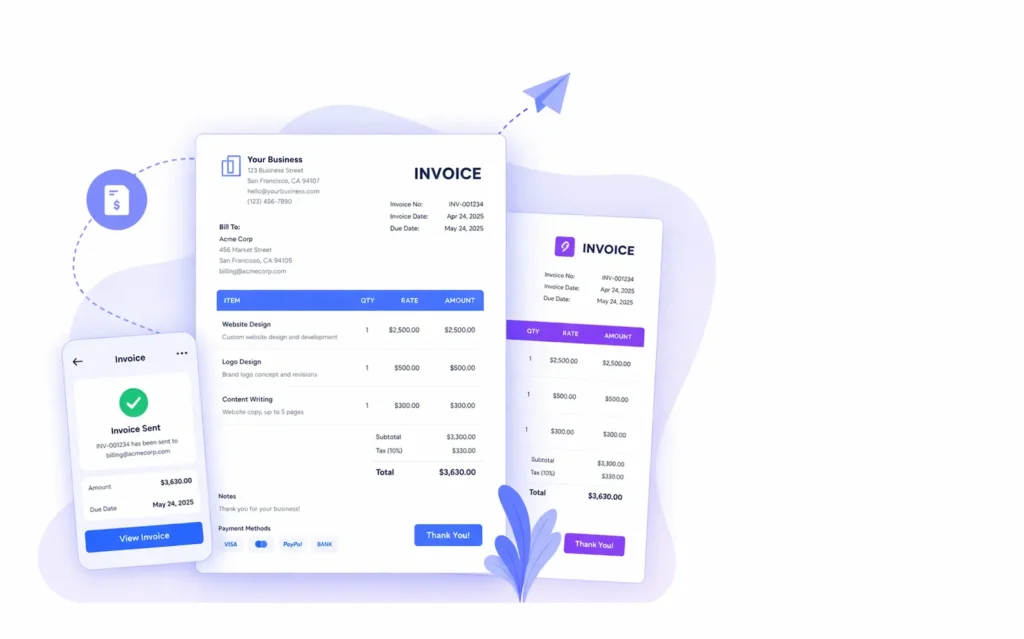
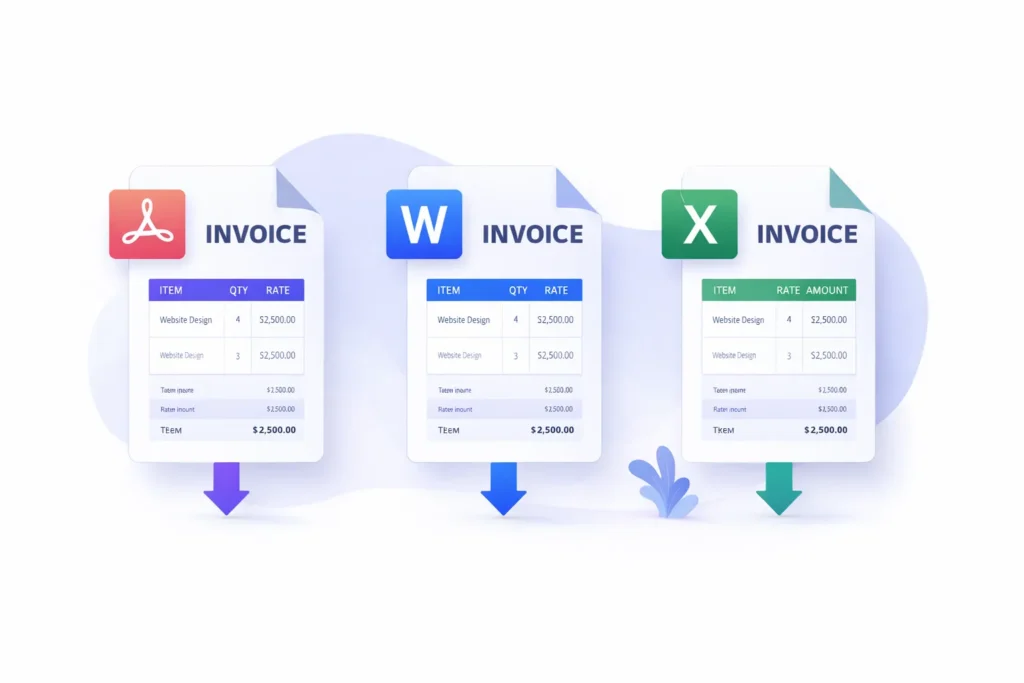
Download Invoice Templates (PDF, Word, Excel)
Get started quickly with our free invoice templates download options. Choose your preferred format, customize it, and send professional invoices to your clients in minutes.
Invoice Template PDF
Download ready-to-use PDF invoice templates for a clean and professional look. Perfect if you want a simple solution that’s easy to share and print.
Invoice Template Word
Use editable Word invoice templates to fully customize your invoices. Ideal for users who prefer working with familiar tools like Microsoft Word.
Invoice Template Excel
Excel invoice templates are great for automatic calculations and organizing detailed billing. Easily track totals, taxes, and line items.
Things to Keep in Mind
When using downloadable templates, you’ll need to:
- Manually enter and update every detail
- Double-check calculations
- Reuse and edit files for each new client
- Keep track of sent and unpaid invoices yourself
A Faster Way to Handle Invoices
If you’re creating invoices regularly, managing files can quickly become repetitive and time-consuming.
Instead of editing templates every time, you can generate a ready-to-send invoice in one place — with everything handled for you from the start.
👉 Create, update, and reuse invoices without starting from scratch each time.
How to Use an Invoice Template (Step-by-Step)
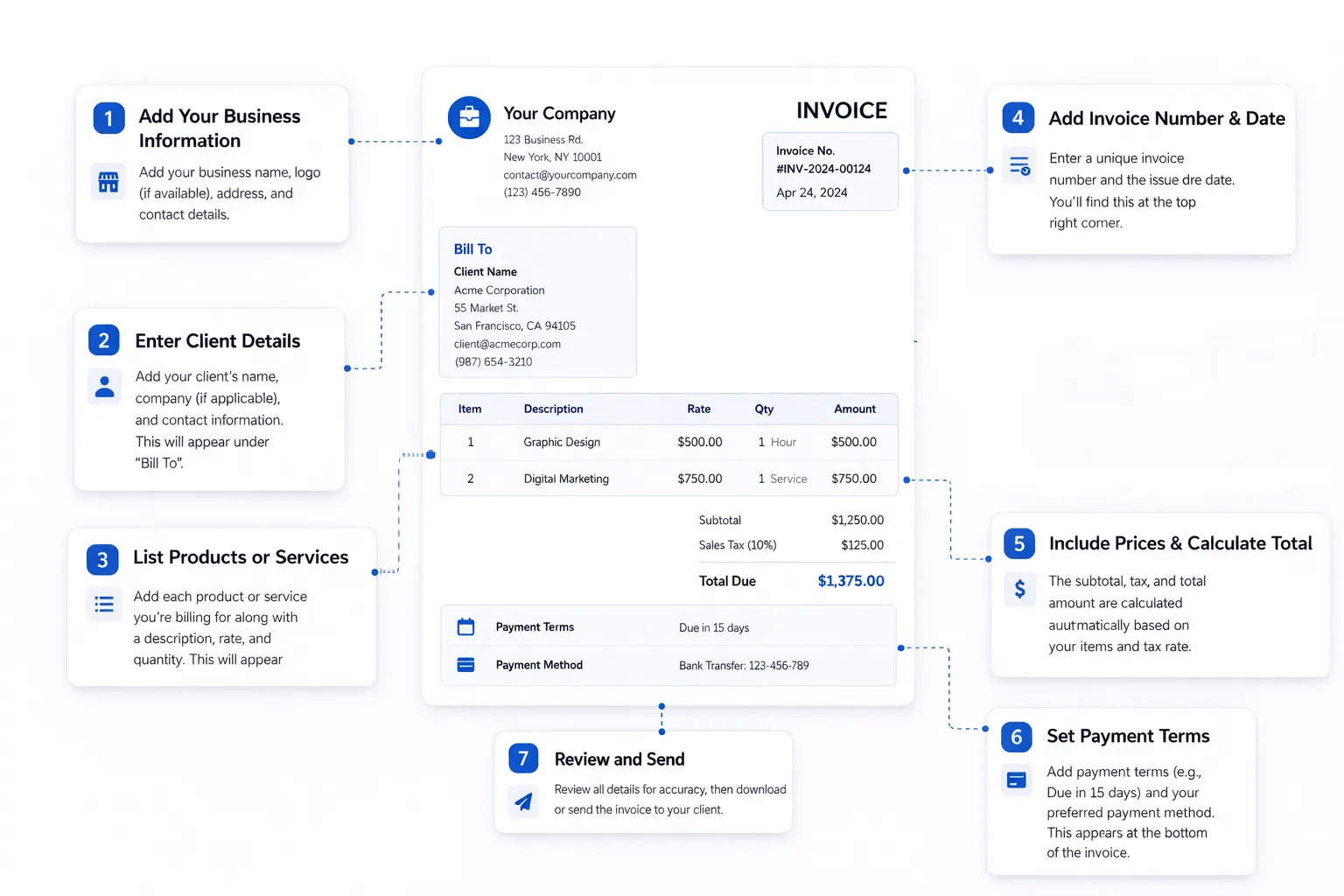
Using an invoice template is simple, but following the right steps ensures your invoices look professional and get paid on time.
Step 1: Add Your Business Information
Include your business name, logo (if available), address, and contact details so clients know exactly who the invoice is from.
Step 2: Enter Client Details
Add your client’s name, company (if applicable), and contact information to keep everything clear and organized.
Step 3: Add Invoice Number & Date
Assign a unique invoice number and include the issue date. This helps with tracking and avoids confusion later.
Step 4: List Products or Services
Break down the work you’ve done or the products you’re billing for. Be clear and specific to avoid disputes.
Step 5: Include Prices & Calculate Total
Enter the unit price, quantity, and calculate the total amount. Don’t forget to include taxes if required.
Step 6: Set Payment Terms
Mention when the payment is due (e.g., 7, 14, or 30 days) and include your preferred payment method.
Step 7: Review and Send
Double-check all details, then download or send the invoice to your client.
Pro Tip
Many errors in invoicing come from manual edits and calculations. If you want to avoid mistakes and save time, using an online invoice tool can simplify the entire process — especially if you send invoices frequently.
More Free Business Tools
Frequently Asked Questions (FAQ)
What is an invoice template?
An invoice template is a pre-designed document that helps you create professional invoices quickly. It includes fields for your business details, client information, items or services, pricing, and payment terms.
Are these invoice templates really free?
Yes, all our invoice templates are completely free to use. You can download, edit, and reuse them as many times as you need without any hidden costs.
Which format should I choose (PDF, Word, or Excel)?
It depends on your needs:
- PDF is best for sending and printing
- Word is ideal for easy editing
- Excel works well for calculations and detailed invoices
Can I customize these invoice templates?
Yes, all templates are fully customizable. You can add your logo, change colors, edit fields, and adjust them to match your brand and business needs.
Is it better to use a template or an invoice generator?
Invoice templates are useful for occasional use, but they require manual editing and calculations. If you create invoices regularly, using an online invoice generator is faster and helps reduce errors by automating the entire process.
