 Skip to content
Free Google Sheets Invoice Template
Download a free Google Sheets invoice template that’s fully editable, professional, and easy to customize. Make a copy to your Google Drive, update your business and client details, and automatically calculate totals, taxes, and discounts. Perfect for freelancers, contractors, consultants, and small businesses that want a simple way to create professional invoices.
No sign-up required • Instant download • Works on mobile
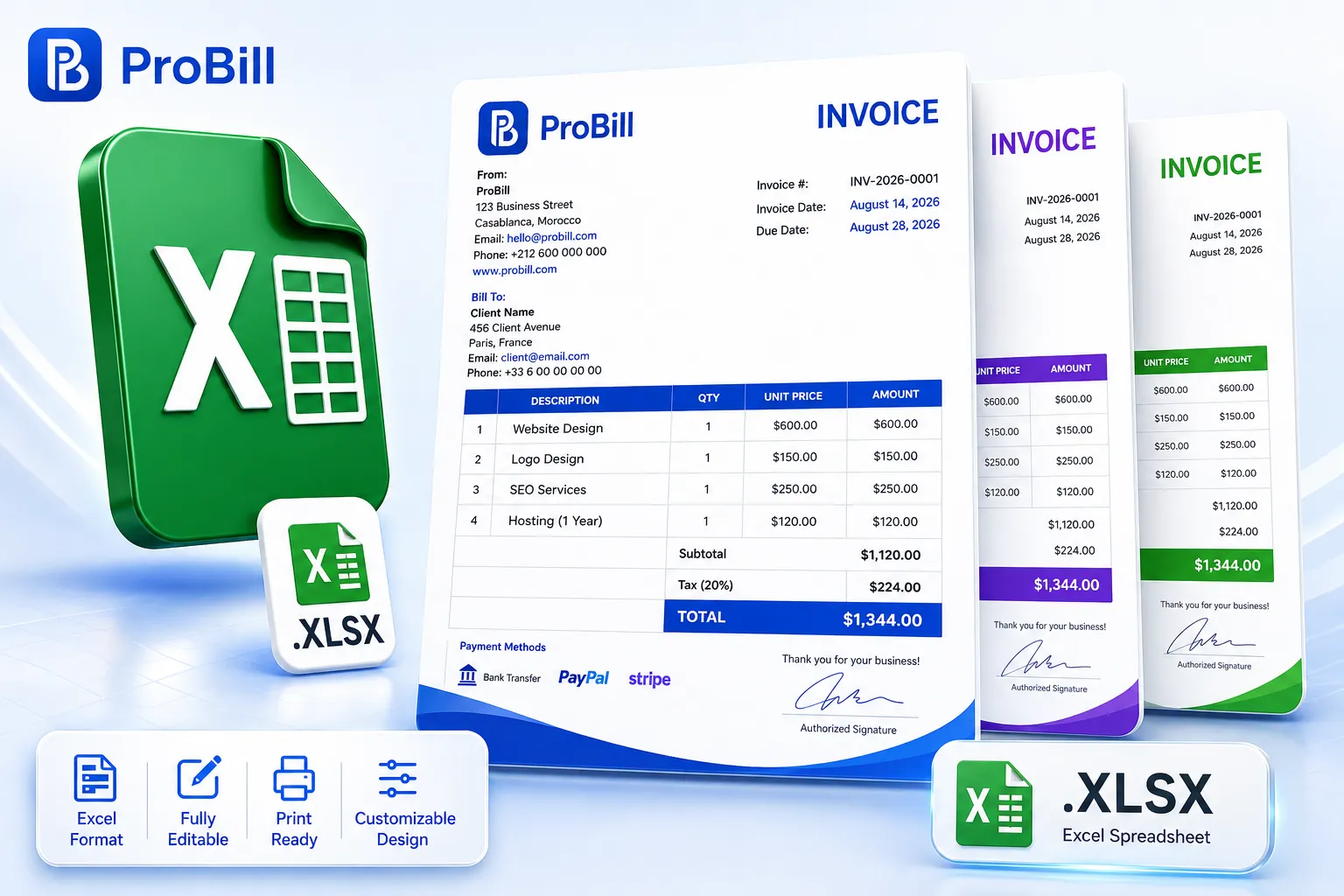
Free Google Sheets Invoice Templates
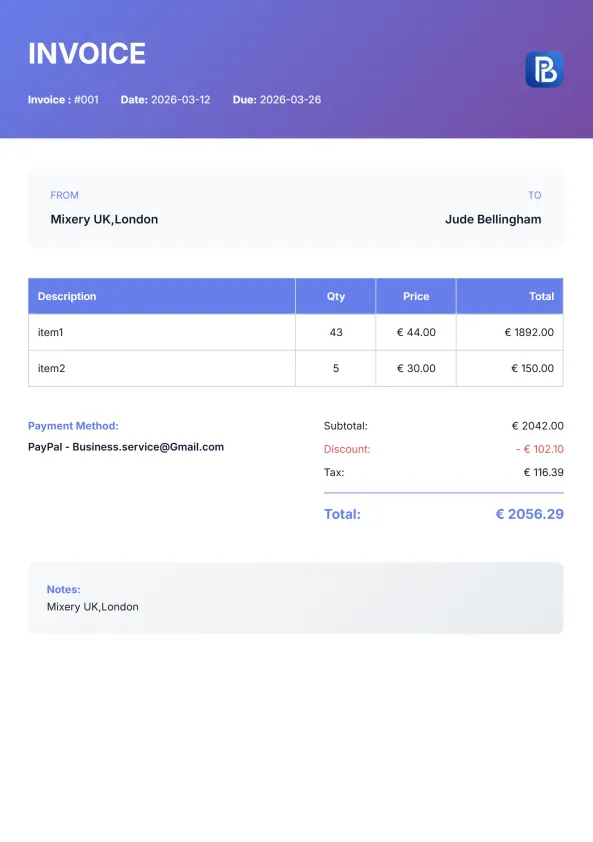
Find the perfect Google Sheets invoice template for your business. Every template is professionally designed, fully editable, and ready to use. Simply make a copy to your Google Drive, customize it with your business details, and create professional invoices in minutes. Whether you need a clean, modern, or industry-specific layout, our Google Sheets invoice templates help you invoice clients faster while keeping calculations accurate.
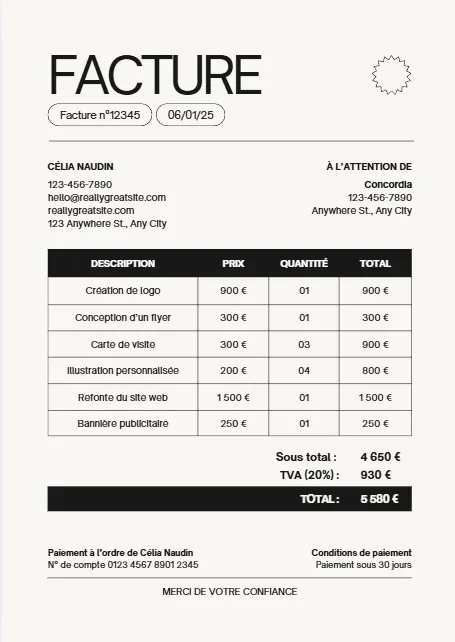
Moderne Minimaliste Beige Noir
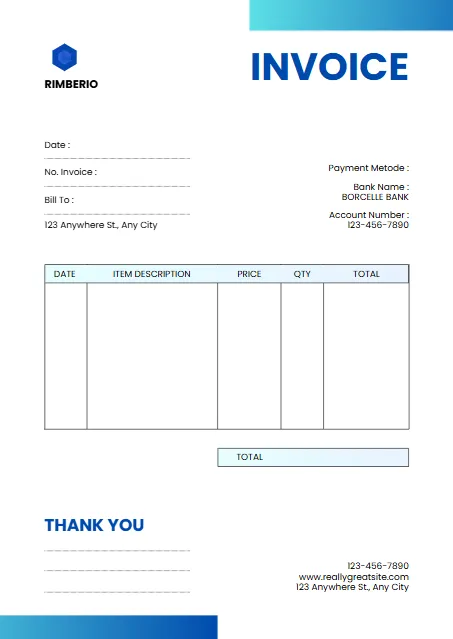
White And Blue Minimalist Invoice
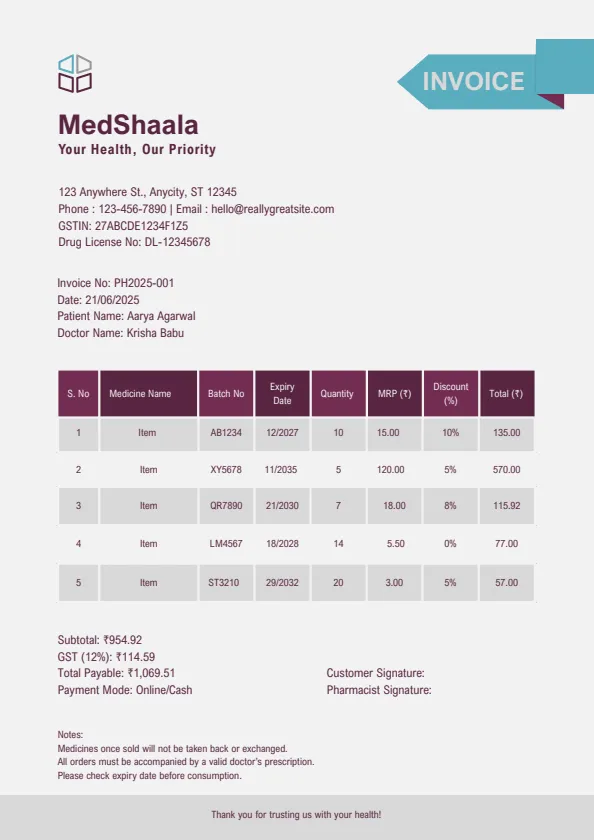
Plum And Teal Clean Medical
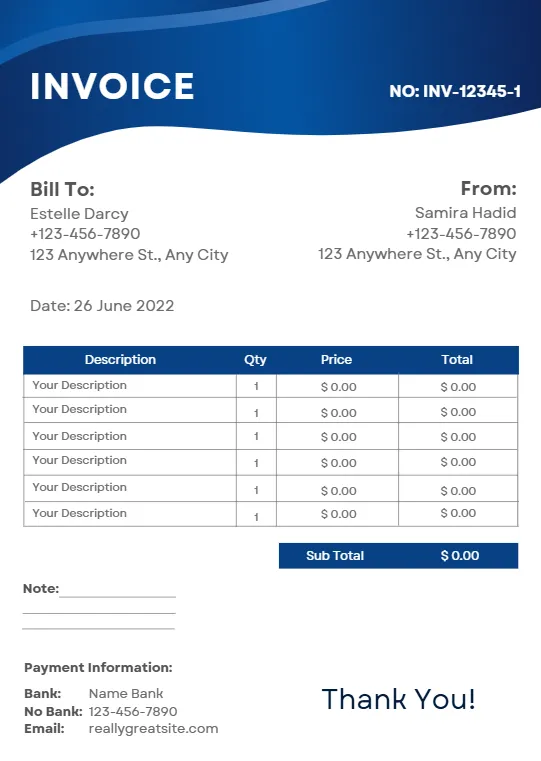
Blue Modern Creative Professional
Beige Minimalist Typecentric
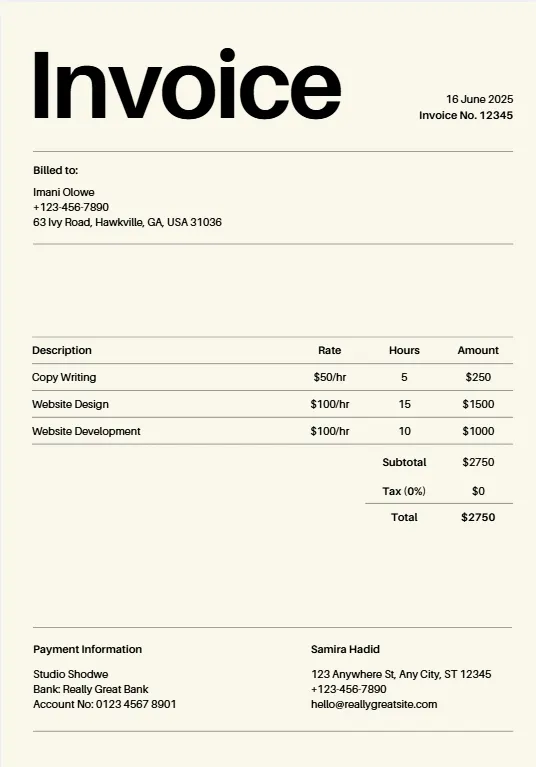
Orange Geometric Line
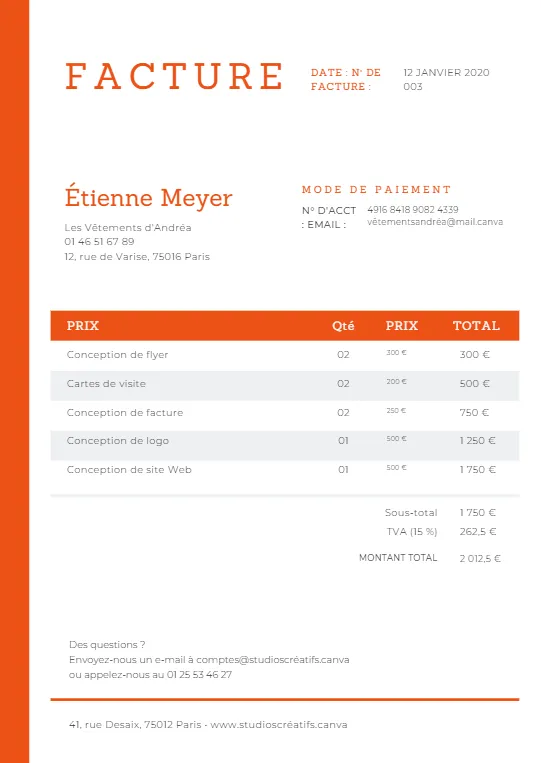
Minimalist Business Invoice
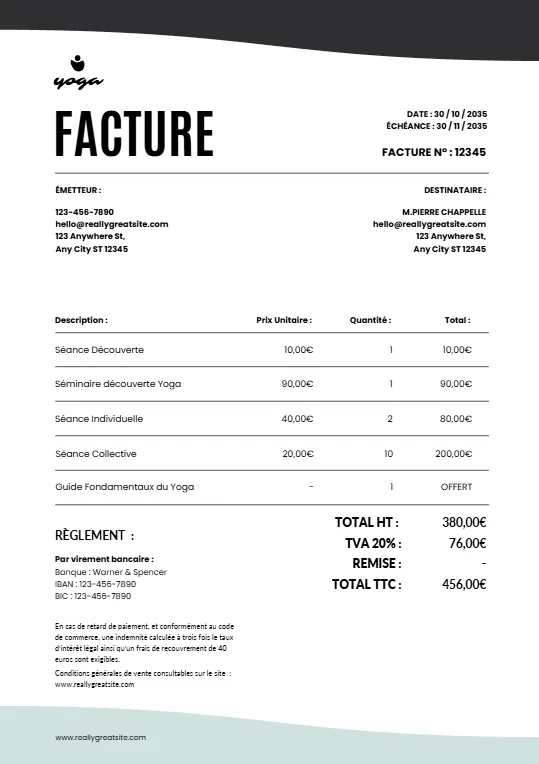
Simple Minimalist Invoice
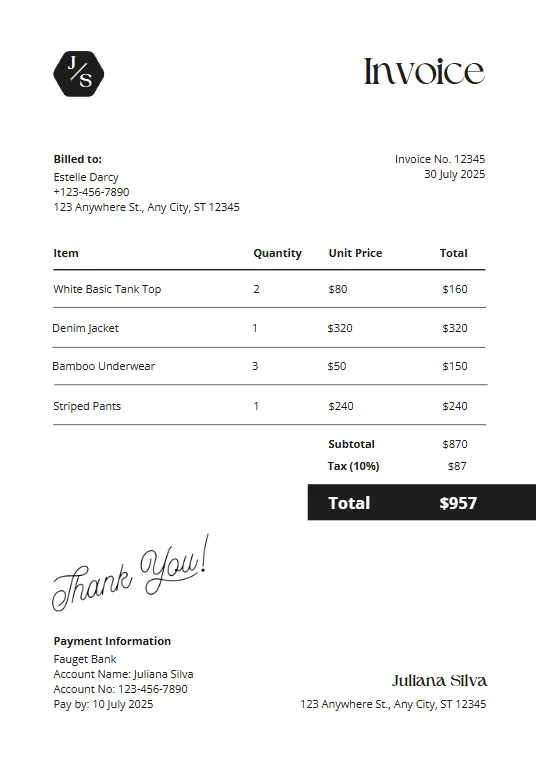
Pink And Teal Modern Invoiceb
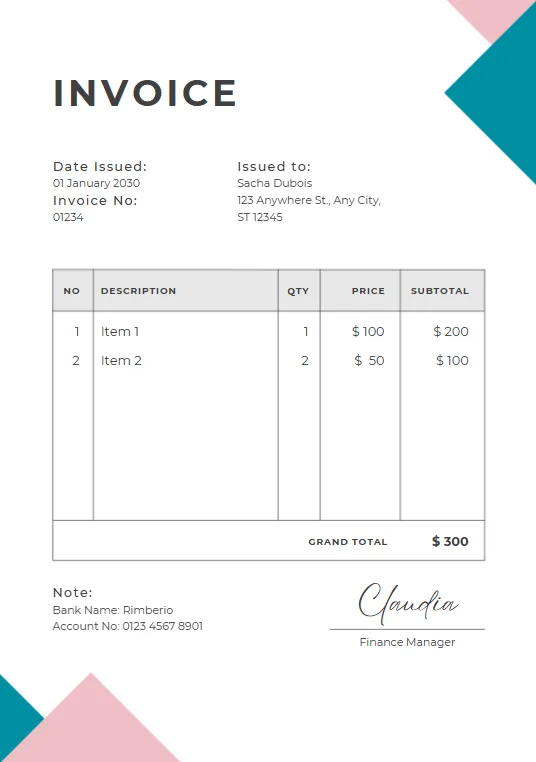
Green Plant invoice
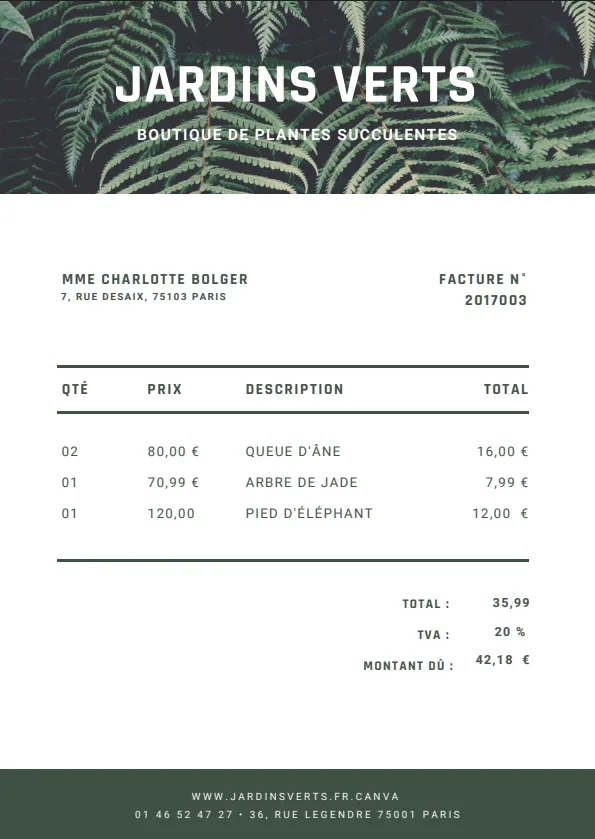
Minimalist red professional invoice
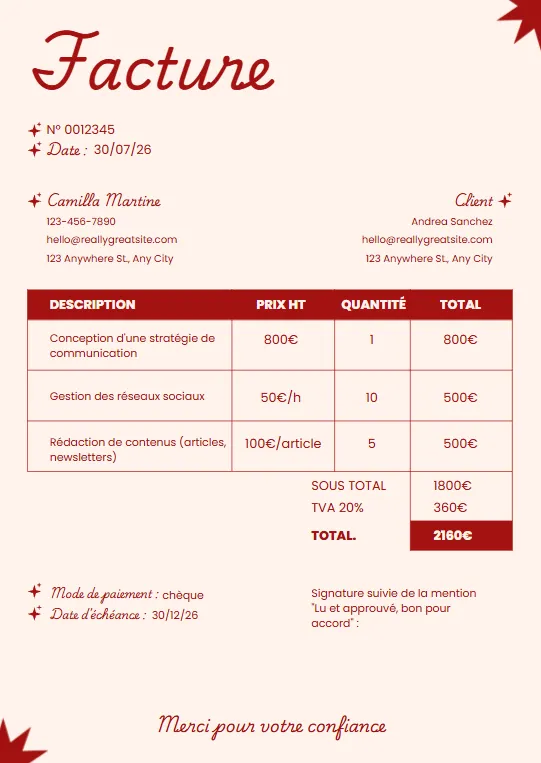
Black White and Blue Corporate
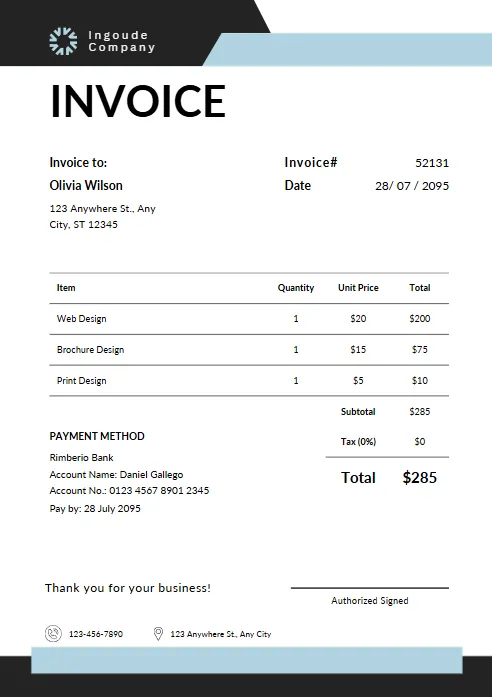
Yellow and Black Typographic
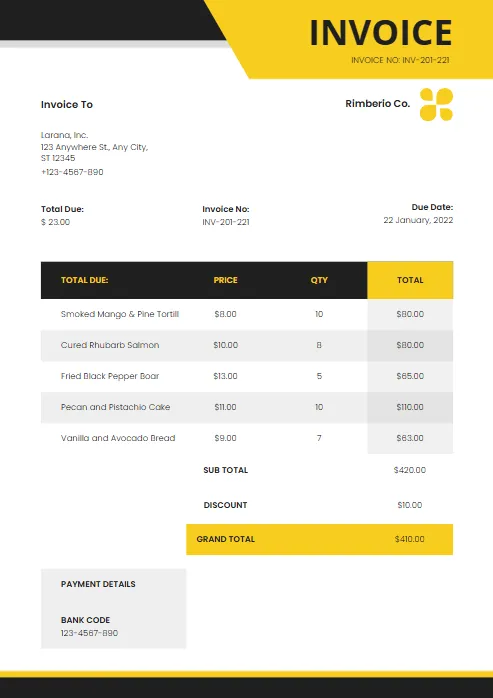
Modern Blue and White
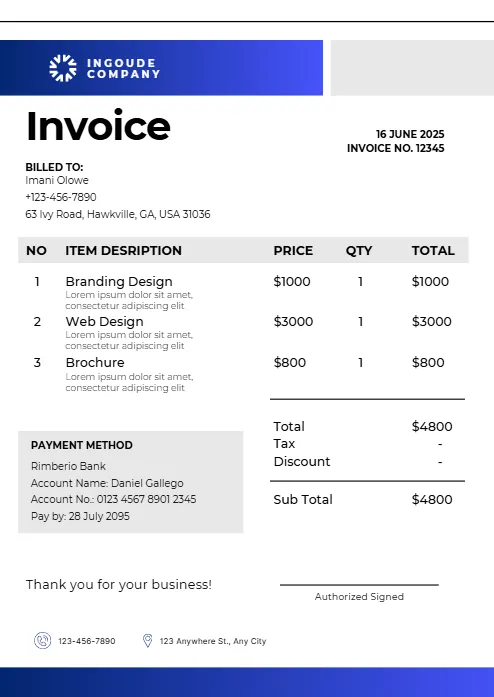
Abstract Yellow Modern Design
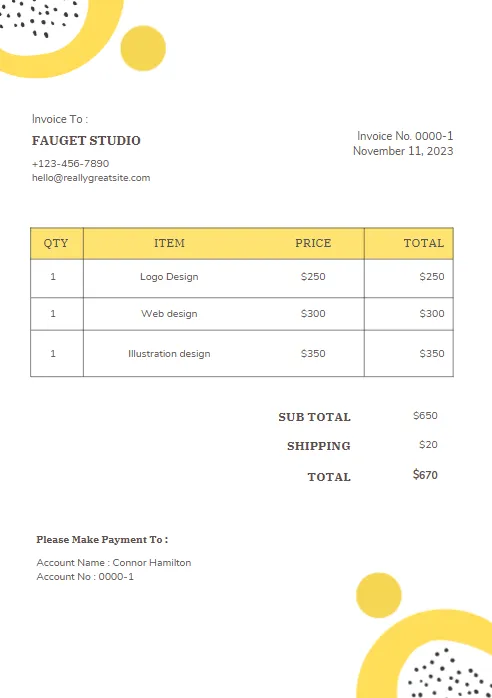
Purple and Orange Modern Invoice
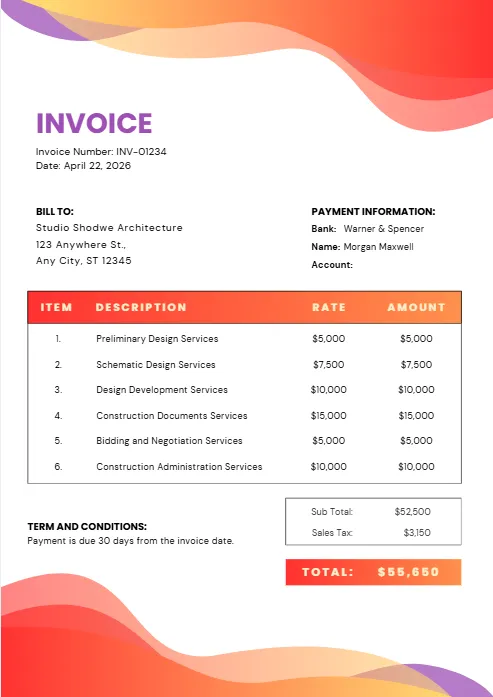
Purple and Blue Modern Invoice
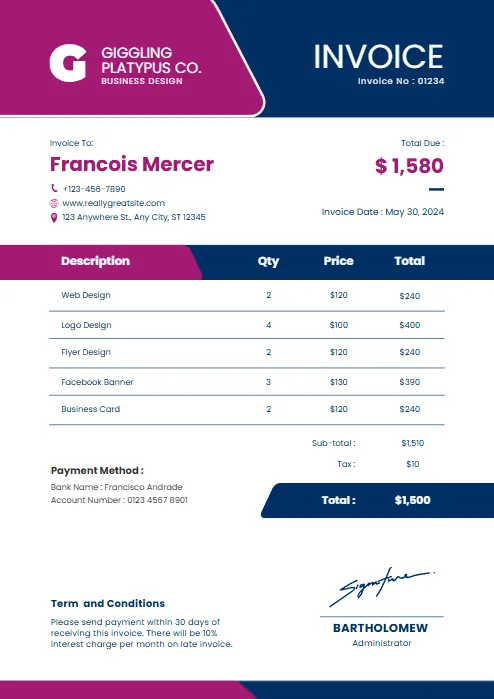
Red and black minimalist business
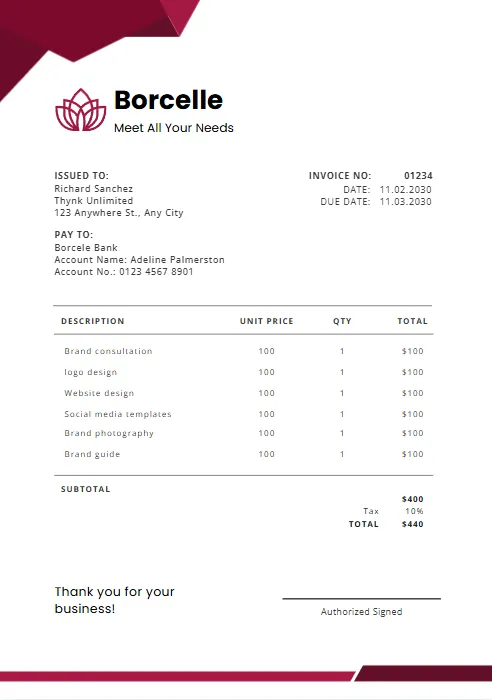
Orange and Purple Minimalist Business
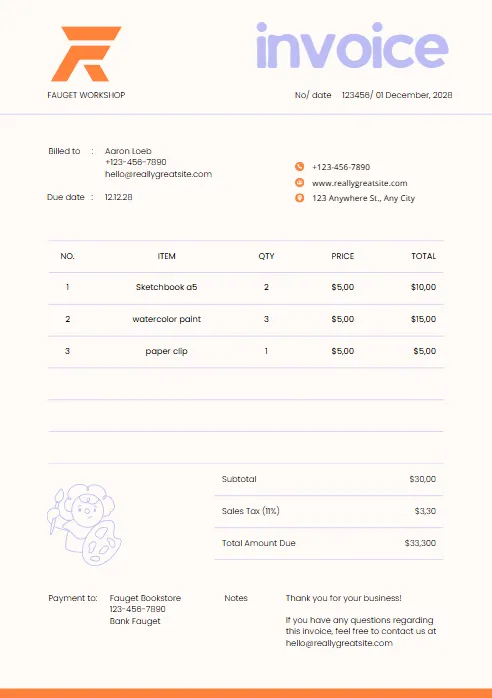
Green & Black Gradient Creative
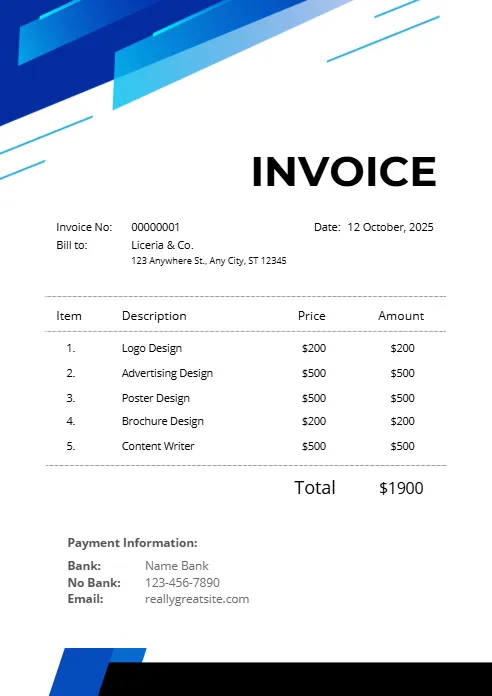
Green and White Professional
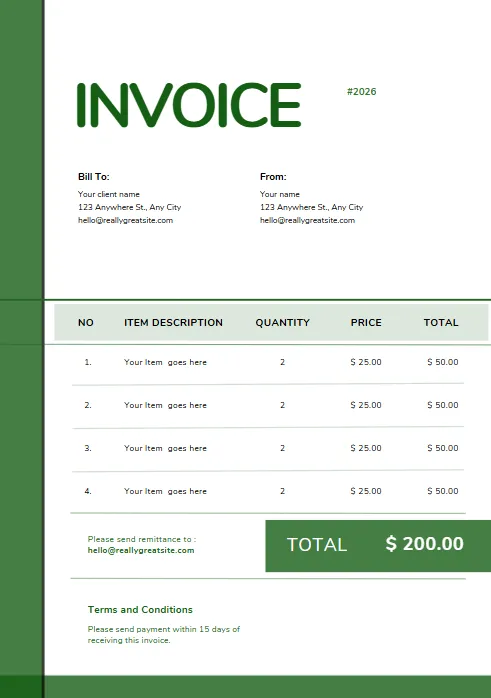
Green and White Modern Corporate
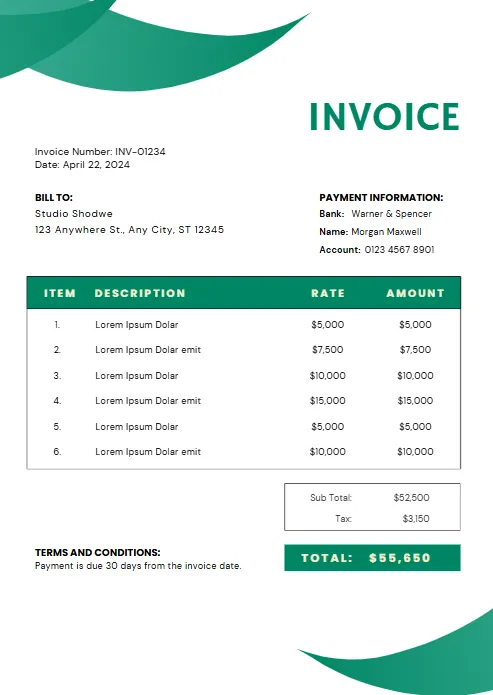
Green Professional Business Invoice
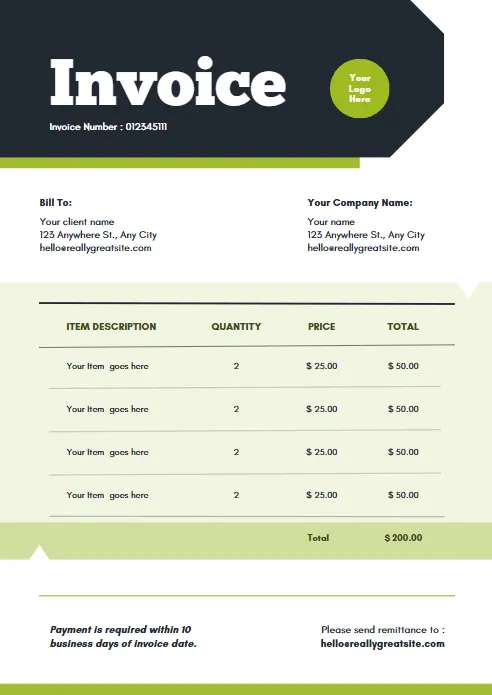
Yellow and Black Generic Service
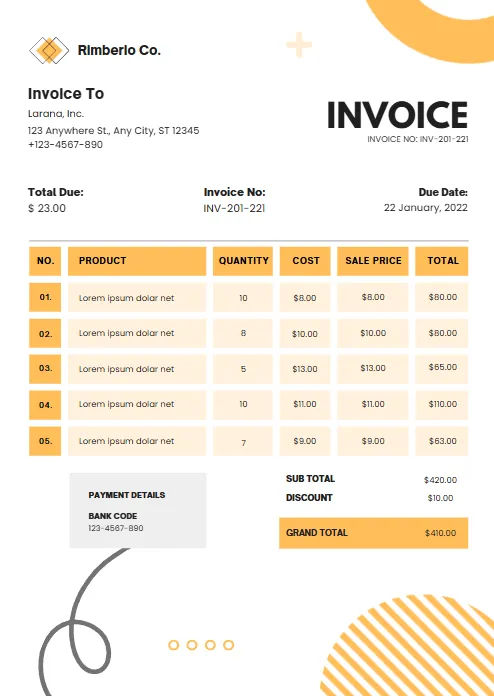
Orange and White Professional
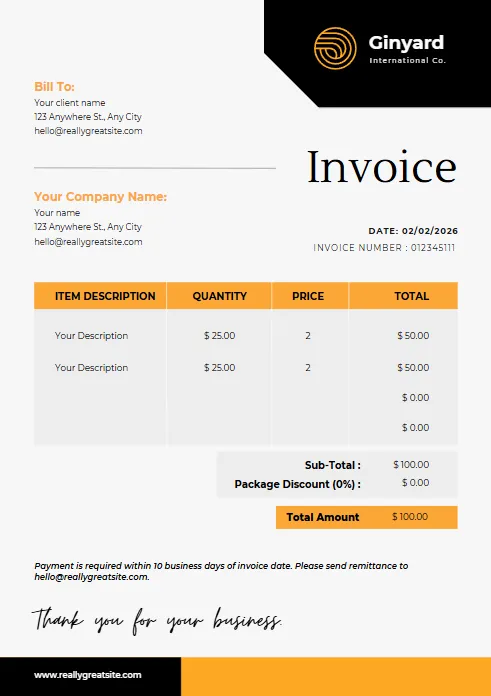
Blue Gradient Simple Architecture
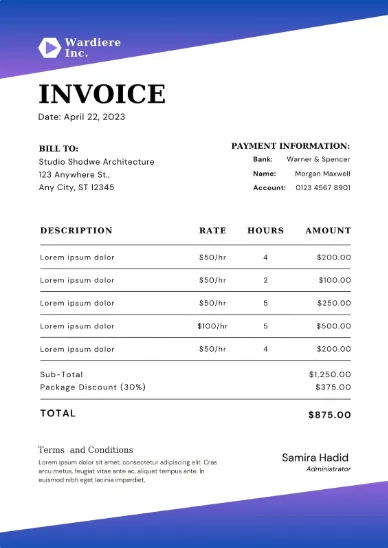
blue Minimalist Simple Invoice
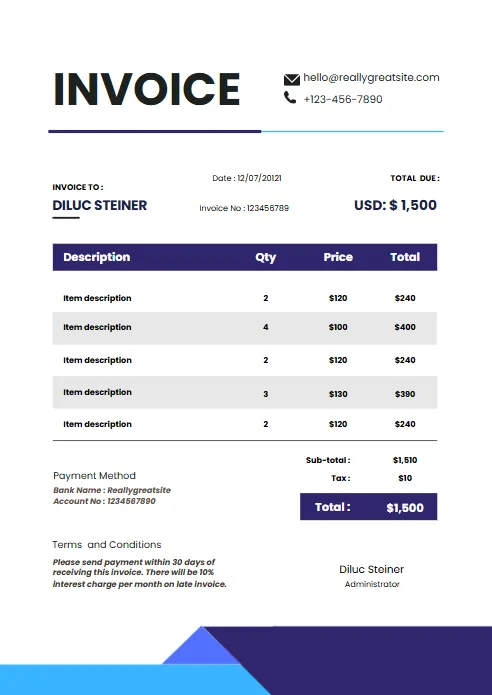
Minimal Professional Invoice
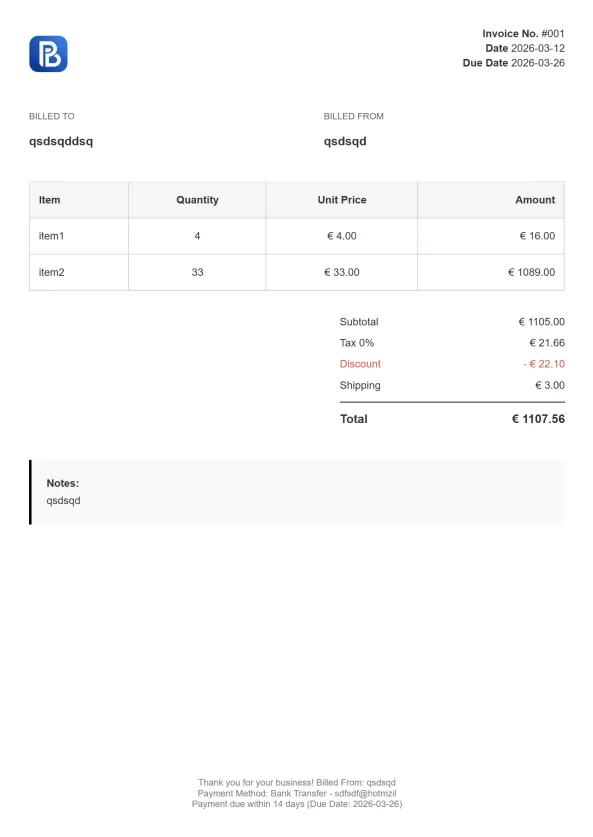
Professional Trucking Invoice

Gradient Modern Invoice
Explore Invoice Templates in Other Formats
Need an invoice template in a different format? Explore our collection of professionally designed invoice templates for Word, Excel, PDF, Google Docs, and Google Sheets. Every template is free to use, fully customizable, and ready to download, making it easy to create professional invoices that fit your workflow and business needs.


Industry-Specific Google Sheets Invoice Templates
Different businesses have different invoicing requirements. Whether you’re a freelancer, contractor, consultant, or service provider, our industry-specific Google Sheets invoice templates are designed to match the way you work. Browse the industries below to find a template tailored to your services, helping you create accurate, professional invoices in less time.
Why Use a Google Sheets Invoice Template?
A Google Sheets invoice template helps you create professional invoices without starting from a blank spreadsheet. Instead of spending time designing layouts or building formulas, you can simply make a copy of the template, customize it with your business details, and start invoicing clients immediately.
Because Google Sheets is cloud-based, your invoices are automatically saved and accessible from any device. You can edit invoices from your computer, tablet, or smartphone, collaborate with team members in real time, and securely store your records in Google Drive. Automatic formulas also reduce calculation errors by updating subtotals, taxes, discounts, and totals as you edit the invoice.
Our free Google Sheets invoice template is suitable for freelancers, contractors, consultants, agencies, and small businesses looking for a flexible and cost-effective invoicing solution. Once your invoice is complete, you can print it, share it with a client, or export it as a PDF while keeping the original spreadsheet for future invoices.
Cloud-Based
Access and edit your invoices anywhere with Google Drive.
Automatic Calculations
Built-in formulas calculate totals, taxes, and discounts automatically.
Fully Customizable
Update colors, logos, payment terms, and invoice details to match your brand.
Easy Collaboration
Share invoices with your team or accountant without sending multiple file versions.
Export as PDF
Download professional PDF invoices for emailing or printing.
Free to Use
Create unlimited invoices without subscription fees.
What's Included in Our Google Sheets Invoice Template?
Our Google Sheets invoice template includes everything you need to create clear, professional invoices while keeping the billing process simple. Each field is fully editable, allowing you to customize the template for your business and clients. Built-in formulas automatically calculate totals, helping reduce manual work and minimize errors.
Whether you’re sending a one-time invoice or billing clients regularly, this template provides a professional structure that can be reused for every project.
Business Information
Add your company name, logo, address, phone number, email, and tax information to personalize every invoice.
Customer Details
Record your customer's name, business, billing address, and contact information for accurate invoicing.
Invoice Number and Dates
Include an invoice number, issue date, due date, and payment terms to keep your invoices organized and easy to track.
Itemized Products or Services
List each product or service with its description, quantity, unit price, and automatically calculated line total.
Tax and Discount Calculations
Built-in formulas instantly calculate subtotals, taxes, discounts, and the final amount due whenever you update the invoice.
Total Amount Due
Add your preferred payment methods, banking details, or online payment instructions so clients know how to pay.
Payment Terms and Notes
Include thank-you messages, payment policies, late fee information, or any additional terms relevant to the invoice.
Print & PDF Ready
Once complete, your invoice can be printed directly or exported as a professional PDF for sharing with clients.
A well-designed invoice template for Google Sheets helps you create consistent invoices, avoid calculation mistakes, and present a more professional image to clients. Because the template is fully customizable, you can adapt it for different industries, services, or billing styles while keeping the same reliable structure.
Google Sheets vs Excel Invoice Template
Both Google Sheets and Excel can be used to create invoices, but they work differently. If you collaborate with clients or team members online, Google Sheets is usually the easier option. If you prefer working offline and using advanced spreadsheet features, Excel may be a better fit.
| Feature | Free PDF Invoice Template | Create-Invoice.app |
|---|---|---|
|
Cloud-based access
|
✓
|
X
|
|
Real-time collaboration
|
✓
|
Limited
|
|
Automatic saving
|
✓
|
Depends on setup
|
|
Works offline
|
Limited
|
✓
|
|
Advanced spreadsheet tools
|
Good
|
Excelent
|
|
Easy sharing
|
✓
|
Requires file sharing
|
|
Free with Google account
|
✓
|
Limited
|
|
PDF export
|
✓
|
✓
|
When to Use an Excel Invoice Template
A Google Sheets invoice template is ideal when you want to access invoices from any device, collaborate with team members or accountants, automatically save changes in Google Drive, and share invoices quickly using a link.
When Excel Is the Better Choice
An Excel invoice template may be preferable if you work mostly offline, rely on advanced formulas or macros, or manage large spreadsheets and reports in Microsoft Excel
Our Recommendation
For most freelancers, contractors, consultants, and small businesses, Google Sheets is the simplest and most flexible option. You can create invoices, track payments, collaborate with others, and export professional PDF invoices without installing additional software.
If you need a desktop-based workflow, you can also explore our Excel invoice templates for a more traditional spreadsheet experience.
More Free Business Tools
Frequently Asked Questions (FAQ)
Does Google Sheets have an invoice template?
Yes. Google Sheets offers basic invoice templates through its template gallery. If you need more flexibility and a professional design, you can use our free Google Sheets invoice template, which includes automatic calculations, customizable fields, and a print-ready layout.
Is the Google Sheets invoice template free?
Yes. Our Google Sheets invoice template is completely free to use. Simply make a copy to your Google Drive, customize it with your business information, and create unlimited professional invoices without paying subscription fees.
How do I create an invoice in Google Sheets?
Start by opening a Google Sheets invoice template and creating your own copy. Add your business details, enter your client’s information, list the products or services provided, and review the automatically calculated totals. When you’re finished, share the invoice or export it as a PDF.
Can I customize the invoice template?
Absolutely. Every part of the template can be edited, including your company logo, business information, colors, payment terms, tax rates, invoice numbers, and item descriptions. You can save your customized version as a reusable template for future invoices.
Can I export my invoice as a PDF?
Yes. Google Sheets allows you to download your completed invoice as a PDF, making it easy to email clients, print professional copies, or store invoices for your records.
Can I use the template on my phone or tablet?
Yes. Since Google Sheets is cloud-based, you can access and edit your invoices from any device using the Google Sheets mobile app or a web browser.
Is Google Sheets better than Excel for invoicing?
Both work well, but Google Sheets is often the better choice for freelancers and small businesses because it automatically saves your work, supports real-time collaboration, and can be accessed from anywhere. Excel may be preferable if you need advanced spreadsheet features or primarily work offline.
Can I automatically generate invoice numbers in Google Sheets?
Yes. Google Sheets supports formulas that can automatically generate sequential invoice numbers. You can also customize the numbering format to match your business, such as INV-0001, INV-0002, and so on.
Can I add my company logo to the template?
Yes. You can insert your company logo and customize the invoice with your business name, contact information, and branding to create a professional appearance for every invoice.
Who can use this Google Sheets invoice template?
Our template is suitable for freelancers, contractors, consultants, agencies, service providers, and small businesses. It can be customized for almost any industry that needs professional invoices.
Can I share invoices with my accountant or team?
Yes. Google Sheets makes collaboration easy. You can securely share invoices with your accountant or team members, allowing them to view or edit the document in real time without creating multiple file versions.
Should I use a Google Sheets invoice template or an online invoice generator?
A Google Sheets invoice template is ideal if you prefer working in spreadsheets and want full control over your invoice layout. If you want to create invoices faster with built-in client management, automatic calculations, and instant PDF downloads, an online invoice generator may be the more convenient option.

