 Skip to content
Free Invoice Template Word for Microsoft Word
Download a free invoice template Word file that’s easy to customize and ready to use. Create professional invoices in Microsoft Word, add your logo, edit billing details, and export to PDF in minutes. Perfect for freelancers, contractors, consultants, and small businesses.
No sign-up required • Instant download • Works on mobile
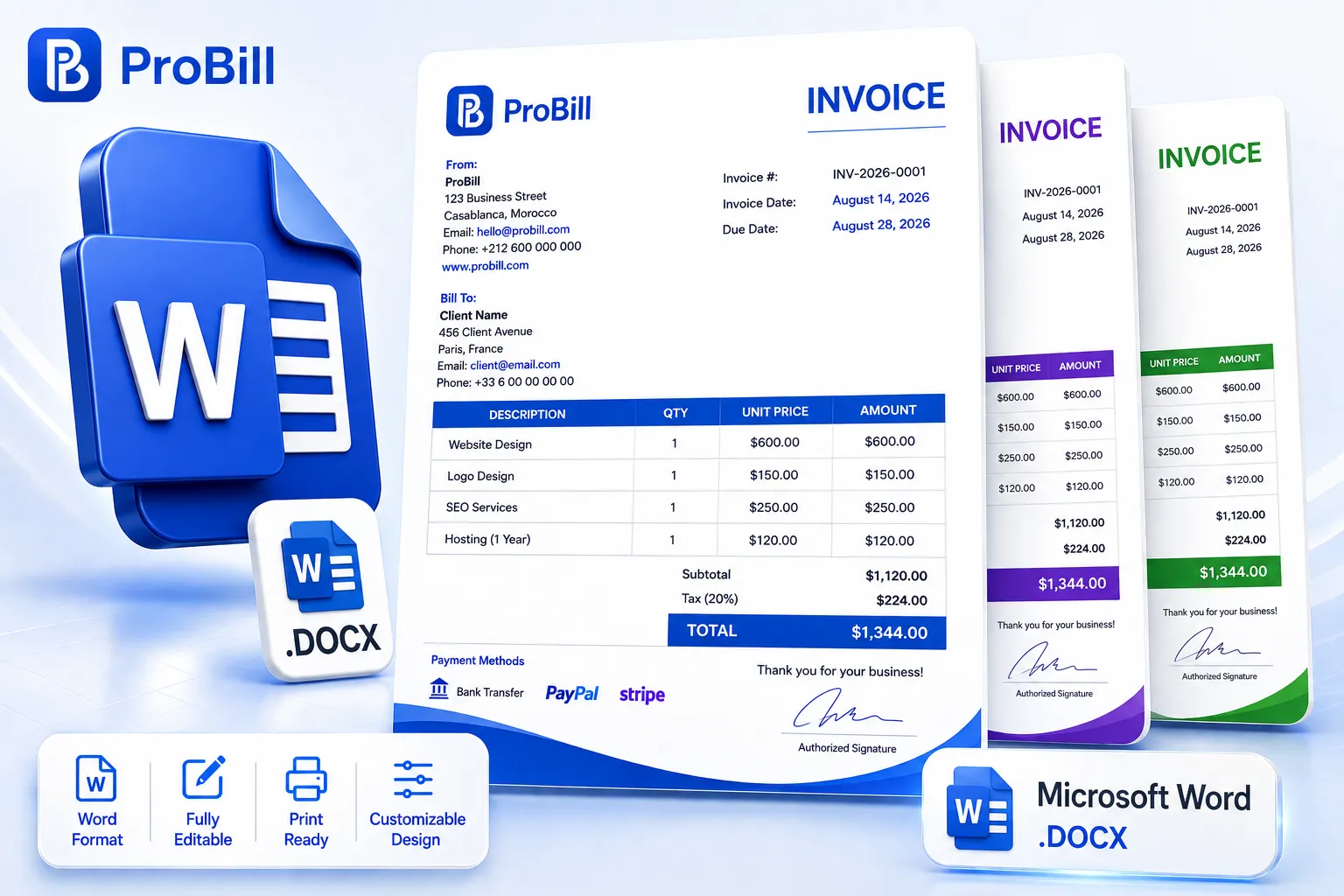
Download Free Invoice Template Word Files
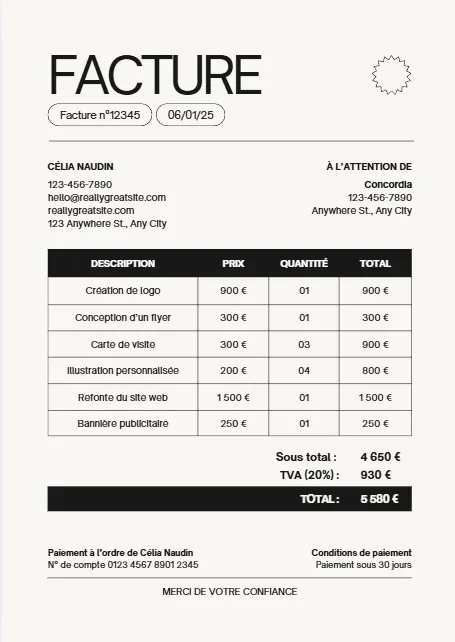
Browse our collection of free Microsoft Word invoice templates designed for freelancers, service providers, contractors, and businesses. Each Word invoice template is fully customizable, easy to edit, and ready to download, helping you create professional invoices in minutes.
Moderne Minimaliste Beige Noir
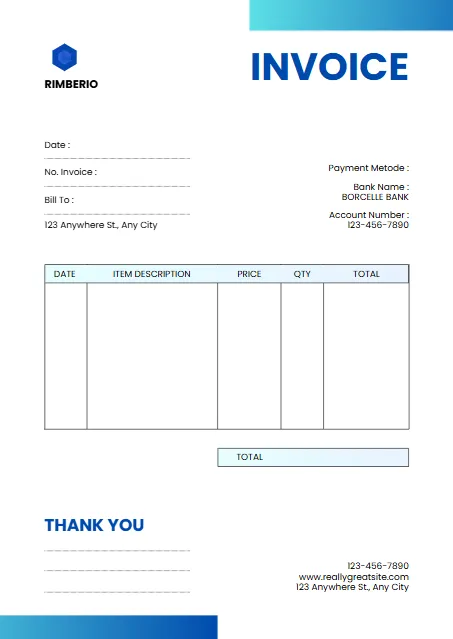
White And Blue Minimalist Invoice
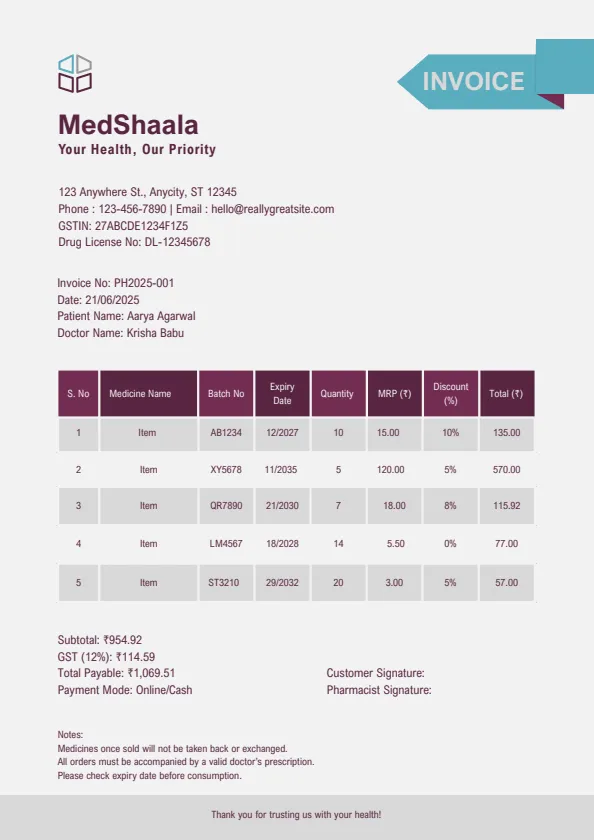
Plum And Teal Clean Medical
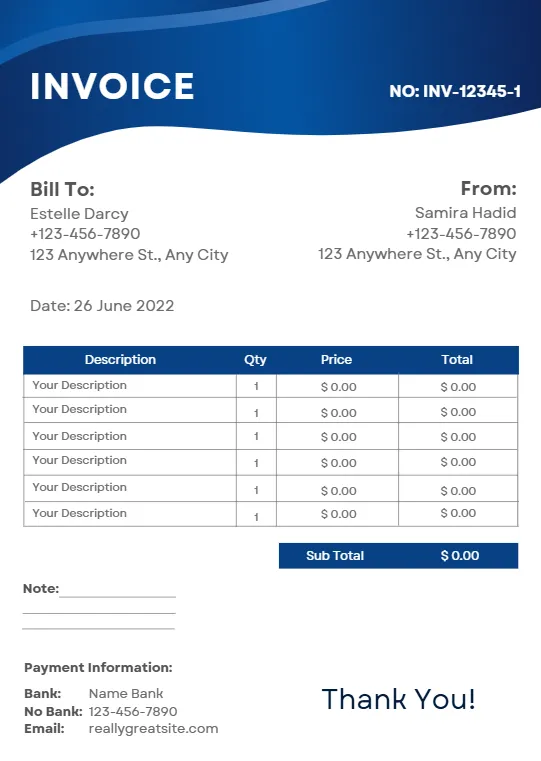
Blue Modern Creative Professional
Beige Minimalist Typecentric
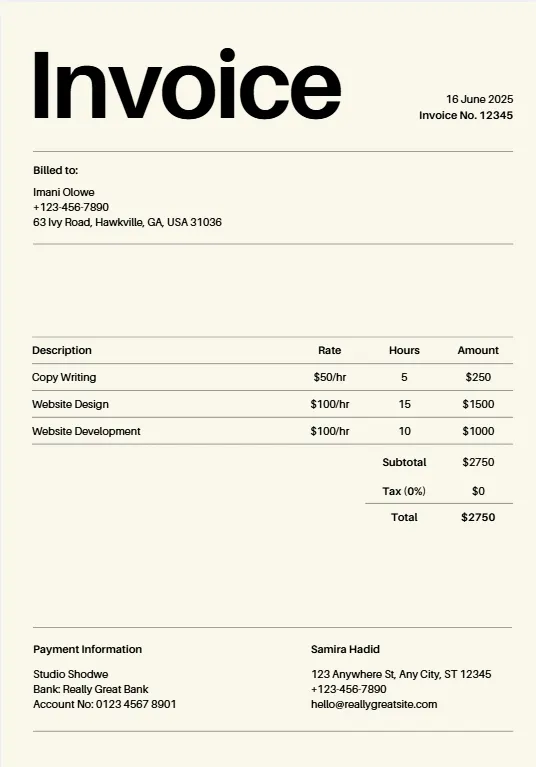
Orange Geometric Line
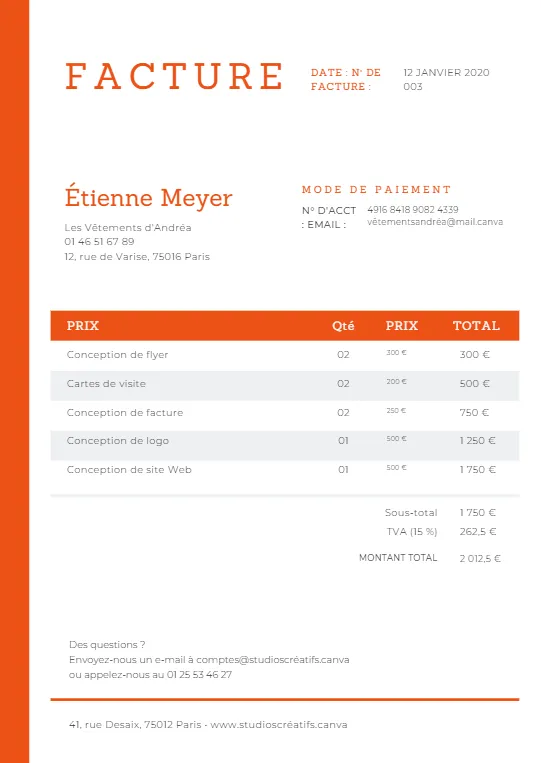
Minimalist Business Invoice
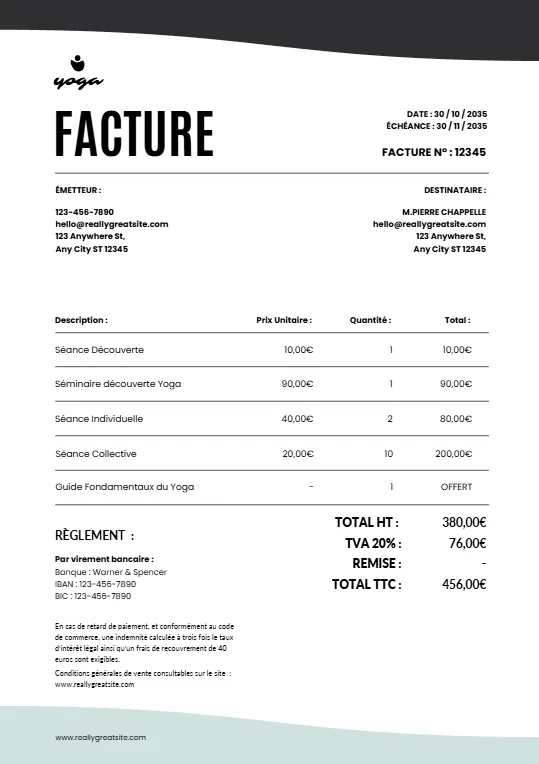
Simple Minimalist Invoice
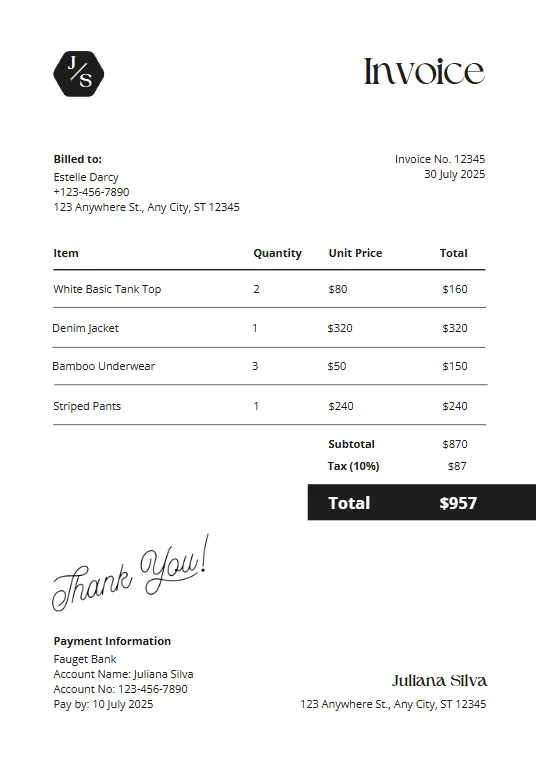
Pink And Teal Modern Invoiceb
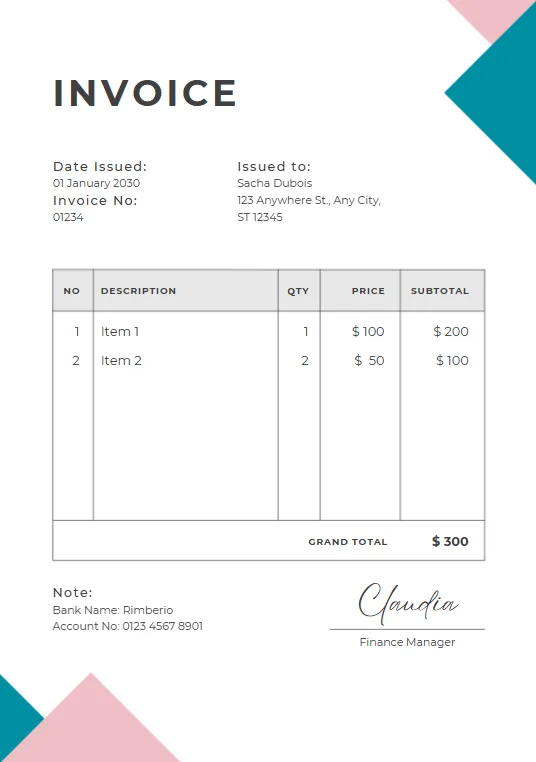
Green Plant invoice
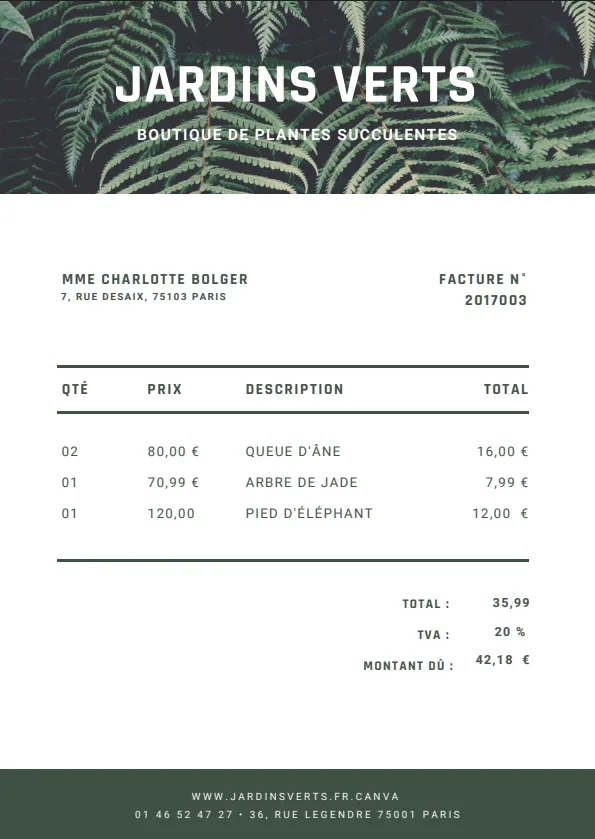
Minimalist red professional invoice
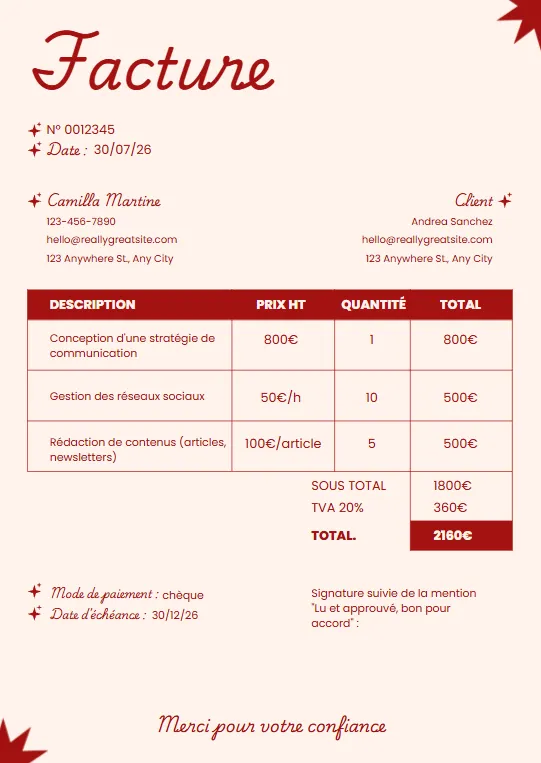
Black White and Blue Corporate
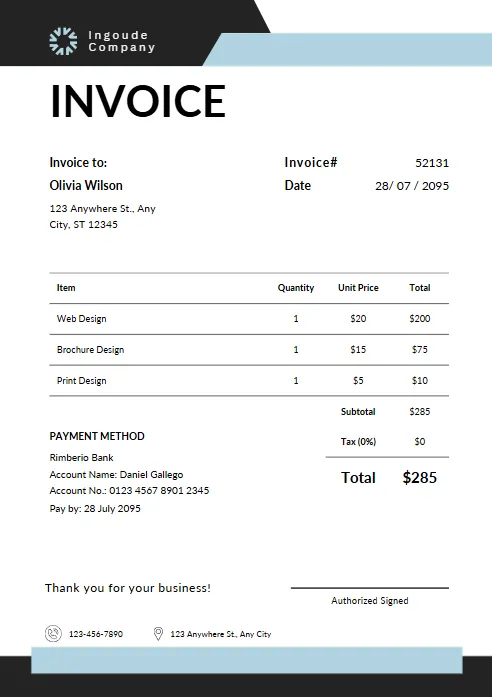
Yellow and Black Typographic
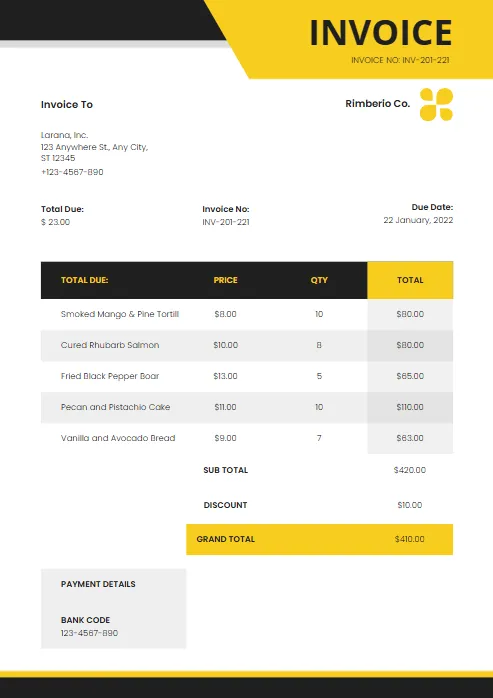
Modern Blue and White
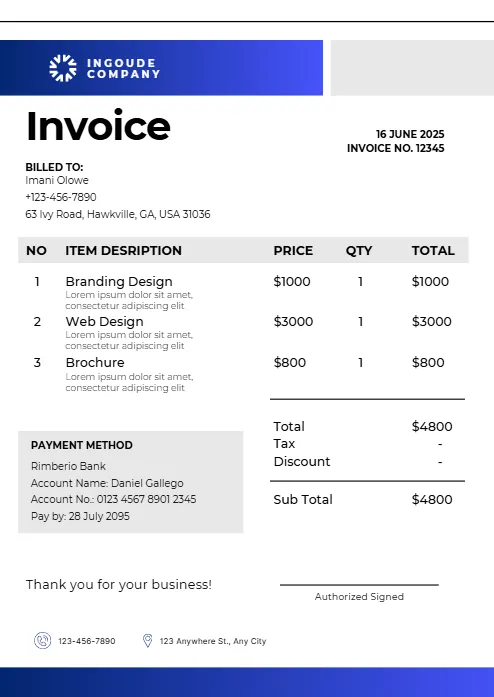
Abstract Yellow Modern Design
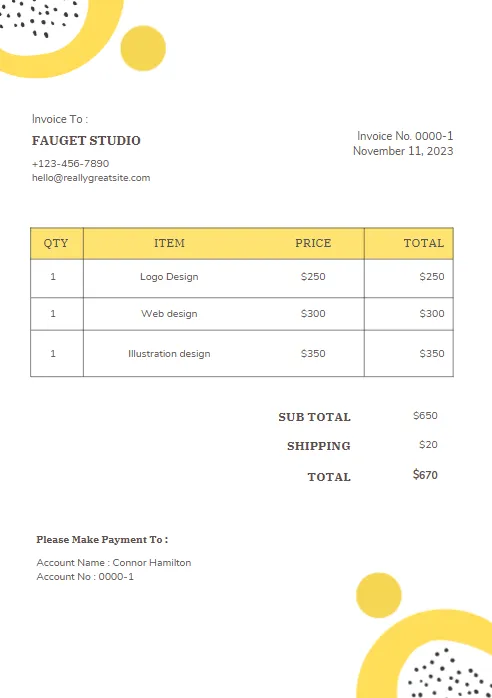
Purple and Orange Modern Invoice
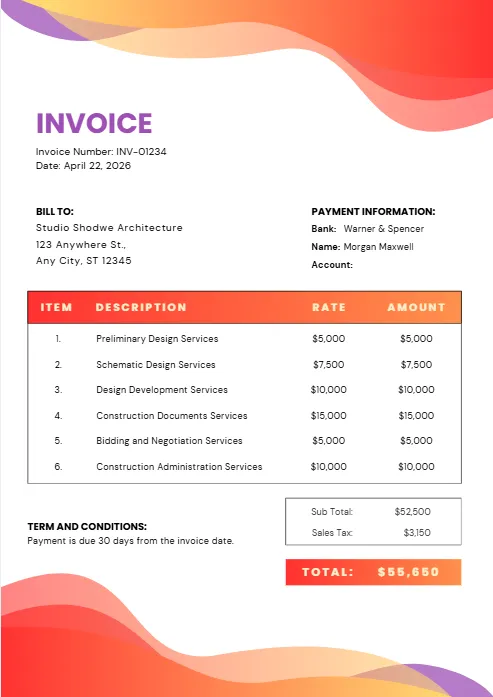
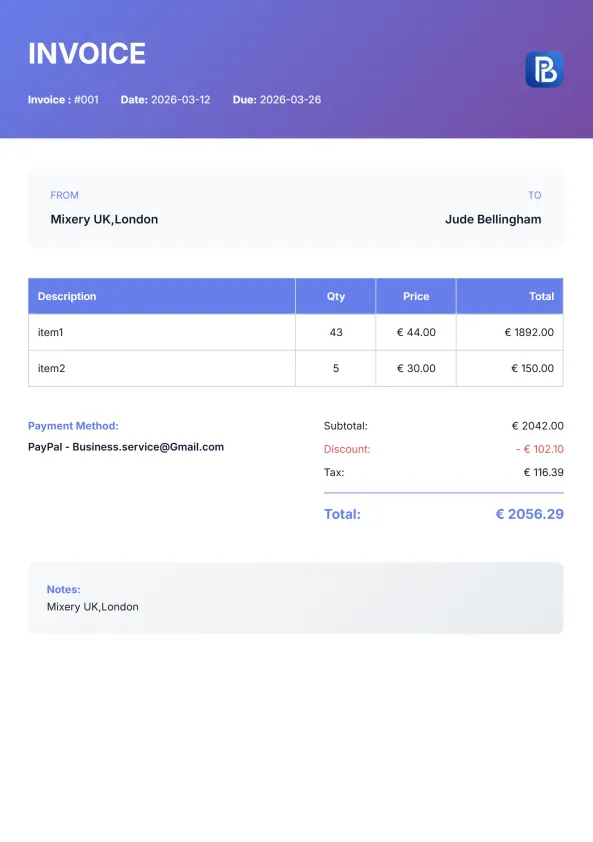
Purple and Blue Modern Invoice
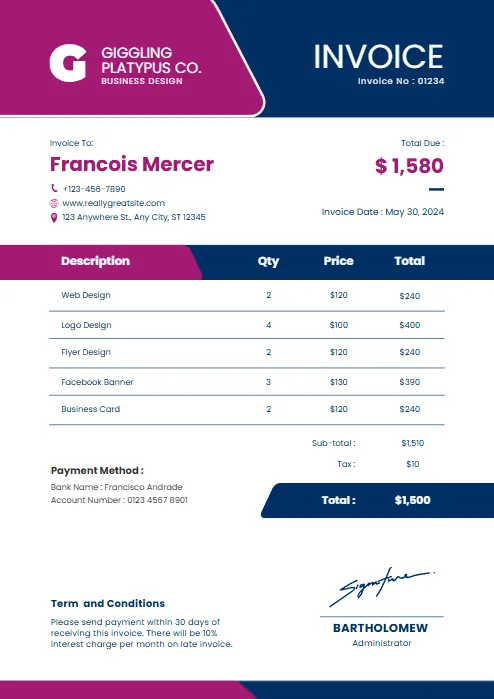
Red and black minimalist business
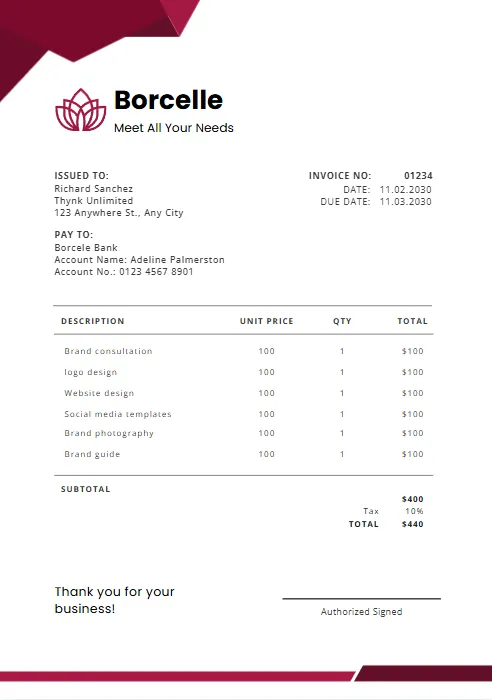
Orange and Purple Minimalist Business
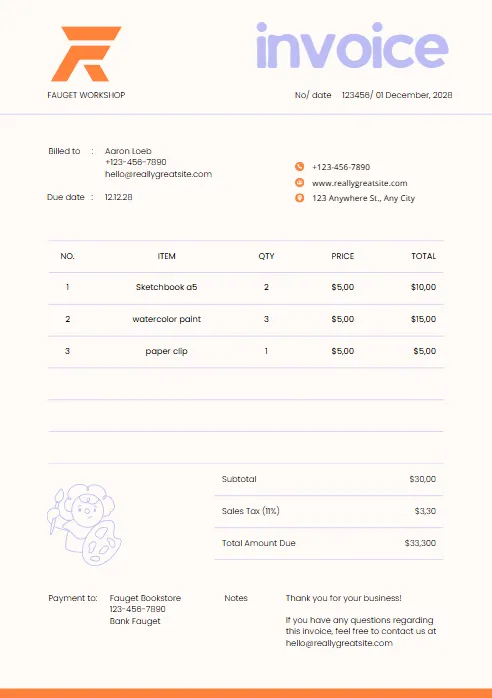
Green & Black Gradient Creative
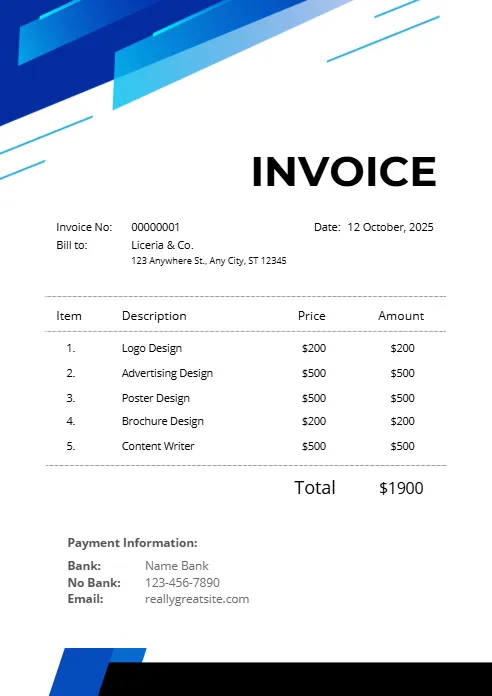
Green and White Professional
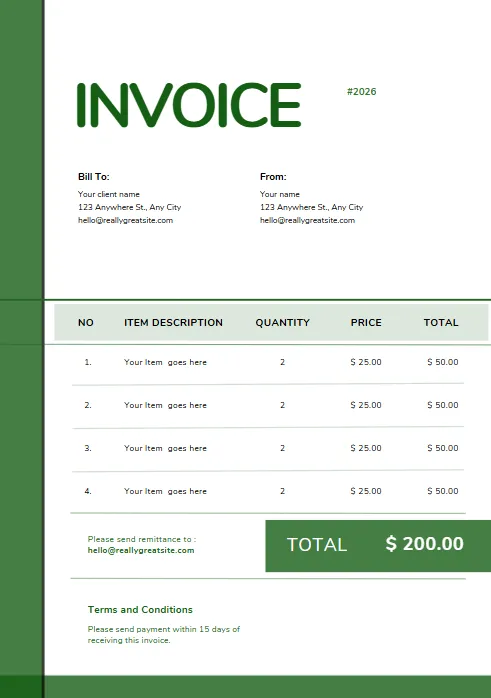
Green and White Modern Corporate
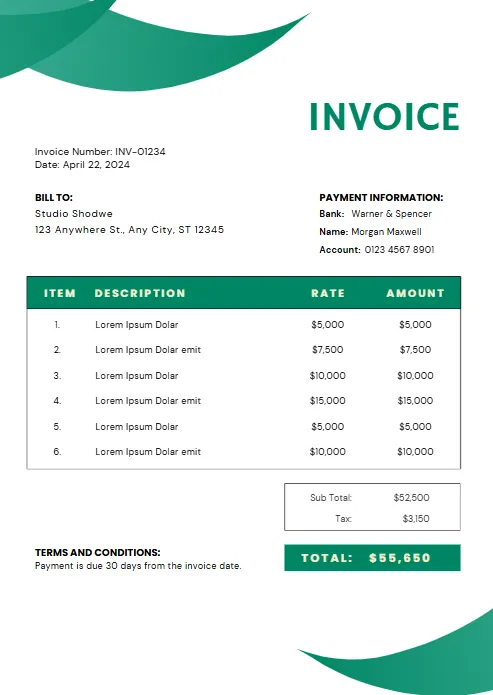
Green Professional Business Invoice
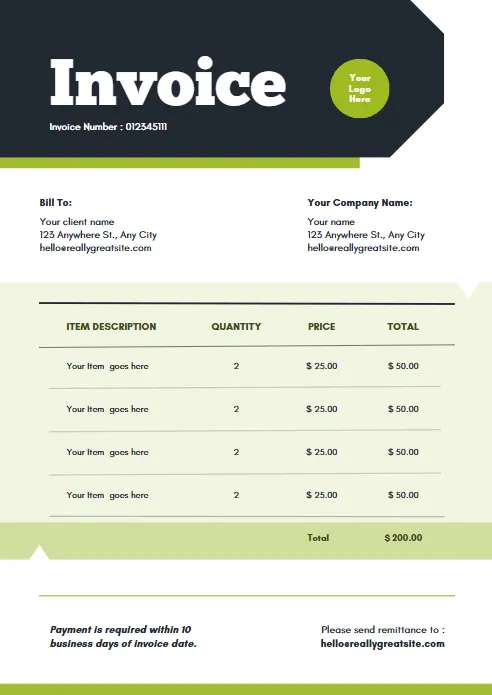
Yellow and Black Generic Service
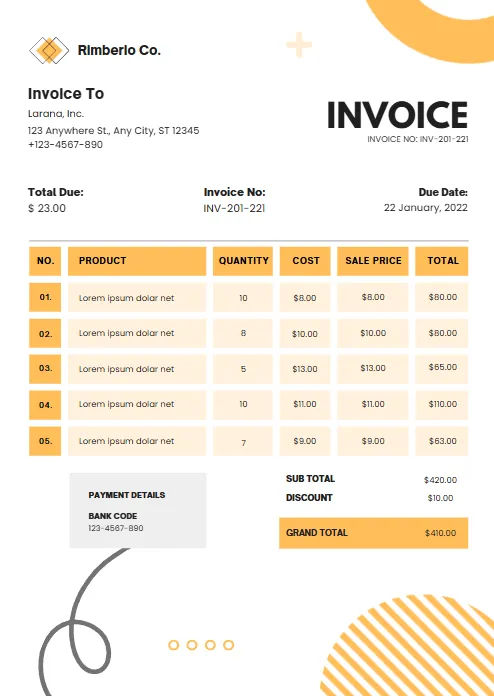
Orange and White Professional
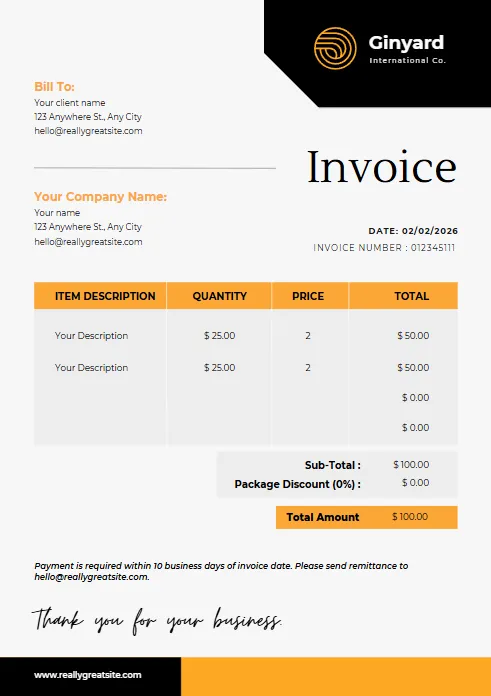
Blue Gradient Simple Architecture
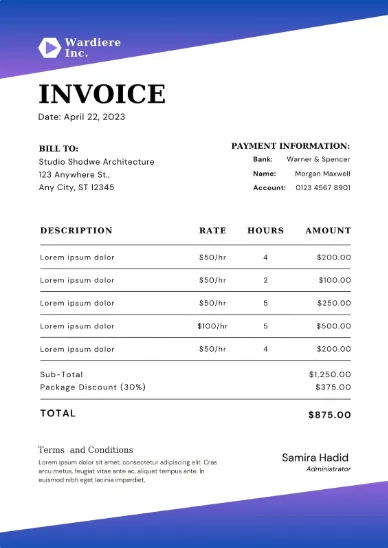
blue Minimalist Simple Invoice
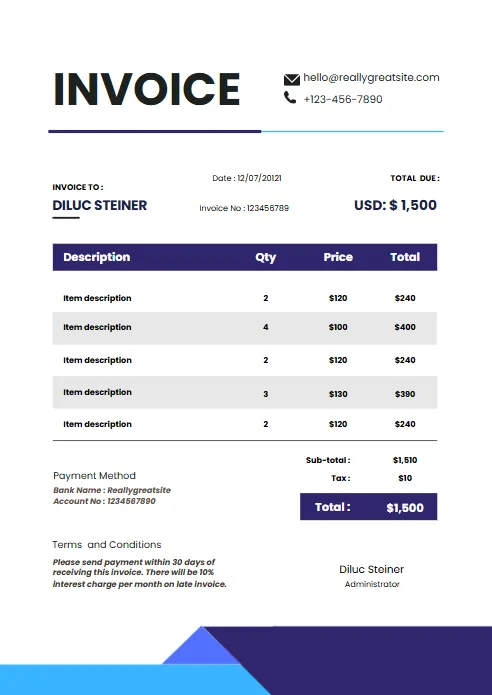
Minimal Professional Invoice
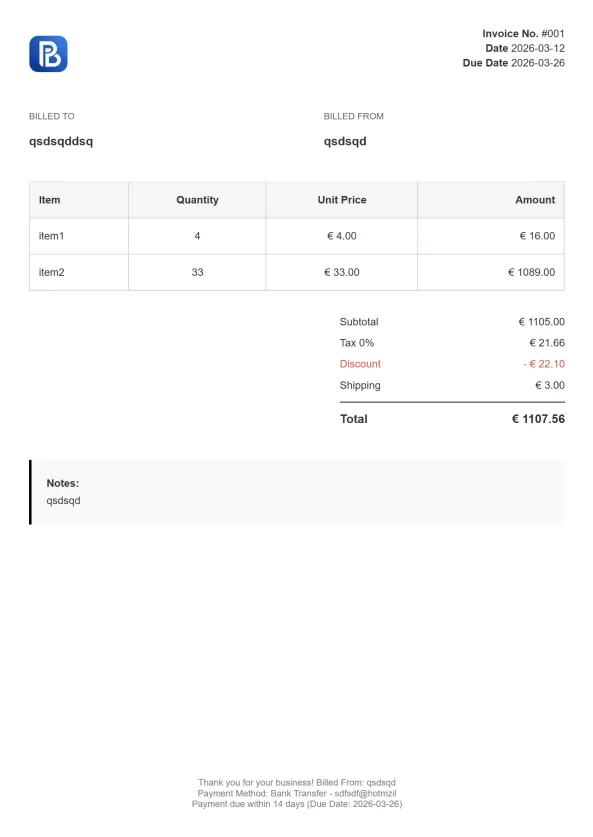
Professional Trucking Invoice

Gradient Modern Invoice
Explore Invoice Templates in Other Formats
Different businesses prefer different invoice formats depending on their workflow, software, and billing requirements. While Microsoft Word offers flexible invoice editing, you can also explore our free invoice templates in PDF, Excel, Google Sheets, and Google Docs formats. All templates are professionally designed, fully customizable, and ready to download.


Invoice Templates for Every Industry
Every industry has unique invoicing requirements. Explore invoice templates tailored for specific professions and services, from contractors and tradespeople to freelancers and consultants. Choose an industry-specific invoice template to simplify billing, present a professional image, and ensure all important details are included.
Why Choose an Invoice Template Word Solution?
A Microsoft Word invoice template provides a simple and flexible way to create professional invoices without specialized accounting software. Whether you’re a freelancer, contractor, consultant, or small business owner, Word templates allow you to customize invoices quickly while maintaining a polished and professional appearance.
Easy to Customize
Word invoice templates can be edited in minutes. Add your company logo, business information, payment terms, and client details to create invoices that reflect your brand and meet your business requirements.
Familiar and User-Friendly
Most professionals are already familiar with Microsoft Word, making it easy to update invoice details, adjust layouts, and create new invoices without learning new software.
Professional Appearance
A well-designed invoice template helps build trust with clients by presenting your services and charges clearly. Professional invoices can improve communication and contribute to faster payments.
Print and PDF Ready
Once your invoice is complete, you can print it or save it as a PDF for easy sharing. This ensures your invoices look professional across devices and are simple for clients to review.
Suitable for Many Types of Businesses
From freelancers and consultants to contractors and service providers, Word invoice templates offer a flexible invoicing solution that can be adapted to almost any industry.
If you need a quick and customizable invoicing solution, a Word invoice template is an excellent starting point. It combines the flexibility of Microsoft Word with a professional layout, helping businesses create accurate invoices and maintain organized billing records.

How to Use an Invoice Template Word File (Step-by-Step)
Creating a professional invoice with a Word invoice template is simple. After downloading the template, you can customize it with your business information, add client details, and save the finished invoice as a PDF before sending it. Follow these steps to create an accurate and professional invoice in Microsoft Word.
Step 1 – Download the Invoice Template
Choose the Word invoice template that best fits your business needs and download it to your computer. Open the file in Microsoft Word to begin editing.
Step 2 – Add Your Business Information
Enter your company name, logo, address, phone number, email address, and any other relevant contact information. This helps clients identify who issued the invoice and how to contact you.
Step 3 – Enter Client Details
Add your client's name, company name, billing address, and contact information. Accurate client information helps prevent billing errors and payment delays.
Step 4 – Include Invoice Information
Assign a unique invoice number and enter the invoice date. You may also include a due date to clearly communicate your payment expectations.
Step 5 – Add Products or Services
List each product sold or service provided along with quantities, rates, and descriptions. Clearly itemized invoices make it easier for clients to understand the charges.
Step 6 – Calculate the Total Amount Due
Add up all line items and include any taxes, discounts, or additional fees. Double-check your calculations before sending the invoice.
Step 7 – Save and Send the Invoice
Once your invoice is complete, save it as a PDF to preserve the formatting. Email the PDF to your client or print a copy if needed.

Using a Microsoft Word invoice template makes invoicing fast and straightforward. By following these steps, you can create professional invoices that are easy for clients to review and pay, helping your business maintain organized financial records and a professional image.
Word Invoice Template vs Online Invoice Generator
A Word invoice template is a great solution for businesses that want a simple and customizable way to create invoices. However, as your invoicing needs grow, an online invoice generator can save time by automating calculations, formatting, and PDF creation. Understanding the differences can help you choose the best invoicing method for your workflow.
| Feature | Word Invoice Template | Create-Invoice.app |
|---|---|---|
|
Free to Use
|
✓
|
✓
|
|
Customizable Layout
|
✓
|
✓
|
|
Automatic Calculations
|
X
|
✓
|
|
Instant PDF Generation
|
X
|
✓
|
|
Faster Invoice Creation
|
X
|
✓
|
|
Professional Formatting
|
✓
|
✓
|
|
Easy Client Sharing
|
Limited
|
✓
|
A Word invoice template is a great solution for businesses that want a simple and customizable way to create invoices. However, as your invoicing needs grow, an online invoice generator can save time by automating calculations, formatting, and PDF creation. Understanding the differences can help you choose the best invoicing method for your workflow.
Want to create invoices faster?
Skip manual calculations and generate professional invoices online in seconds with Create Invoice App.
More Free Business Tools
Frequently Asked Questions (FAQ)
Where can I download a free invoice template Word file?
Yes. You can download and customize free Word invoice templates for various business types, including freelancers, contractors, consultants, and small businesses. These templates provide a professional invoice layout that can be edited directly in Microsoft Word.
Does Microsoft Word have invoice templates?
Microsoft Word includes built-in invoice templates, but many businesses prefer downloadable templates that offer more professional designs and greater flexibility. Custom invoice templates can also be tailored to match your branding and invoicing needs.
How do I create an invoice in Microsoft Word?
You can create an invoice in Word by using a pre-designed invoice template. Simply add your business information, client details, invoice number, services or products provided, and the total amount due. Once completed, save the invoice as a PDF before sending it to your client.
Can I customize a Word invoice template?
Yes. Word invoice templates are fully editable. You can change colors, fonts, logos, payment terms, invoice fields, and layouts to match your business branding and requirements.
Can I save a Word invoice as a PDF?
Yes. Microsoft Word allows you to export or save documents as PDF files. This helps preserve formatting and ensures your invoice appears professional on all devices.
Who should use a Microsoft Word invoice template?
Word invoice templates are ideal for freelancers, consultants, contractors, service providers, and small businesses that need a simple and flexible way to create professional invoices without specialized accounting software.
What should be included in an invoice template?
A professional invoice should include your business information, client details, invoice number, invoice date, payment due date, itemized products or services, pricing, taxes, total amount due, and payment instructions.
What's the difference between a Word invoice template and an online invoice generator?
A Word invoice template requires manual editing and calculations, while an online invoice generator automates calculations, formatting, and PDF creation. Businesses that send invoices frequently often prefer online invoicing tools to save time and reduce errors.
Are Word invoice templates suitable for small businesses?
Yes. Many small businesses use Word invoice templates because they are easy to edit, cost-effective, and provide a professional way to bill clients and track payments.
Which is better: Word, PDF, or Excel invoice templates?
The best format depends on your needs. Word templates offer flexibility and easy editing, PDF templates provide a fixed professional layout, and Excel templates are useful when you need built-in calculations and spreadsheet functionality.

